EasyManua.ls Logo

Effekta MH6000 - Checking UPS Installation Settings

Effekta MH6000
51 pages
Print Icon
To Next Page IconTo Next Page
To Previous Page IconTo Previous Page
Loading...
UPS MH6000 Manual
MH Series
Page 34 of 51
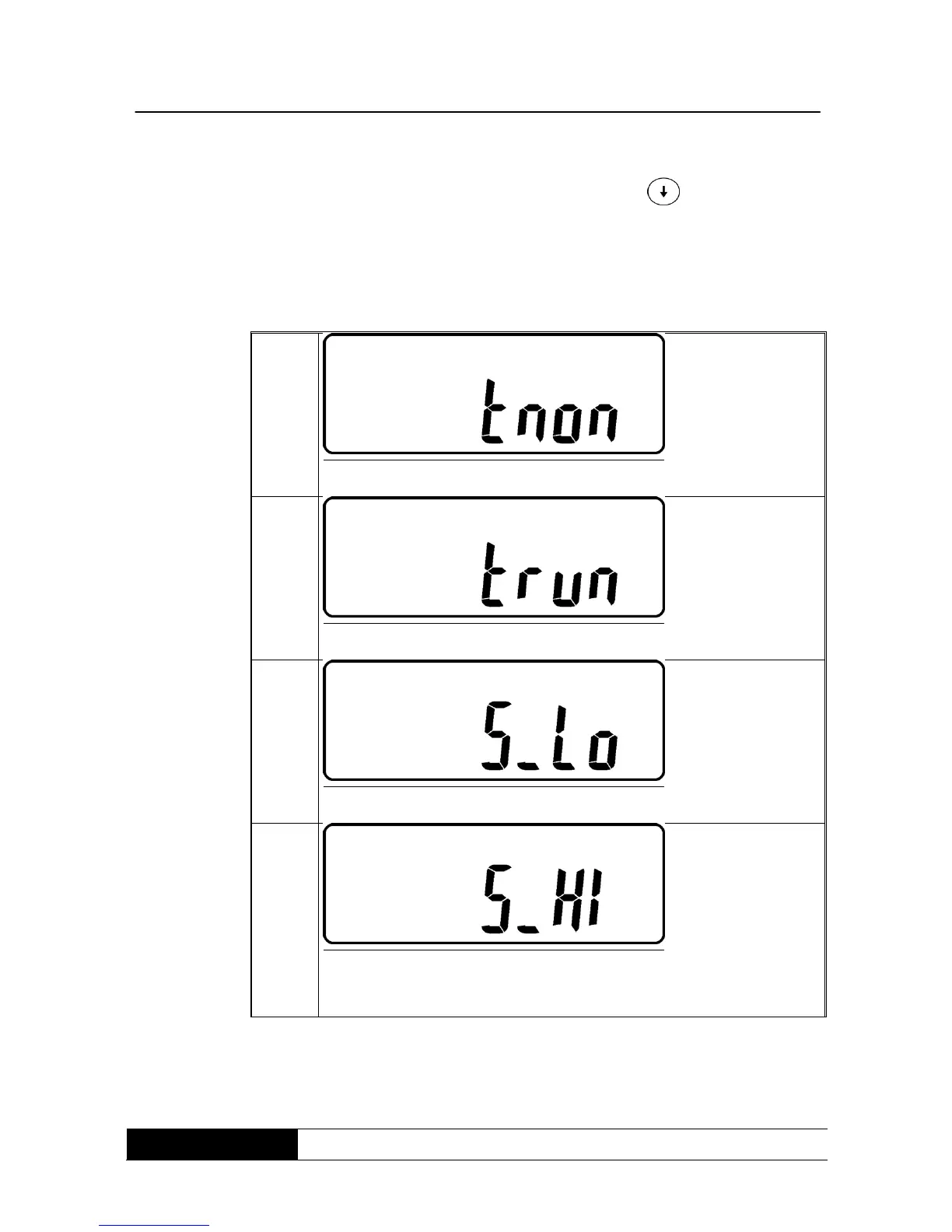
2. To check the UPS installations push the button . The LCD-displays
changes over to drawing Q1 (buzzer) -> drawing R! (self test) ->
drawing S1 (tolerance window for the bypass voltage) -> drawing T
(output frequency synchronization tolerance window) -> drawing U
(inverter output voltage) -> drawing V1 (UPS service mode) -> drawing
W (output voltage micro installation factor) -> drawing X (UPS id) ->
drawing Y (no. of the UPS in the parallel mode)

R1
* indicates, that the self-test is NOT switched-on.
R2
* indicates, that the self-test is switched-on.
S1
* indicates, that the window of the bypass voltage is set smaller.
7S2
* indicates, that the window of the bypass voltage is set larger.

Related product manuals