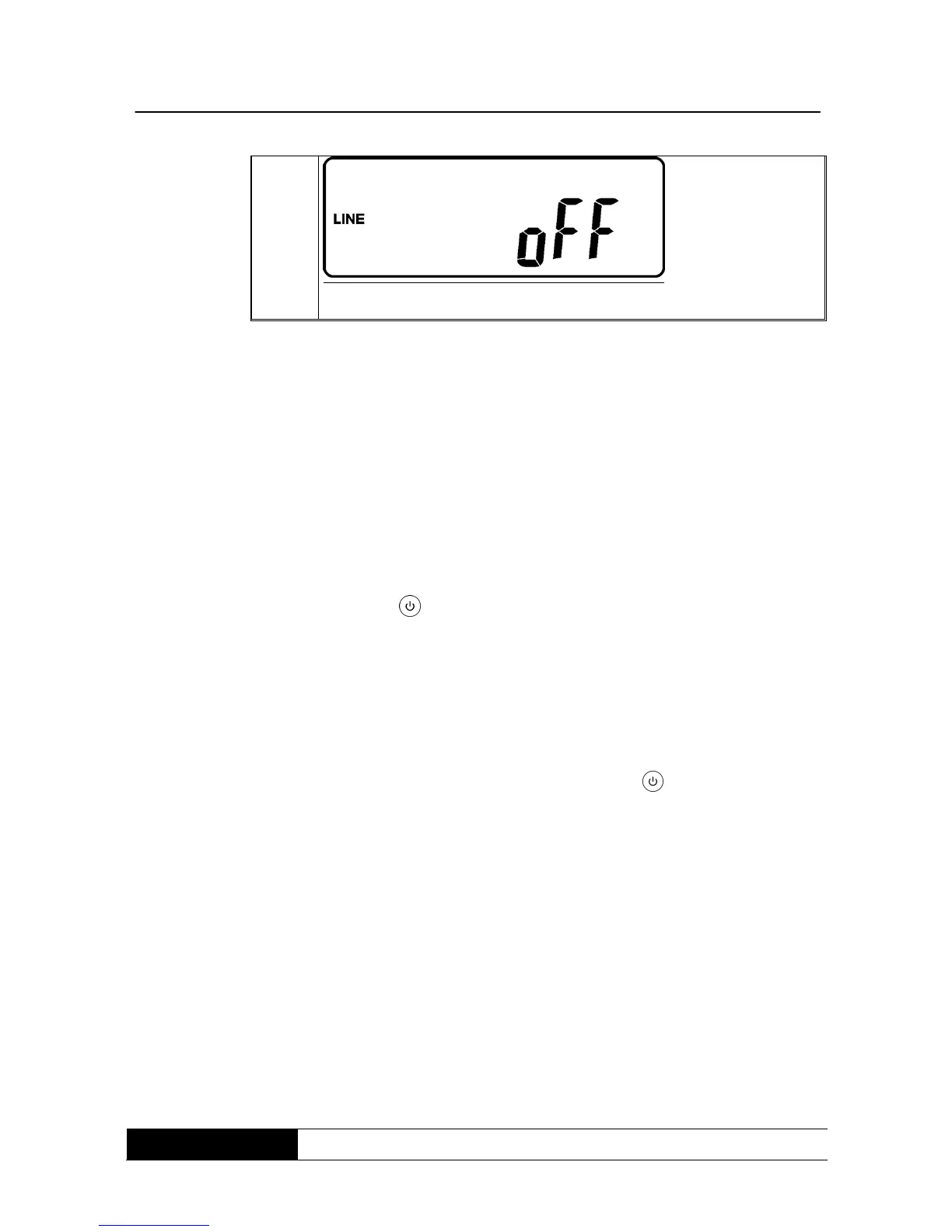
4. Switch the automatic breaker of the supplying input off.
5. Your settings are finished.
9.6 UPS is switched-off due to unknown reasons - troubleshooting
1. If a failure occurs, the UPS locks itself into out „AUS“position, as in
drawing AA and the LCD-display will indicate an error message.
2. To unlock the UPS, proceed as follows:
Check recorded error messages.
Solve the problem of the UPS. Otherwise contact your local supplier.
Push the button for 5 seconds. The buzzer resounds two times.
Switch the automatic breaker of the supplying input off.
The UPS is now unlocked, but you should contact your local supplier to
assure that the indicated error message is solved.
9.7 Switch-off
1. Push for about 5 seconds the button off „AUS“ , the inverter output
will be switched-off, the output load will be supplied by the bypass and
the LCD-display indicates drawing B.
2. Switch-off the automatic breaker of the utility and bypass input.
3. Now the UPS is completely switched-off.
9.8 Maintenance bypass-mode
This mode enables an uninterrupted maintenance of the UPS. During change
over to bypass-mode the connected load is not protected from blackouts.
To change over to bypass-mode, respect the following instructions.



 To Next Page