UPS: MKD 700 – 3000 VA RT (XL) Installation and Connection
Mind that the UPS is in a stable position during and after the installation of the
device base. By all means, prevent the device from tipping over.
At the conclusion, check the stable position of the device.
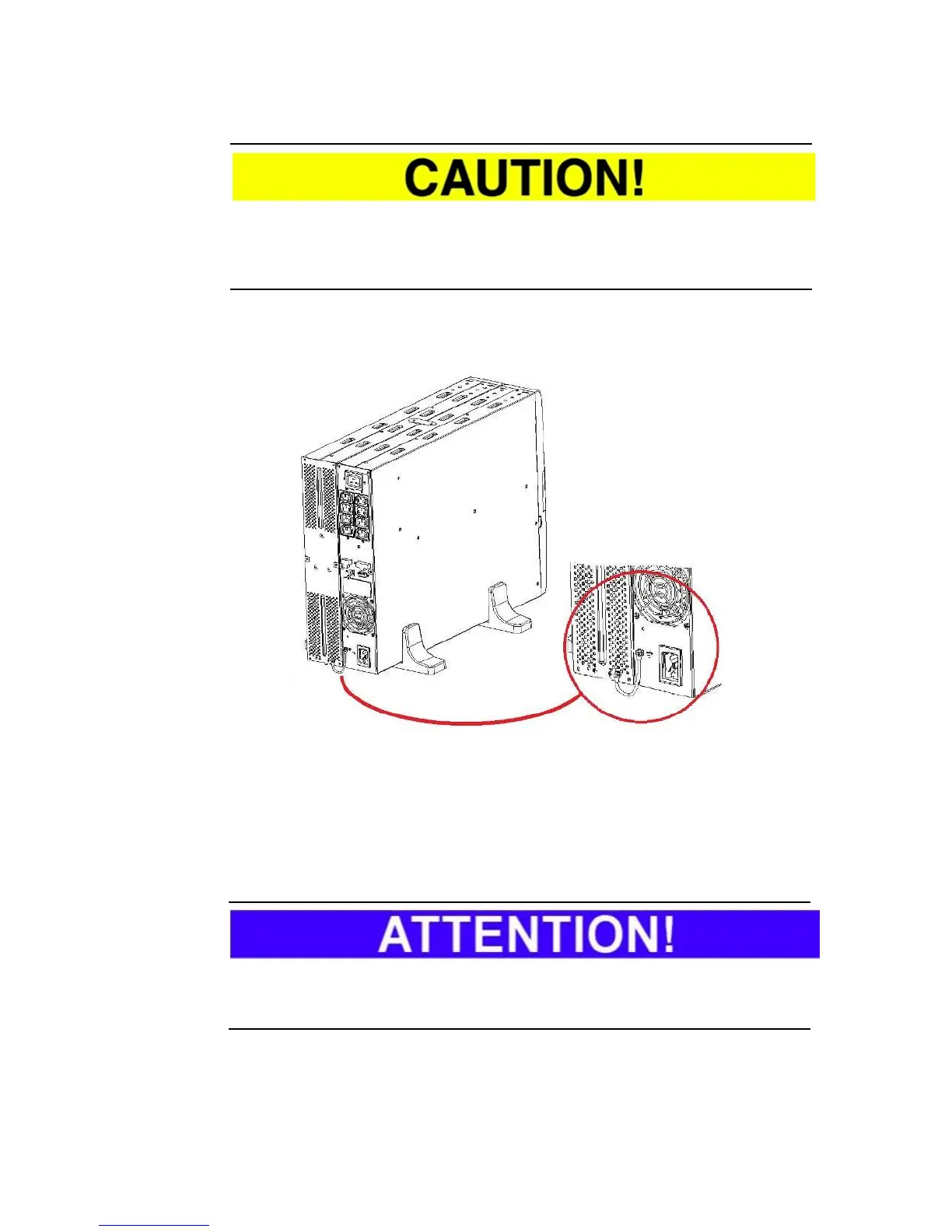
Step 3: To avoid malfunctions, both devices must be connected via the
respective earth connection.
Fig. 5-9 Connection of the earth connections for both devices.
Step 4: To maintain the usual readability and ease of operation, turn the control
panel 90°. Proceed here according to the illustration (Fig. 5-10).
Carefully remove the control panel from the front panel. For this purpose, hold
the panel by the designated recesses with your fingers.
When removing mind that the control panel is still connected to the UPS with a
flat ribbon cable. Mind that the cable does not become damaged.
Turn the control panel to the readable position in accordance with your
installation and reinsert it.



 To Next Page