UPS: MKD 700 – 3000 VA RT (XL) Operation and Service
Switch the mains power supply on or connect the UPS with the wall socket. The
USV initializes itself and switches the charging mode on. The UPS output is
switched on at this point; the UPS remains in the BY-PASS mode (or in
STANDBY mode depending on the settings);
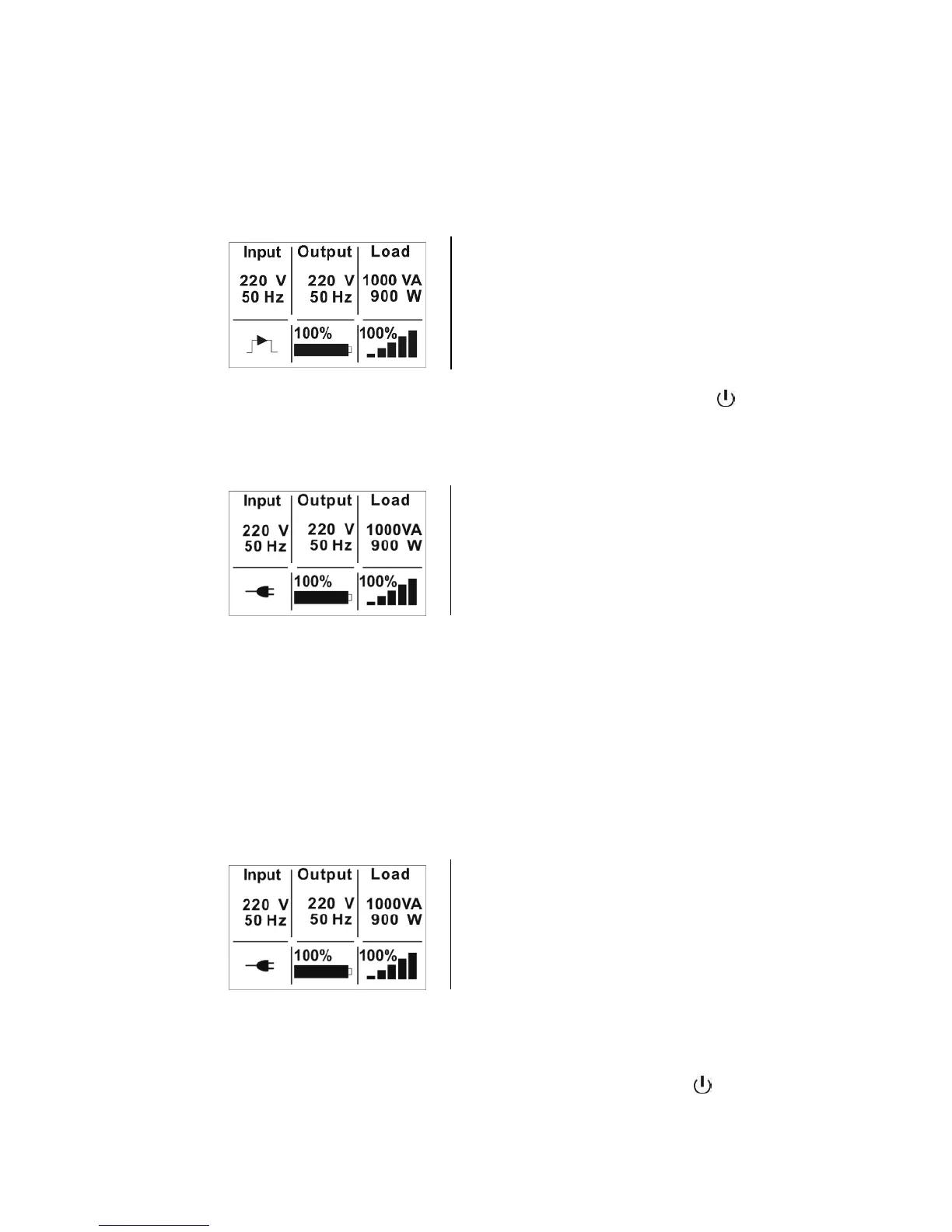
The display pictured here occurs as long as
the UPS device is in BY-PASS mode. The
charging mode and ventilation are already
active. The current input and battery bank data
are shown.
Now start the UPS up by pressing the On/Off button (1)
for longer
than 1 s. The signaler confirms the selection with one 1 s beep, and,
after a brief test (self-test), the UPS starts up. The output and, with it,
the loads are now being supplied;
The standard mode (INVERTER) is displayed.
The output data can be read here.
With this, the starting procedure with the mains power supply is concluded. The
UPS and device can remain in this state; switching on the loads may still have
to be controlled.
6.1.2 Switching off the UPS with the mains power supply
Switching off the UPS device ensues with the following procedure. Observe the
indicated sequence for this:
The device should be in standard mode!
The standard mode (INVERTER) is displayed.
Input, output and battery bank data can also
now be read here.
First, switch off all loads one at a time to ensure that these are
switched off in a controlled manner;
Now stop the UPS by pressing the On/Off button (1)
for longer
than 3 s. The signaler confirms the selection with a 3 s beep and,
after a brief test, switches the UPS to the by-pass mode (or
STANDBY mode depending on the settings);



 To Next Page