Every 8 Hours
Document ID: OMM-00144-L VUTEk 3r & 5r Series Maintenance Guide 25
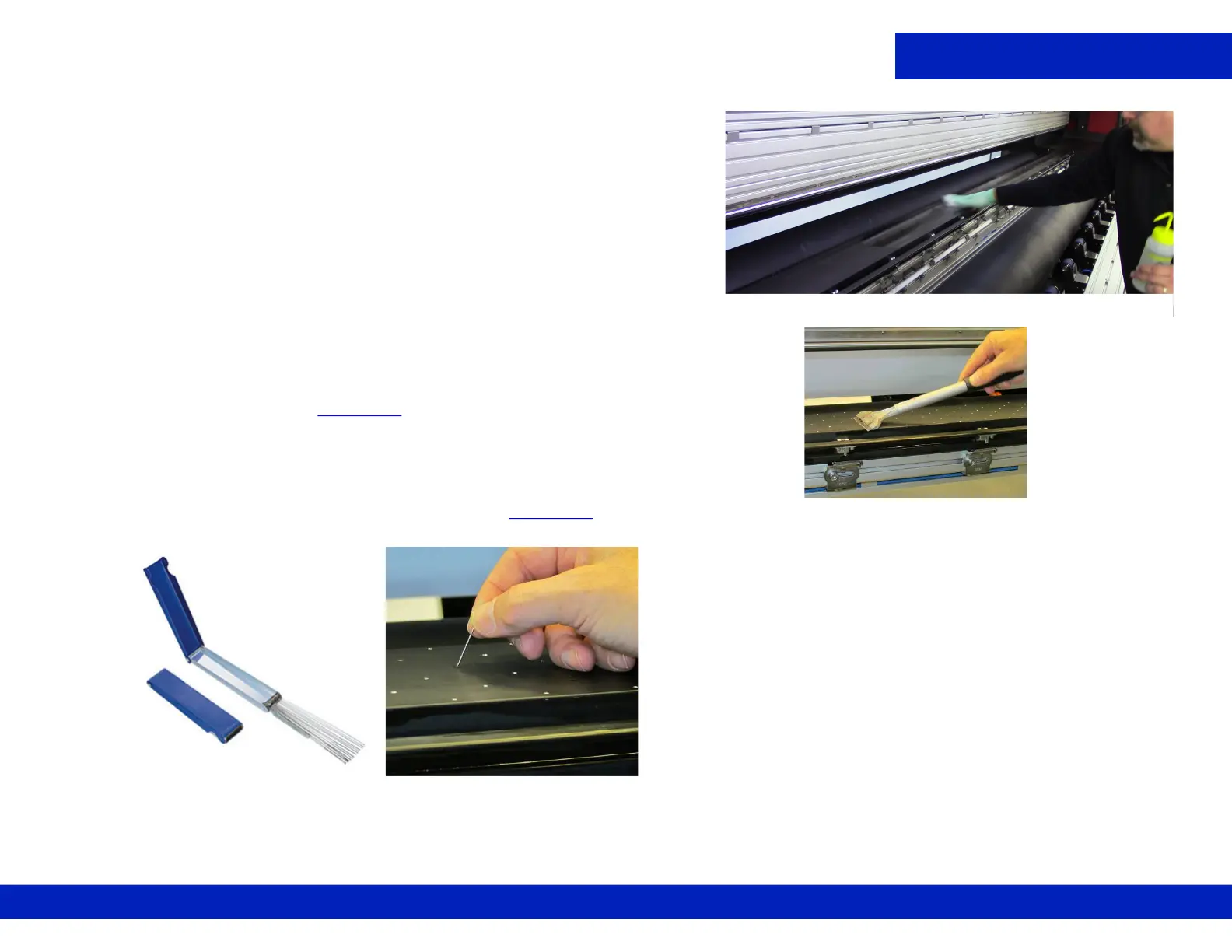
3. Dampen a lint-free wipe with IPA and thoroughly wipe down
the print platen surface.
4. Using the scraper, carefully remove all ink deposits from the
print platen surface, Figure 4-3
.
5. Using a lint-free wipe and IPA, thoroughly wipe down the print
platen surface again.
6. Using the tip cleaner tool or needle, make sure that each print
platen hole is perfectly clean and free of ink, Figure 4-4
.
7. Dampen a lint-free wipe with IPA and thoroughly clean the surface of the print platen again.
8. Remove the retaining pins after completing tasks.
Figure 4-2 Wiping the Print Platen
Figure 4-3 Scraping print platen
Figure 4-4 Tip Cleaner Tool, (Left) and Cleaning with a needle, (Right)



 To Next Page
 Loading...



