Monthly
Document ID: OMM-00144-L VUTEk 3r & 5r Series Maintenance Guide 53
PPE Items: GLOVES NITRILE DISPOSABLE BOX LARGE
SAFETY GLASSES
Required Items: WIPES 9X9 CLEAN ROOM
ISOPROPYL ALCOHOL (IPA)
SHOP VACUUM AND ATTACHMENTS
How-to Video:
Directions:
1. Open the printer hood and insert the retaining pins into the LH and RH pin sockets.
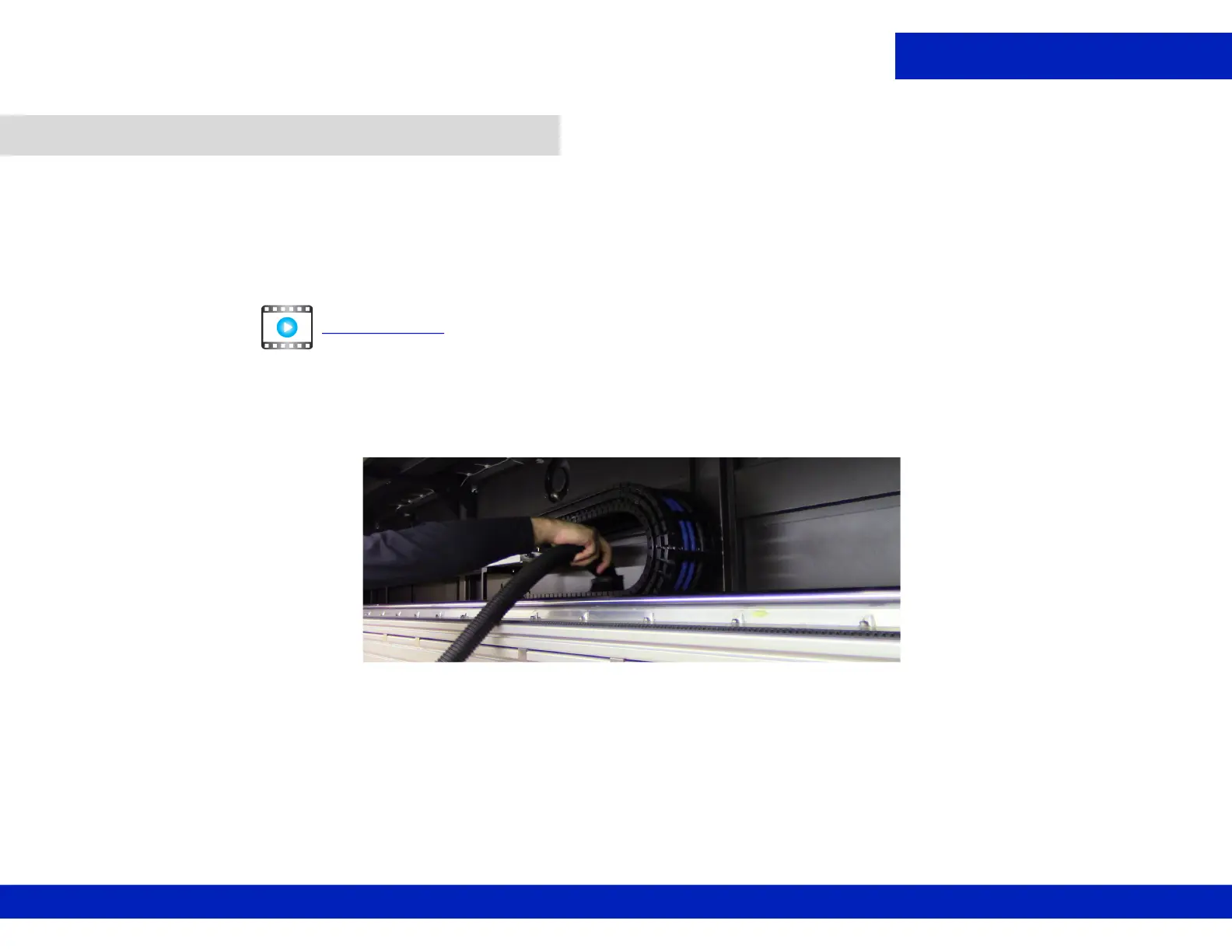
2. Vacuum the LOWER cable carrier shelf using a bristle attachment.
3. Power on printer and remove the retaining pins.
4. Move carriage to the right-most position.
5. Open the printer hood and insert the retaining pins into the LH and RH pin sockets.
6. Vacuum the UPPER cable carrier shelf.
7. Remove the retaining pins after completing tasks.
7.2 Clean cable carrier and shelf.
CLICK TO PLAY
Figure 7-3 Vacuuming umbilical assembly



 To Next Page
 Loading...



