Every 8 Hours
Document ID: OMM-00144-L VUTEk 3r & 5r Series Maintenance Guide 32
PPE Items: GLOVES NITRILE DISPOSABLE BOX LARGE
SAFETY GLASSES
Required Items: ISOPROPYL ALCOHOL (IPA)
WIPES 9X9 CLEAN ROOM
How-to Video:
Directions:
1. Open the printer hood and insert the retaining pins into the LH and
RH pin sockets.
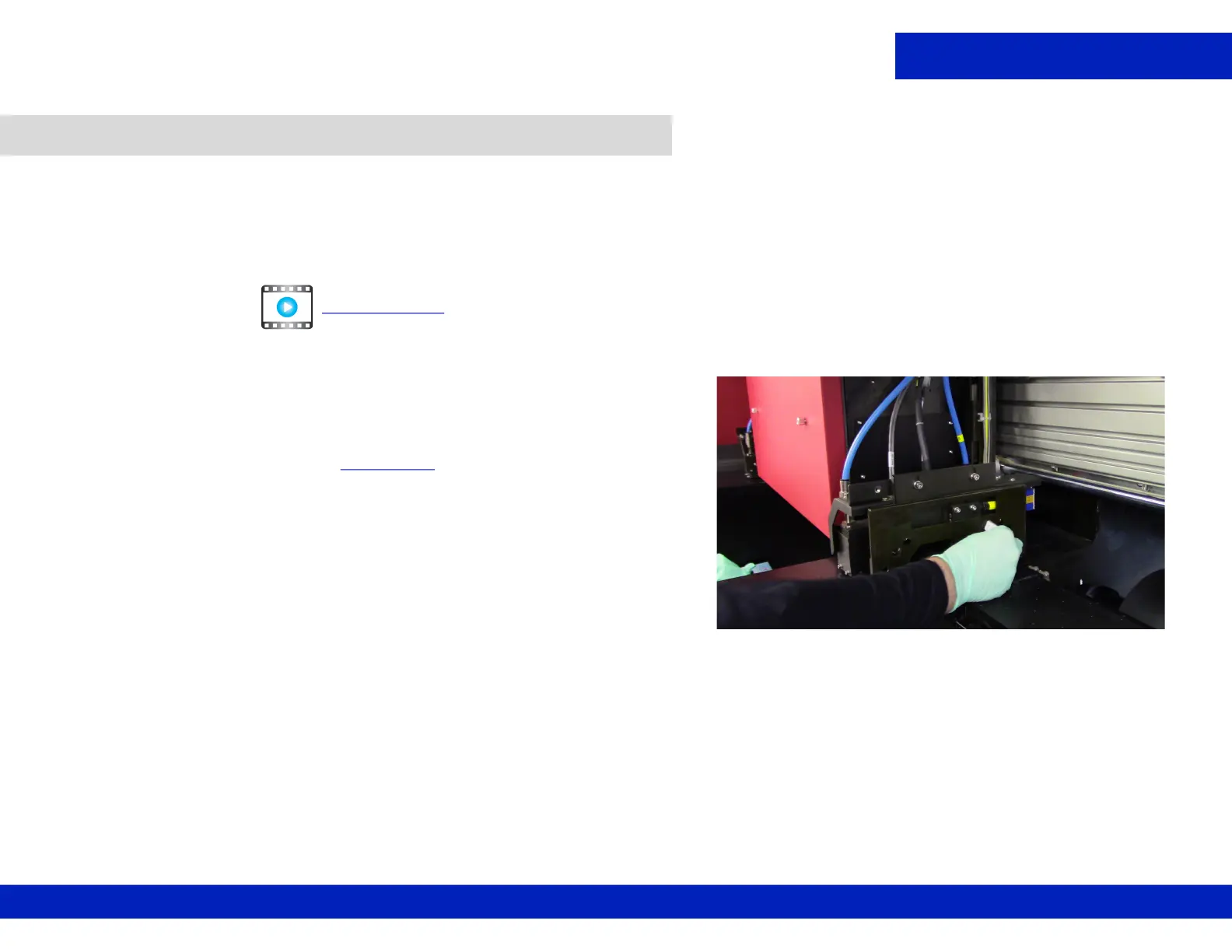
2. Using a lint-free wipe and IPA, thoroughly clean the left and right
carriage crash sensors, Figure 4-14
.
NOTE: There are two sensors.
3. Remove the retaining pins after completing tasks.
4.7 Clean the carriage crash sensors sides.
CLICK TO PLAY
Figure 4-14 Wiping RIGHT Carriage Crash Sensors



 To Next Page
 Loading...



