Every 8 Hours
Document ID: OMM-00144-L VUTEk 3r & 5r Series Maintenance Guide 24
PPE Items: GLOVES NITRILE DISPOSABLE BOX LARGE
SAFETY GLASSES
Required Items: METAL SCRAPER
ISOPROPYL ALCOHOL (IPA)
WIPES 9X9 CLEAN ROOM
TIP CLEANER TOOL
How-to Video:
Directions:
1. Open the printer hood and insert the retaining pins into
the LH and RH pin sockets.
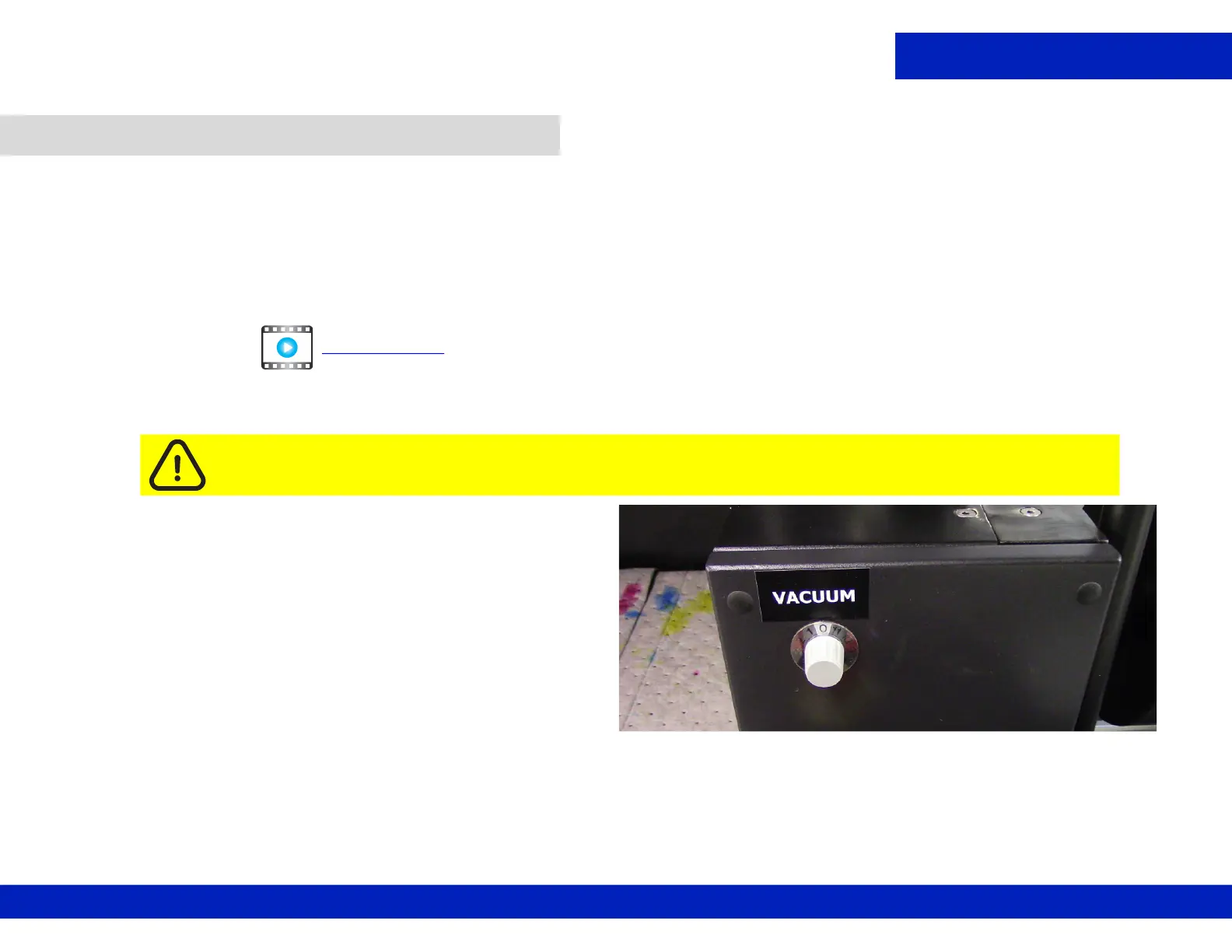
2. Turn the Vacuum control knob to zero.
4.2 Clean the print platen.
Caution: Always wear PPG (personal protective gear) when working with inks or fluids.
CLICK TO PLAY
Figure 4-1 : Platen Vacuum control knob



 To Next Page
 Loading...



