Every 8 Hours
Document ID: OMM-00144-L VUTEk 3r & 5r Series Maintenance Guide 26
PPE Items: GLOVES NITRILE DISPOSABLE BOX LARGE
SAFETY GLASSES
Required Items: ISOPROPYL ALCOHOL (IPA)
WIPES 9X9 CLEAN ROOM
How-to Video:
Directions:
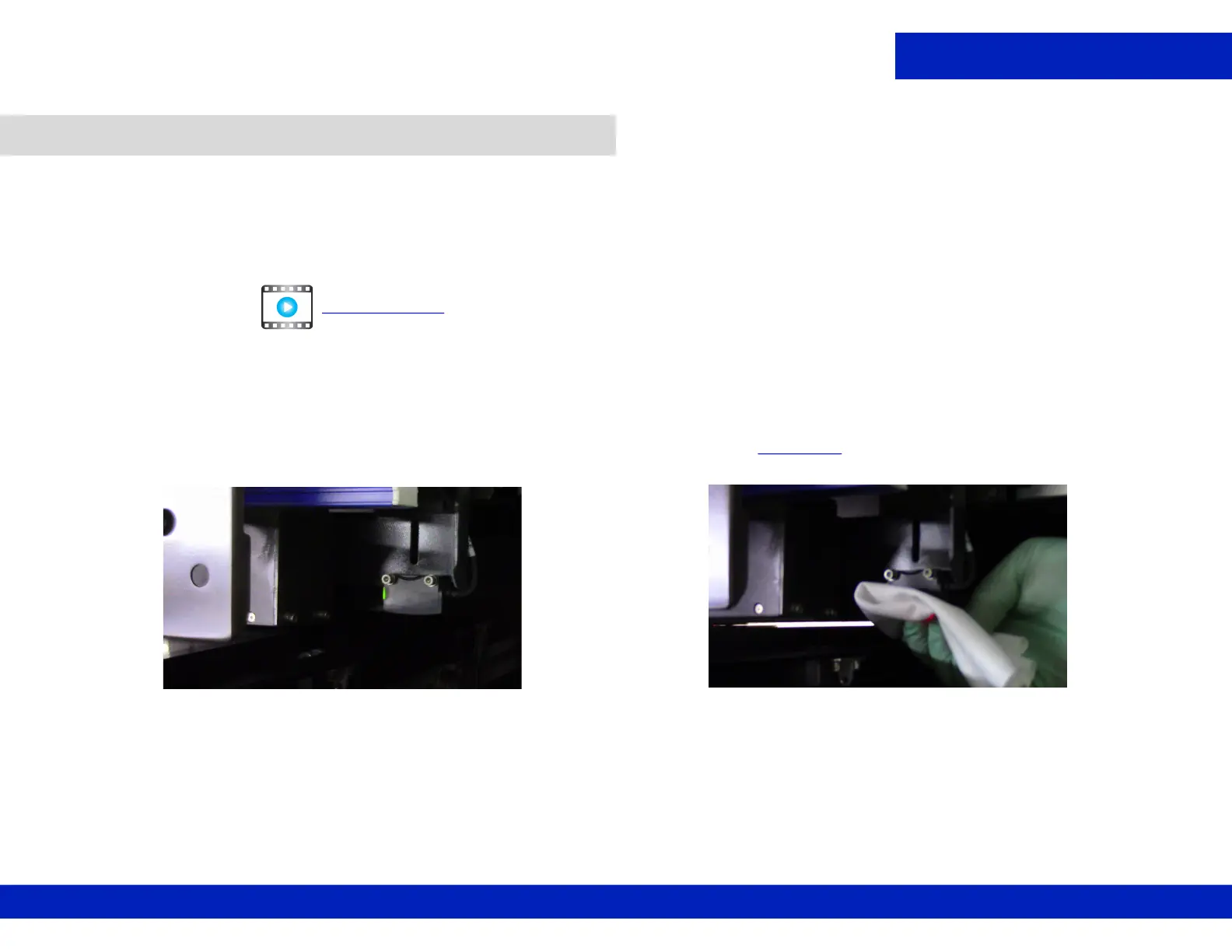
1. Manually move the carriage so that the measure media sensor is exposed at the printer rear.
2. Open the printer hood and insert the retaining pins into the LH and RH pin sockets.
3. Using a lint-free wipe and IPA, thoroughly clean the underside of the sensor, Figure 4-5
.
4. Remove the retaining pins after completing tasks.
4.3 Clean the measure media sensor.
CLICK TO PLAY
Figure 4-5 Measure Media Sensor, (Left), and Wiping, (Right)



 To Next Page
 Loading...



