Every 40 Hours
Document ID: OMM-00144-L VUTEk 3r & 5r Series Maintenance Guide 45
PPE Items: GLOVES NITRILE DISPOSABLE BOX LARGE
SAFETY GLASSES
Required Items: DRAIN HOSE WITH QUICK DISCONNECT
APPROVED WASTE CONTAINER
How-to Video:
Directions:
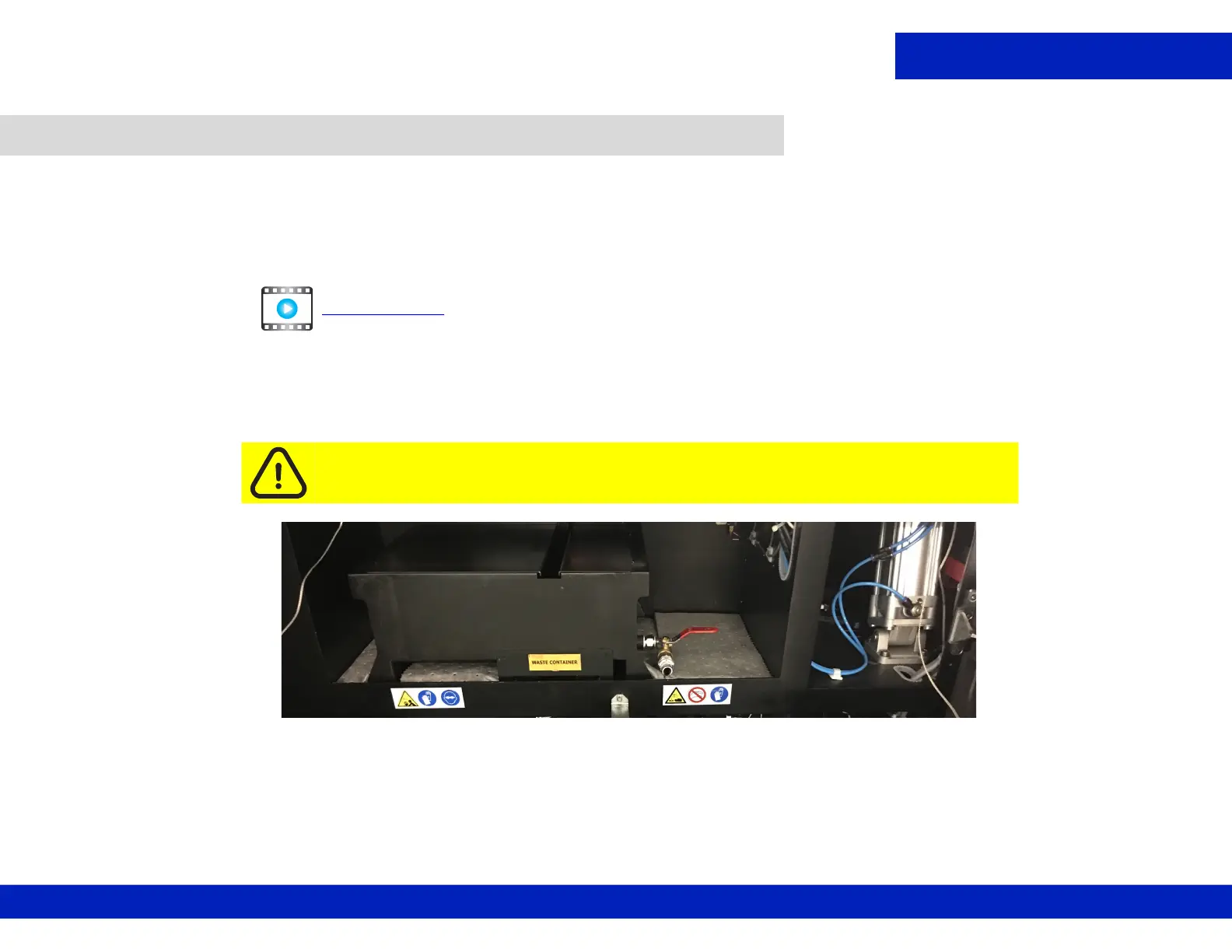
1. Open waste container compartment doors.
6.6 Check/empty waste container.
Caution: Check waste container level more frequently during periods of high
production or when adding ink to the printer.
CLICK TO PLAY
Figure 6-12 Waste container compartment



 To Next Page
 Loading...



