Semi-Annually
Document ID: OMM-00144-L VUTEk 3r & 5r Series Maintenance Guide 63
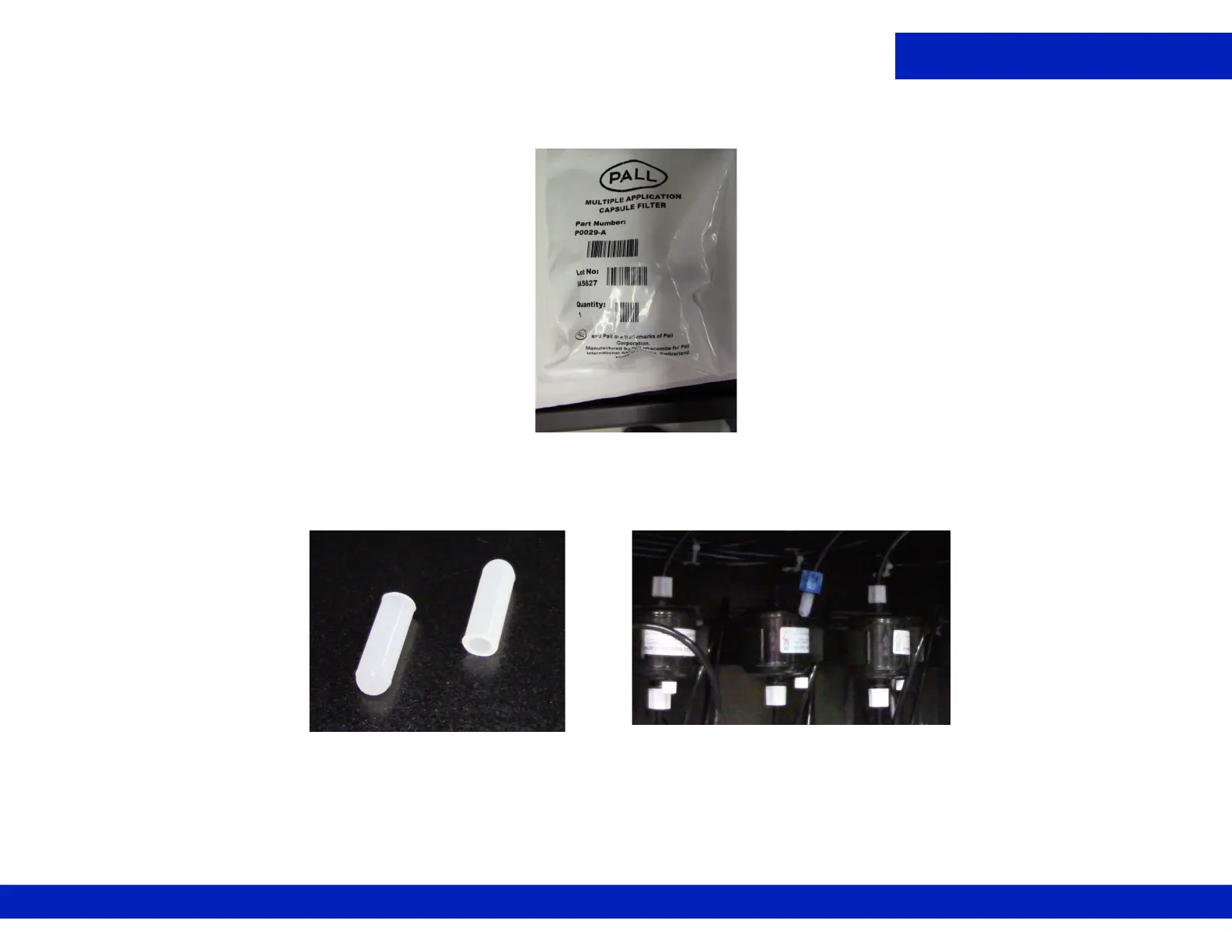
4. REMOVE the ink filter from the protective bag and retain the bag. Verify the bleeder cap is tight.
5. Carefully disconnect the upper ink tube from the filter by unscrewing the white plastic fitting and quickly insert a plastic cover over
the ink line to prevent leakage.
Figure 9-2 Ink filter
Figure 9-3 Plastic cap, Left, and Plastic cap on Ink Line, Right


 To Next Page
 Loading...



