45
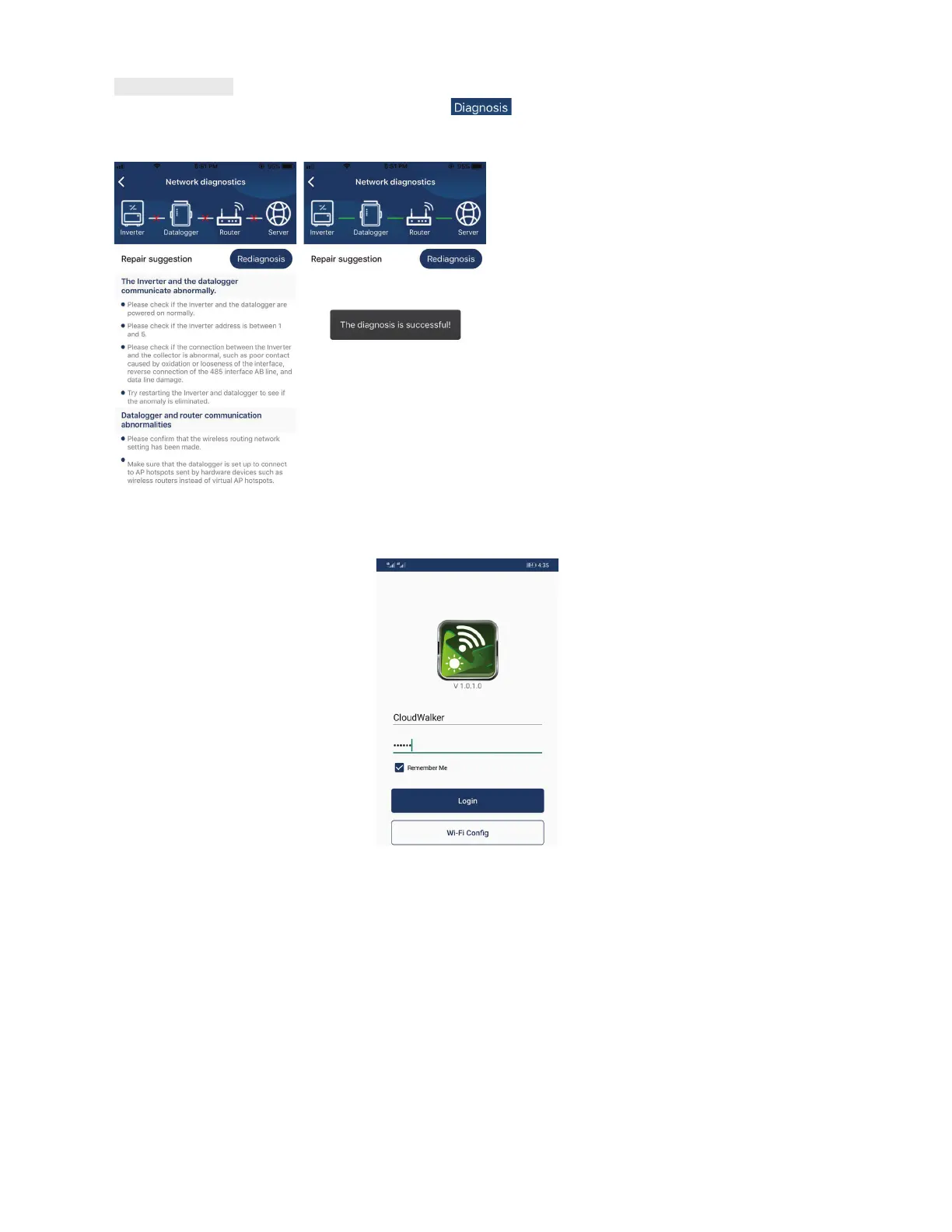
Diagnose Function
If the module is not monitoring properly, please tap “ ” on the top right corner of the screen for further
details. It will show repair suggestions. Please follow it to fix the problem. Then, repeat the steps in the
chapter 4.2 to re-set network setting. After all setting, tap “Rediagnosis” to re-connect again.
Login and APP Main Function
After finishing the registration and local Wi-Fi configuration, enter registered name and password to login.
Note: Select “Remember Me” for your login convenience afterwards.



 To Next Page