PARALLEL CABLES NEEDED
To successfully communicate between each model of battery, a standard Cat5e (or higher) cable will
need to be connected between each battery.
BATTERY-TO-BATTERY CABLE PINOUT
The pins utilized for battery-to-battery communication are as follows:
The battery will only send a transmit/receive signal over these two pins. Ensure the battery-to-battery
communication cable is only utilizing pins 7 & 8.
FIRMWARE UPDATES
Visit https://eg4electronics.com/resources/downloads
to get the latest version of the software. The file
can be located on the downloads page underneath the product in question.
Once the file has been downloaded, unzip the file. Once the file is unzipped, refer to the included
“Connection guide for BMS Tools V1.0.pdf” for an extensive walkthrough to set up BMS Tools.
If confirmation of the port numbers for battery to PC communications is needed, please consult the
following section.
UPDATE CABLES NEEDED
Each battery requires the same RS485 cable to apply the firmware updates. Please refer to the table
below for the pinout description.
Ensure all batteries’ firmware matches the numbers listed below for seamless communication.
MULTIPACK FIRMWARE VERSIONS NEEDED
Listed below are the multipack firmware version numbers that need to be used for each battery type:
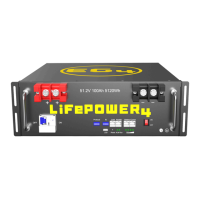
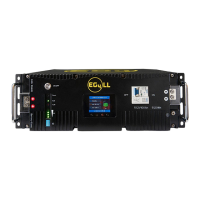
1. EG4 LL V2/S (ID:6) 51.2V 100ah: Z02T12
2. EG4 LL V2 (ID:4) 51.2V 100ah: Z01T16
3. EG4 LL V1 51.2V 100ah: V15P15
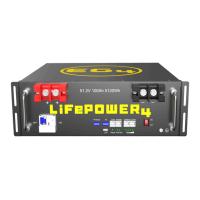
4. LifePower4 51.2V 100ah: V3.37 or V2.16
When using LL-V1 and LifePower4 batteries in communications with the LL-S/LL-V2
multi-pack firmware, ensure the communications cable between the LL-V2 and all older model
batteries down are pinned to this standard. If there are extra pins populated, the LL-S will trip
its breaker if it receives a signal from pins 3 or 6 along with all other batteries in this parallel
configuration.
NOTE: If utilizing an external E-Stop switch on the LL-S battery, the following pinout
information stays relevant to the function. Once the E-Stop engages, all batteries in the bank
will initiate the stop function.


 To Next Page