28
USER MANUAL MAGIC 500 PLUS ULTRASOUND UNIT
T +49 7461 96 580 0 | F + 49 7461 96 580 90 | export@eickemeyer.com | www.eickemeyer.com
8. OBSTETRIC MEASUREMENT
8.1 Measurement and Calculation Items
Obstetric tables of the system including: 1. Bovine, 2. Equine, 3. Ovine, 4. Canine, 5. Feline, 6. Goat, 7. Llama, 8. Swine, which is
reference for doctor.
8.2 Measurement of Gestational Age (GA) and Estimated Date of Confi nement (EDC)
Follow the steps below:
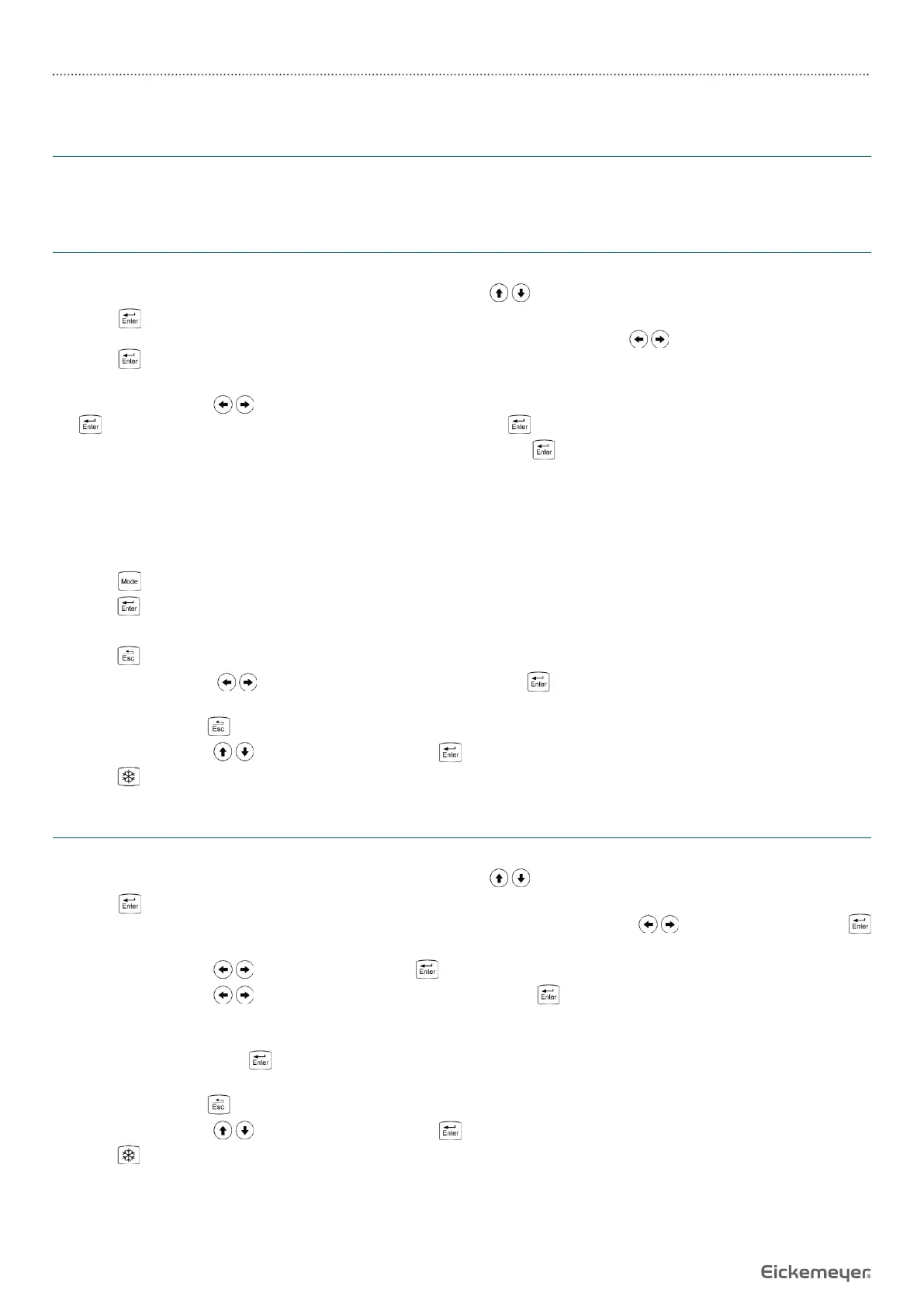
1. In B, B / B mode, freeze the desired image, press direction keys to move the cursor to “OB” position of display area.
2. Press key to display the obstetric measurement animals on the lower part of the screen, “Select Animal: 1.Bovine,
2.Equine, 3.Ovine, 4.Canine, 5.Feline, 6.Goat, 7.Llama, 8. Swine”, press direction keys to select the measured animal,
press key to confi rm. Measured parameters of this animal are shown on the lower part of the screen, (if select goat,
display the types of goat).
3. Press direction keys to select the measured parameters (if select goat, this step is to select the type of goat, press
key again to display the measured parameters of goat), press key, the cursor will show “+”.
4. Press direction keys to move the “+” mark to desired position, press key to set the “+” mark position as the starting
point of the measurement.
5. Press direction keys to move the “+” mark to the end point of the measurement. At the same time, a lighted dotted line
appears between the start and the end as the dashed locus of the measurement. The measured value is automatically
displayed at the built-in mark“+: ----mm” on the right side of the screen; G.A and EDC value to be displayed in real time
in the right area of the screen.
6. Press key to exchange the starting and end point.
7. Press key to fi nish the fi rst measurement.
8. Repeat the steps 3 – 7 to complete the multi-group data measurement.
9. Press key to quit measurement status for this animal.
10. Press direction keys to select other measured animal, press key to confi rm, repeat steps 3 – 7 to complete a
variety of animal measurements.
11. Continuously press key twice to quit obstetric measurement status.
12. Press direction keys to choose “Clear” and press key to clear all marks and data.
13. Press key to return the real-time status.
8.3 Measurement of Swine’s Lean Percentage
% Lean Calculation Formula Uses NSIF Formula
1. In B, B / B mode, freeze the desired image, press direction keys to move the cursor to “OB” position of display area.
2. Press key to display the obstetric measurement animals on the lower part of the screen, “Select Animal: 1.Bovine,
2.Equine, 3.Ovine, 4.Canine, 5.Feline, 6.Goat, 7.Llama, 8. Swine”, press direction keys to select “8.Swine”, press
key to confi rm. Measured parameters of swine are shown on the lower part of the screen.
3. Press direction keys to select “2. Lean”, press key again to confi rm, the cursor will show “+”.
4. Press direction keys to select “Weight” (range 1 ~ 300kg), press key again to confi rm.
5. Measure the backfat thickness with distance measurement method, the backfat thickness is displayed in real time in the
right area of the screen; measure loin with distance measurement method, the loin is displayed in real time in the right
area of the screen; press key to fi nish the loin measurement, the % Lean will be displayed in the right area of the
screen.
6. Continuously press key twice to quit obstetric measurement status.
7. Press direction keys to choose “Clear” and press key to clear all marks and data.
8. Press key to return the real-time status.


 To Next Page