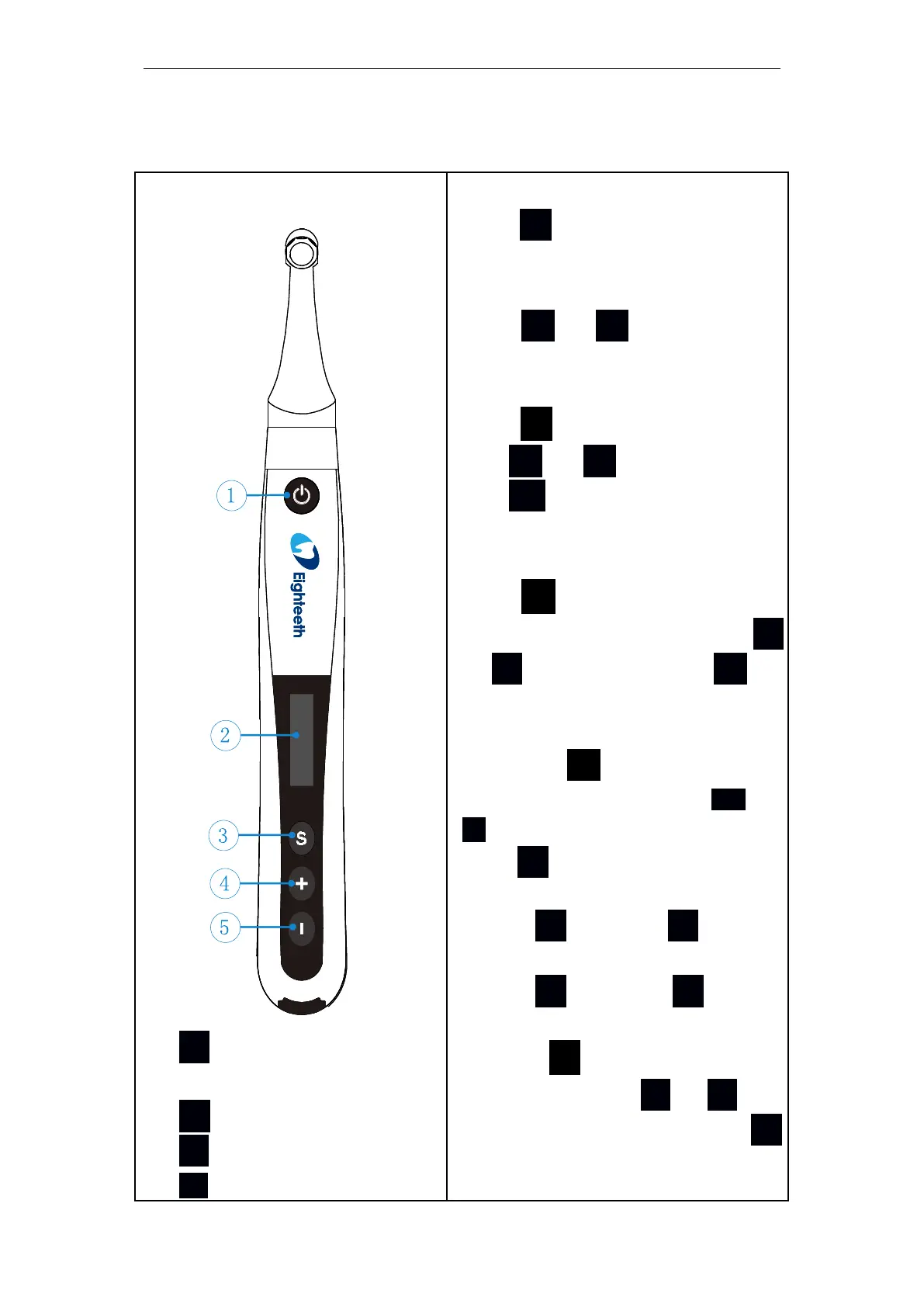
Power on
Press ● more than 0.5 seconds to
turn on the instrument.
Memory Change
Press + or - to change at st-
andby mode.
Operation Mode Change
Press S once at standby mode,p-
ress + or - to switch, then p-
ress ● or wait 5 seconds to con-
firm.
Parameter Adjustment
Press S till target parameters are
displayed at standby mode, press +
or - to adjust, then press ● or
wait 5 seconds to confirm.
Preset Program Selection
Long press S at standby mode to
enter preset program, press + or
- to select deserve program and
press ● to confirm.
Power off
Holding S and press ●
Advanced Setting
Holding S then press ● to ent-
er advanced setting at power off mo-
de, press S till target parameters
are displayed, press + or - to
adjust the parameters, then press ●
to confirm.















 To Next Page