R S
ON
O F F
-
C alib ra tion
·
Press S again at hand habit set will
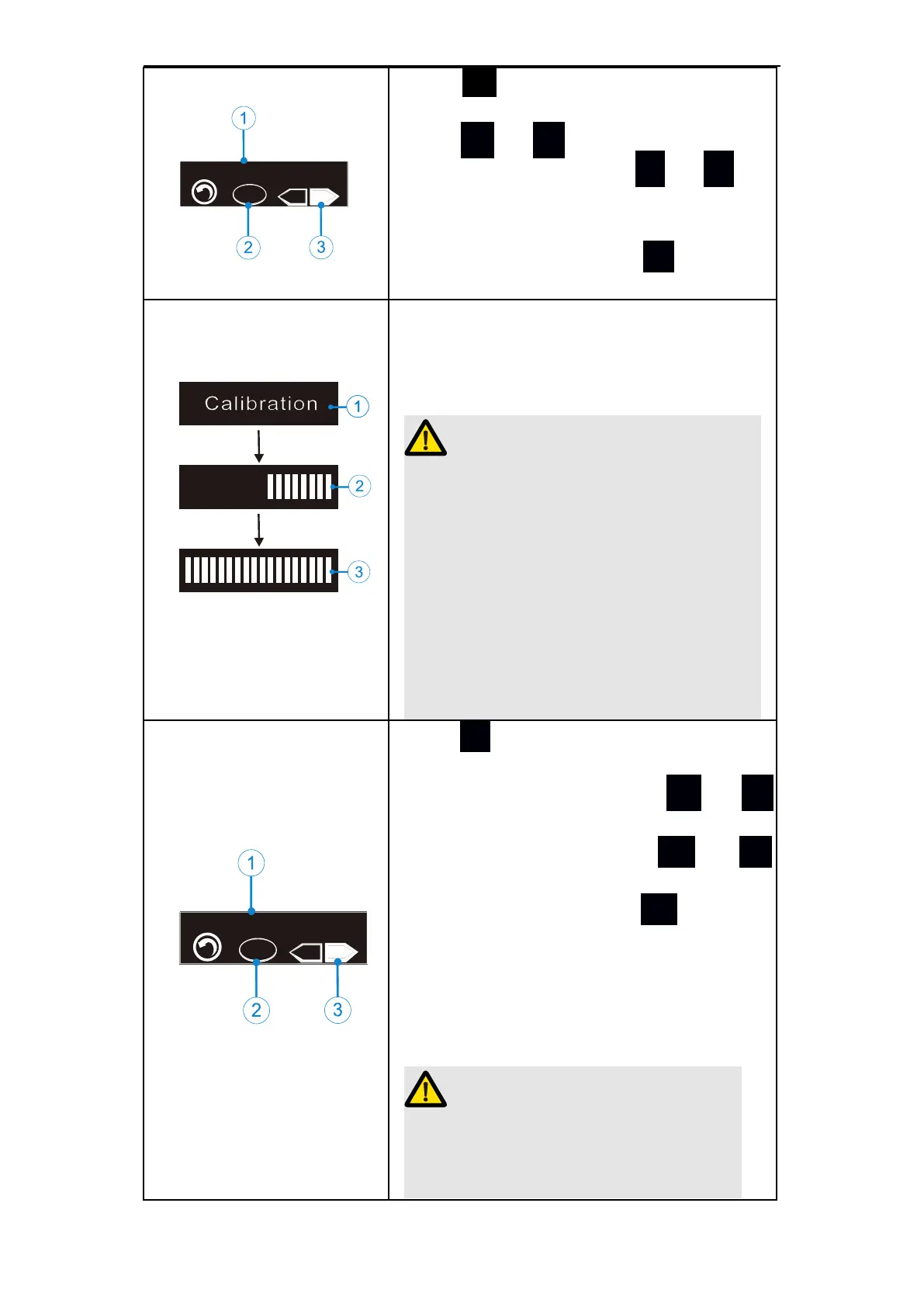
enter①“Calibration”auto calibration,
press + or - to set③(ON、OFF),
Choose“ON”and press
●
or S to
confirm and the device will auto cali-
brate.The left figure ② means when
choose “OFF”and press S again w-
ill enter restore settings (R.S).
When the device auto calibrate①,the
screen will display the progress②(thro-
ugh the bar),after calibrating③ the bar
will be full and the device will beep out.
Before automatic calibration, make sure
that the original contra angle is insta-
lled on the handpiece, and the root
canal file is not installed on the contra
angle. If the contra angle is not insta-
lled or non-original contra angle is
installed, the torque after calibration
may be incorrect, which may bring the
risk of instrument separation.
MEM
ON
O F F
-
R estore S etting
Press S again at auto calibration with
swtich”off”will enter ① “Restore Set-
ting (restore settings). Press + or
-
to set③(ON、OFF).
Choose “ON” and press ● or S
to confirm and restore all settings. Ch-
oose “OFF” and press S again ②
(MEM) to confirm, save all settings ab-
ove and return to the memory mode.
All parameters will be covered by the
factory default parameters. (refer to
chapter 7.5 parameter logic).
After restoring the factory settings,
the parameters set by the customer
will be covered by the factory default















 To Next Page