Błąd! Użyj karty Narzędzia główne, aby zastosować 标题
1 do tekstu, który ma się tutaj pojawić. Błąd! Użyj karty Narzędzia główne, aby zas
tosować 标题 1 do tekstu, który ma się tutaj pojawić.
Page 13 / 37
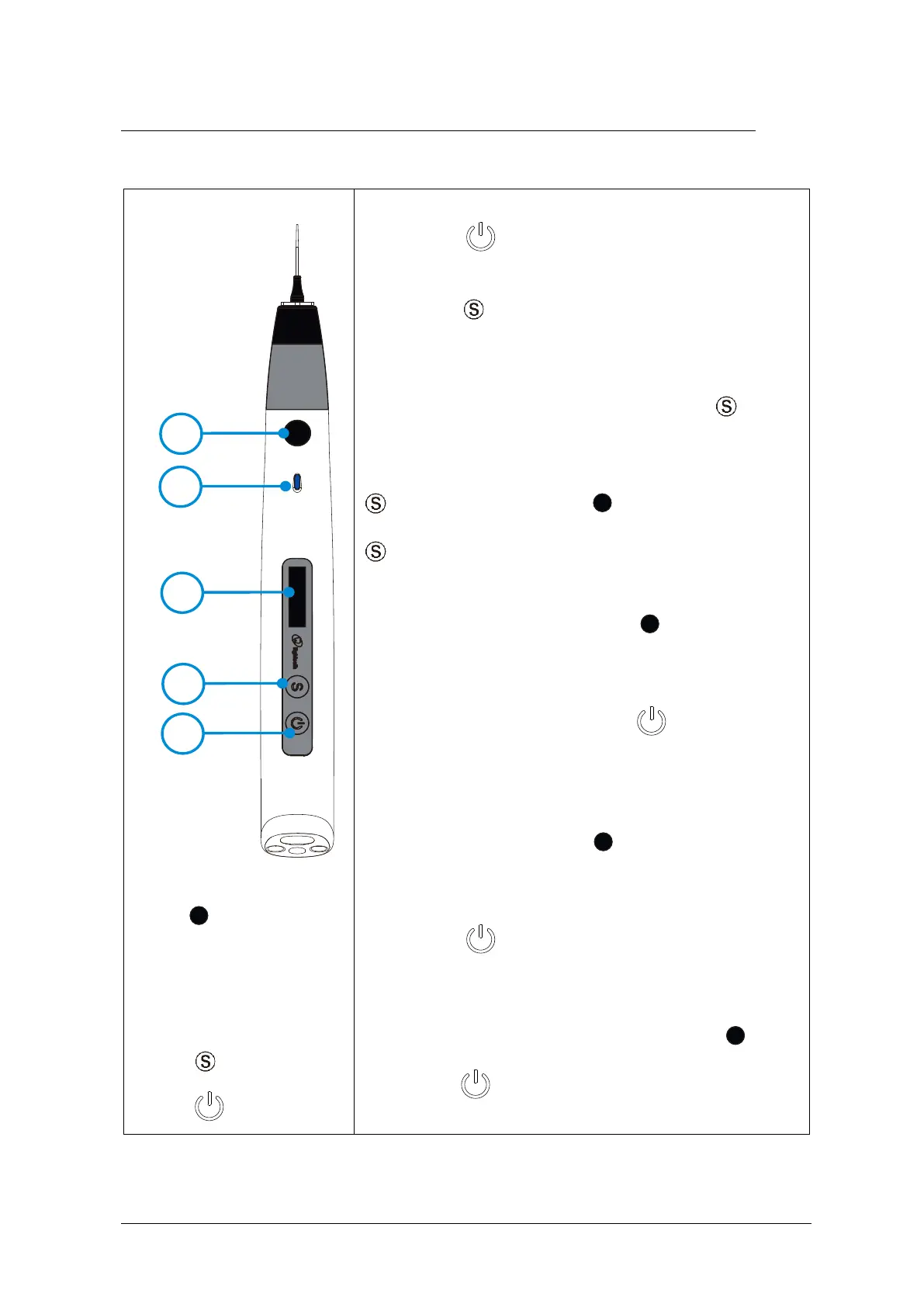
5.Use Interface
Turn Power On
Long press .
Change Memory
Shot press to change temperature memory from
T1 to T3.
Memory Parameter Setting
During standby state, holding down press more
than 2 seconds to enter memory parameter setting.
Parameter T1 to T3 can be set independently. Press
till target setting, press to adjust, then press
to confirm.
Heating
During standby state, shot press and the
indicator light flashes.
Stop heating
During heating state, shot press .
Pushing out Gutta-percha
When the heating is completed, the indicator light will
be on. Holding down press .
Turn Power Off
Long press more than 2 seconds.
Advanced setting
During power off state, holding down press
then press to enter advanced setting. Press















 To Next Page