Błąd! Użyj karty Narzędzia główne, aby zastosować 标题
1 do tekstu, który ma się tutaj pojawić. Błąd! Użyj karty Narzędzia główne, aby zas
tosować 标题 1 do tekstu, który ma się tutaj pojawić.
Page 16 / 37
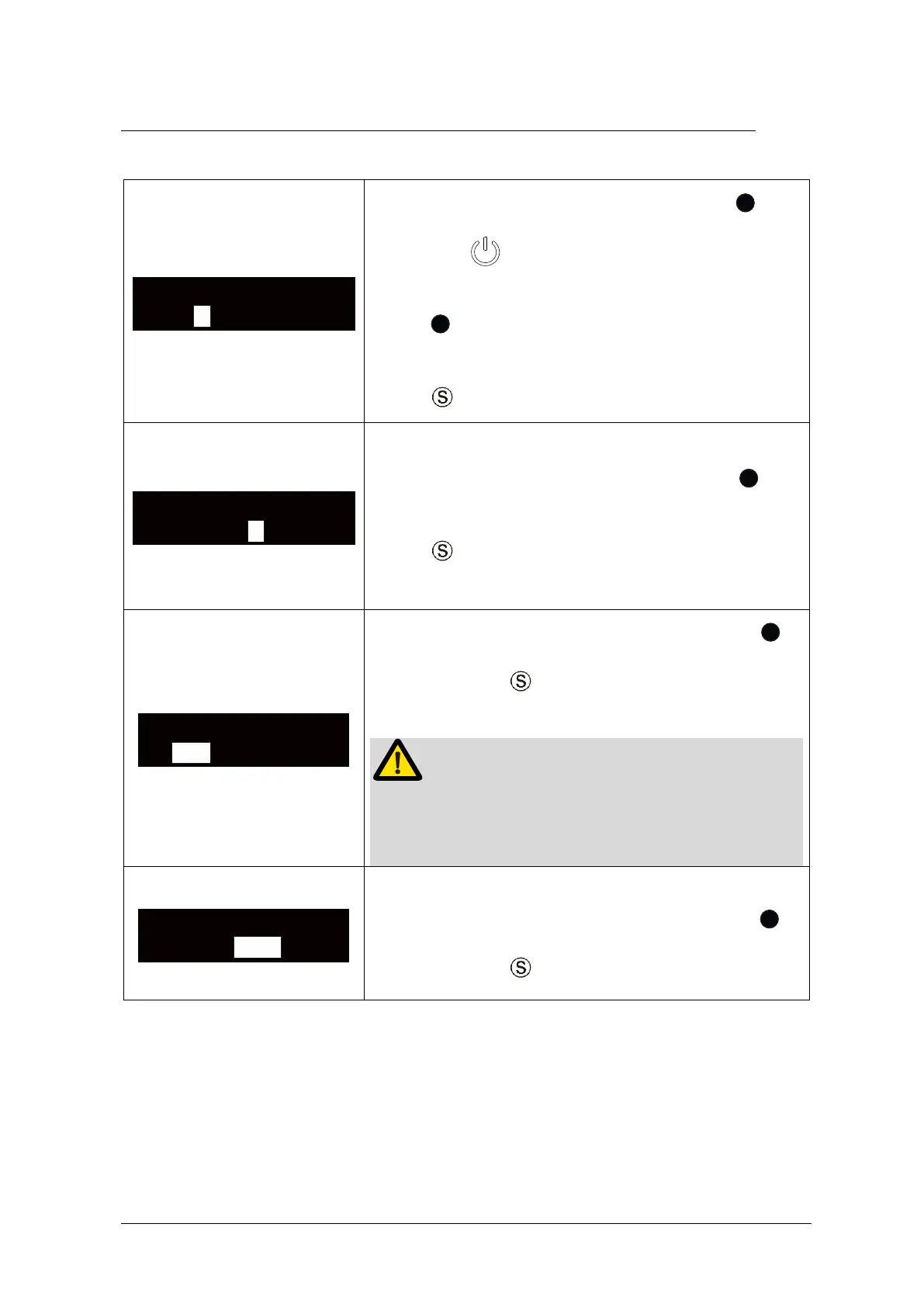
6.2 Advanced Setting
During power off state, holding down press
then press to enter advanced setting, the
“AutoPowerOff” will appear on the display screen.
Press to adjust, the auto power off time can be
set to 5, 10 and 15 minutes.
Press to confirm and enter next interface.
The “Beep Volume” can be changed. Press to
adjust. The “Beep Volume” can be set to 0, 1 and 2.
Press to confirm and enter next interface.
The “RestoreSettings” can be changed. Press
to adjust, press to confirm and enter next
interface.
If choose “YES”, all the setting parameters will be
covered by factory settings.
The “Save” can be chosen.
Confirm the setting need to save or not, press
to adjust, press to save and power off.















 To Next Page