6 Operation
Page 16 / 35
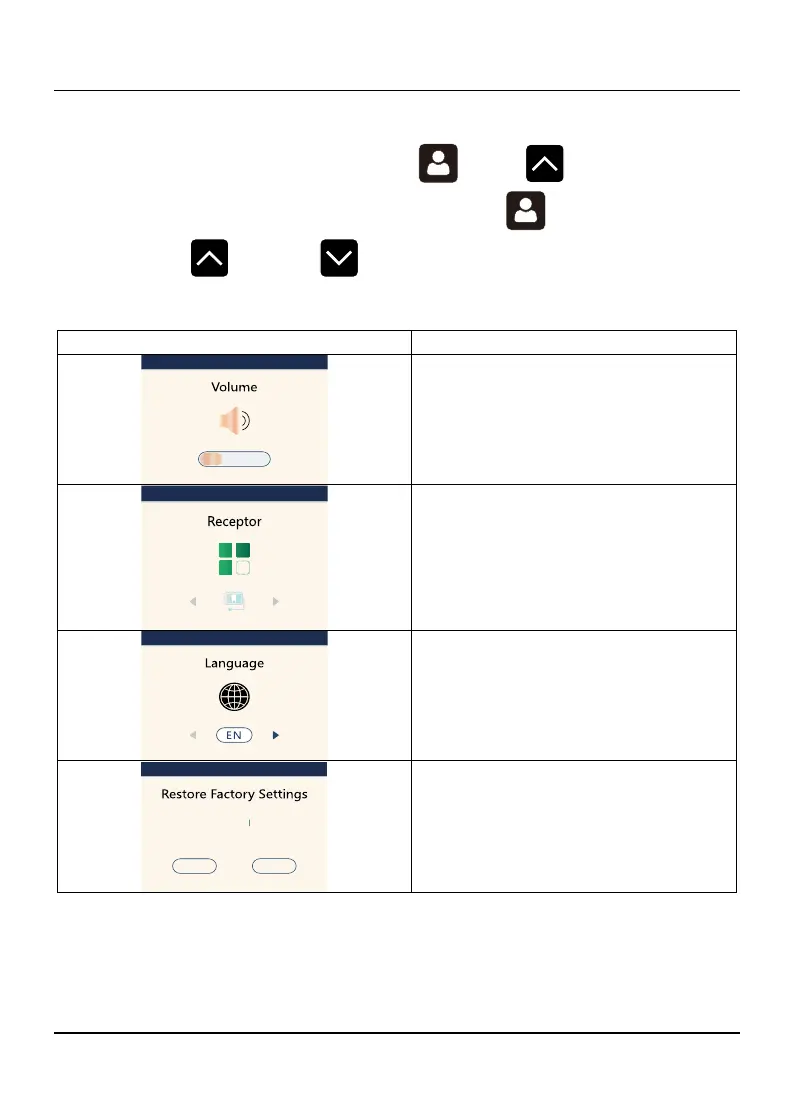
6.4 Set interface
After starting up, you can press the and buttons at the
same time to enter the setting interface, press the to turn the page,
and press the and the to adjust the displayed parameters.
Adjust the volume of the machine.
Select the type of receptor.
Choose whether to restore factory
settings.















 To Next Page