5 Product function and use
Page 14 / 35
5. Product function and use
5.1 Operation panel instructions
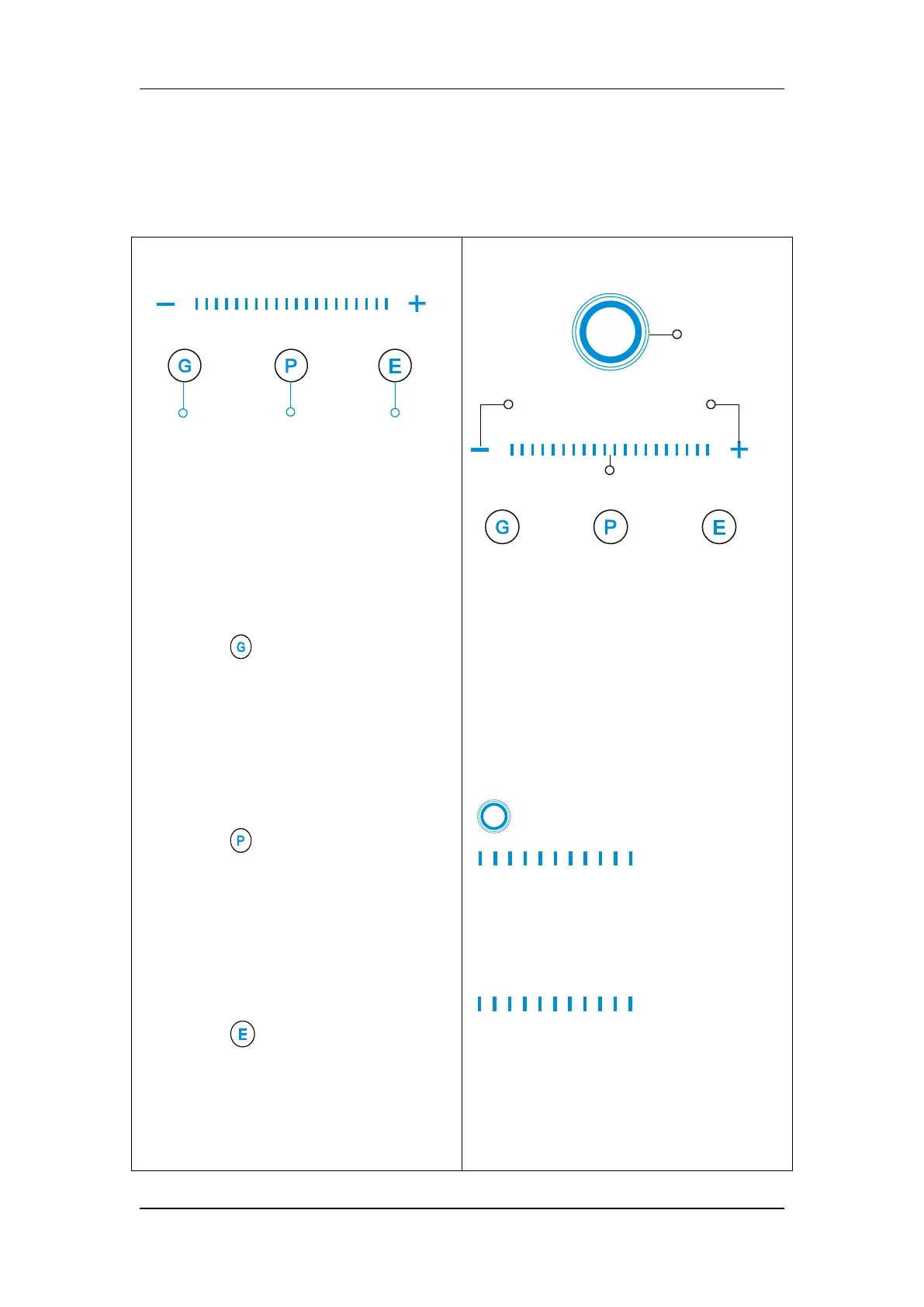
This equipment can provide three
working modes: Scaling mode,
periodontal mode and endodontic
mode.
Press the “ ” key to select the
scaling mode, the indicator on the
corresponding button is lit, select the
tip marked with "G" at the tip when
using it.
Press the “ ” key to select the
periodontal mode, the indicator on the
corresponding button is lit, select the
tip marked with "P" at the tip when
using it.
Press the “ ” key to select the
endodontic mode, the indicator on the
corresponding button is lit, select the
tip marked with "E" at the tip when
The device can provide 10 (1-10)
graduations of power configurations in
each mode, and the user can adjust it
according to the needs of use.
Press "-" key to decrease the power,
press "+" key to increase the power.
"
Power display window" and
" power indicator"
correspond to the power level.
Users can also adjust the power by
tapping with their fingers or sliding
“ ” left and right.















 To Next Page