EasyManua.ls Logo

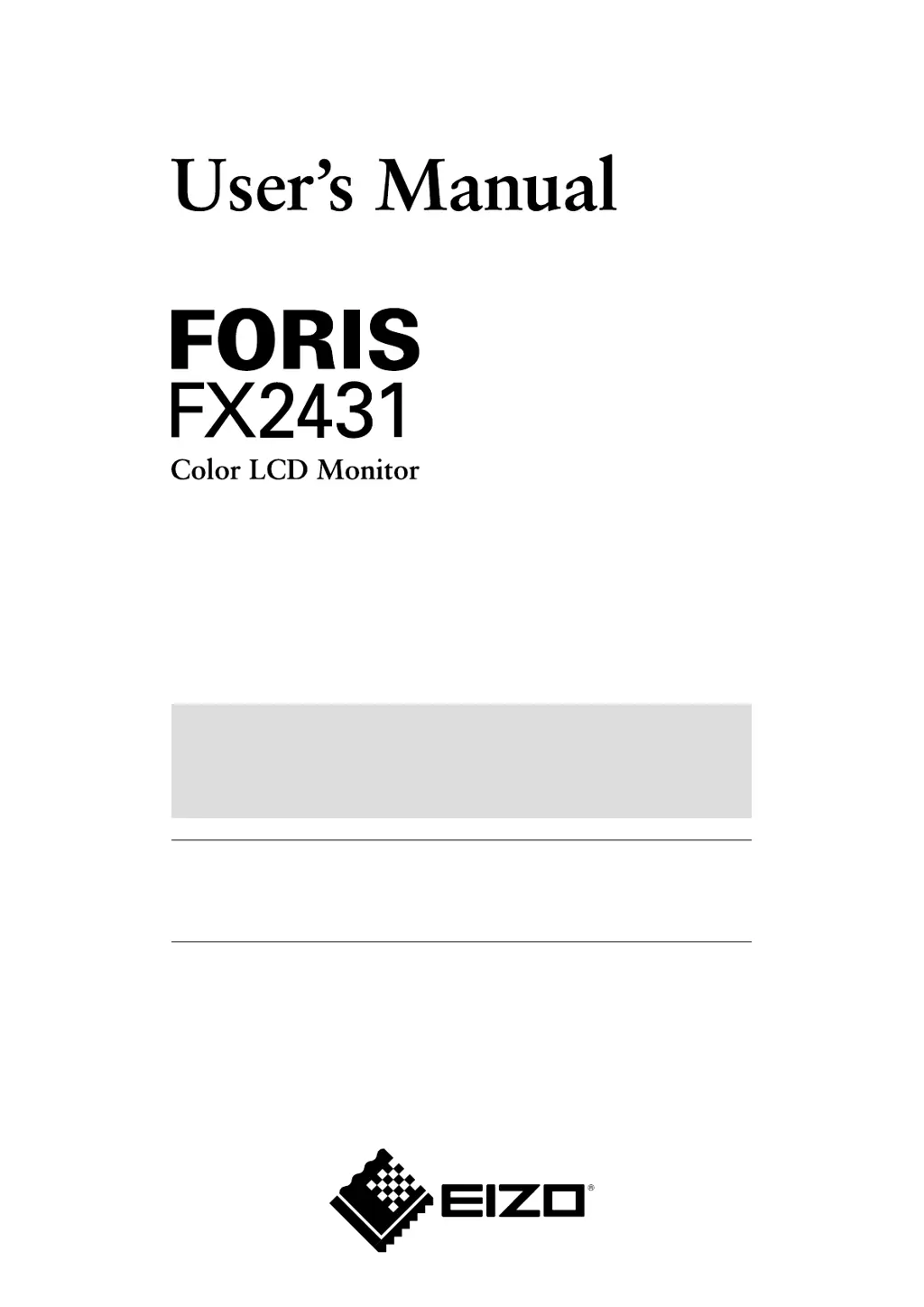
Eizo Foris FX2431 - User Manual

Eizo Foris FX2431
57 pages
Print Icon
To Next Page IconTo Next Page
Loading...
Important
Please read PRECAUTIONS, this User’s Manual and Setup Manual
(separate volume) carefully to familiarize yourself with safe and effective
usage.
• Please read the Setup
Manual (separate volume)
• The latest User’s Manual is available for download from our site:
http://www.eizo.com

Table of Contents

Other manuals for Eizo Foris FX2431

Questions and Answers

  • G
    George BatesSep 12, 2025
    Why doesn't my Eizo Foris FX2431 Monitor enter power saving mode with HDMI input?
    • J
      Jose GlassSep 12, 2025
      If your Eizo Monitor does not enter power saving mode with HDMI (PC signal) input, check that the setting is “PC” in [Monitor Settings] - [Advanced Settings] menu - [Input Format].
  • B
    Brian HillSep 9, 2025
    How to fix vertical bars on Eizo Foris FX2431 Monitor?
    • R
      rickydanielsSep 10, 2025
      To resolve vertical bars or flickering images on your Eizo Monitor, adjust the clock in [Monitor Settings] - [Advanced Settings] menu - [Clock].
  • C
    Christopher JenningsSep 8, 2025
    How to fix screen flickering on Eizo Monitor?
    • S
      sleeSep 8, 2025
      To correct flickering or blurring on the whole screen of your Eizo Monitor, adjust the phase in [Monitor Settings] - [Advanced Settings] menu - [Phase].
  • C
    Christopher WadeSep 7, 2025
    How to correct display position on Eizo Monitor?
    • A
      Angela CollierSep 7, 2025
      If the display position on your Eizo Monitor is incorrect, adjust the image position in [Monitor Settings] - [Advanced Settings] menu - [Position]. If the issue persists, use the graphics board’s utility, if available, to change the display position.
  • K
    Kathryn DanielAug 23, 2025
    How to adjust brightness on Eizo Monitor?
    • M
      Mandy MillsAug 23, 2025
      If your Eizo Monitor screen is too bright or too dark, you can adjust it using the [Brightness] or [Contrast] settings in the [Color] menu. Alternatively, select “Standard” or “High” in the [Color] - [Advanced Settings] menu - [Auto EcoView].
  • T
    Tami KellerSep 5, 2025
    How to adjust sound level on Eizo Foris FX2431 for different devices?
    • D
      Donna HallSep 5, 2025
      If the sound volume varies depending on the device connected to your Eizo Monitor, adjust the volume difference between the connected devices in the [Monitor Settings] - [Advanced Settings] menu - [Sound Level].
  • A
    Andre WalkerSep 4, 2025
    How to prevent afterimages on Eizo Foris FX2431 Monitor?
    • M
      medwardsSep 4, 2025
      If you notice afterimages appearing on your Eizo Monitor, use a screen saver, PowerManager, or the Off Timer function when displaying an image for a long period. Also, avoid displaying the same image for extended durations.
  • T
    Tony SmithSep 3, 2025
    What to do if there are interference patterns on Eizo Foris FX2431?
    • R
      robertssarahSep 3, 2025
      If you are experiencing interference patterns or pressure marks on the screen of your Eizo Monitor, leave the monitor displaying a white or black screen. The symptom may disappear over time.
  • W
    William FoxSep 2, 2025
    How to fix no sound on Eizo Foris FX2431 Monitor?
    • D
      derrickayalaSep 2, 2025
      If you are experiencing sound issues with your Eizo Monitor, such as no sound or unavailable volume control, verify that the audio cable is properly connected. Also, check whether headphones are connected to the headphone jack. Finally, ensure that the sound volume is appropriately adjusted.
  • Z
    zskinnerAug 31, 2025
    What to do if USB devices connected to Eizo Foris FX2431 Monitor do not work?
    • M
      Michael HarrisSep 1, 2025
      If you are experiencing issues with USB devices connected to your Eizo Monitor, ensure the USB cable is correctly connected. Also, check the [USB Selection] setting in the [Monitor Settings] menu. You might also try using a different USB port (downstream port), rebooting your PC, connecting the PC and devices directly, ensuring your PC and OS are USB compliant, and checking the PC’s BIOS settings for USB when using Windows.

Eizo Foris FX2431 Specifications

General IconGeneral
BrandEizo
ModelForis FX2431
CategoryMonitor
LanguageEnglish

Related product manuals