11
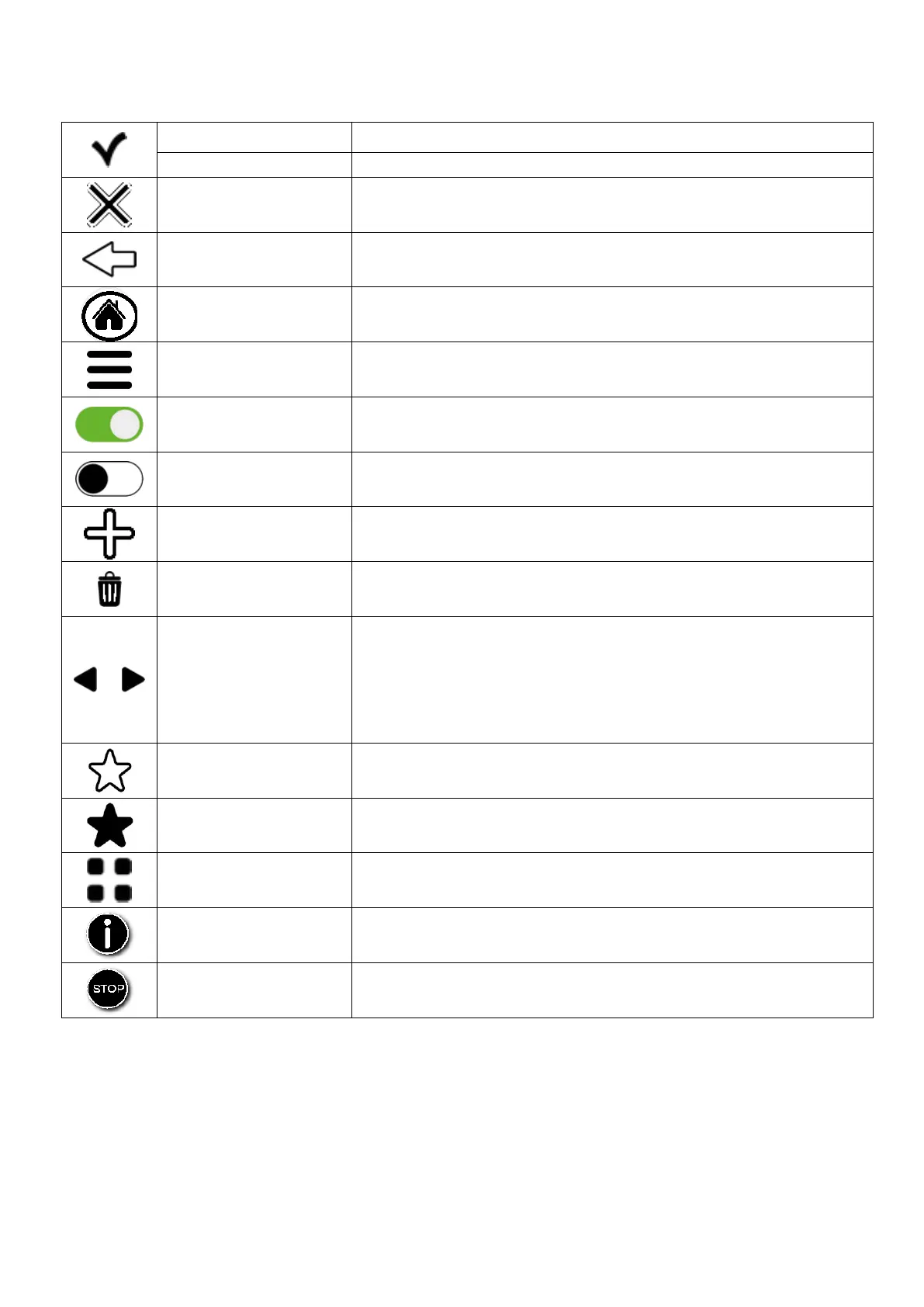
2.3 Explanations of the symbols:
Confirms the set operating parameter
Goes back to the previous screen
Goes back to the main screen
Accesses the additional functions
Activates the indicated function
Deactivates the indicated function
Adds a baking level when using the “Multilevel” function/add
cooking steps
Deletes the unwanted data inside the selected function
“BROWSE” THE
VARIOUS
MENUS/NAVIGATE
BETWEEN THE
VARIOUS
MENUS/WINDOWS
“Browse” the data of the various menus + ADD COOKING
STEPS
RECIPE NOT SAVED IN
THE RECIPE BOOK
The set recipe is not saved in the recipe book
RECIPE SAVED IN THE
RECIPE BOOK
The set recipe is saved in the recipe book
The recipe list is sorted by type
Displays additional information (if any)
STOP “COOLING” or
“WASHING”
The “COOLING”/”WASHING” function stops



 To Next Page