23
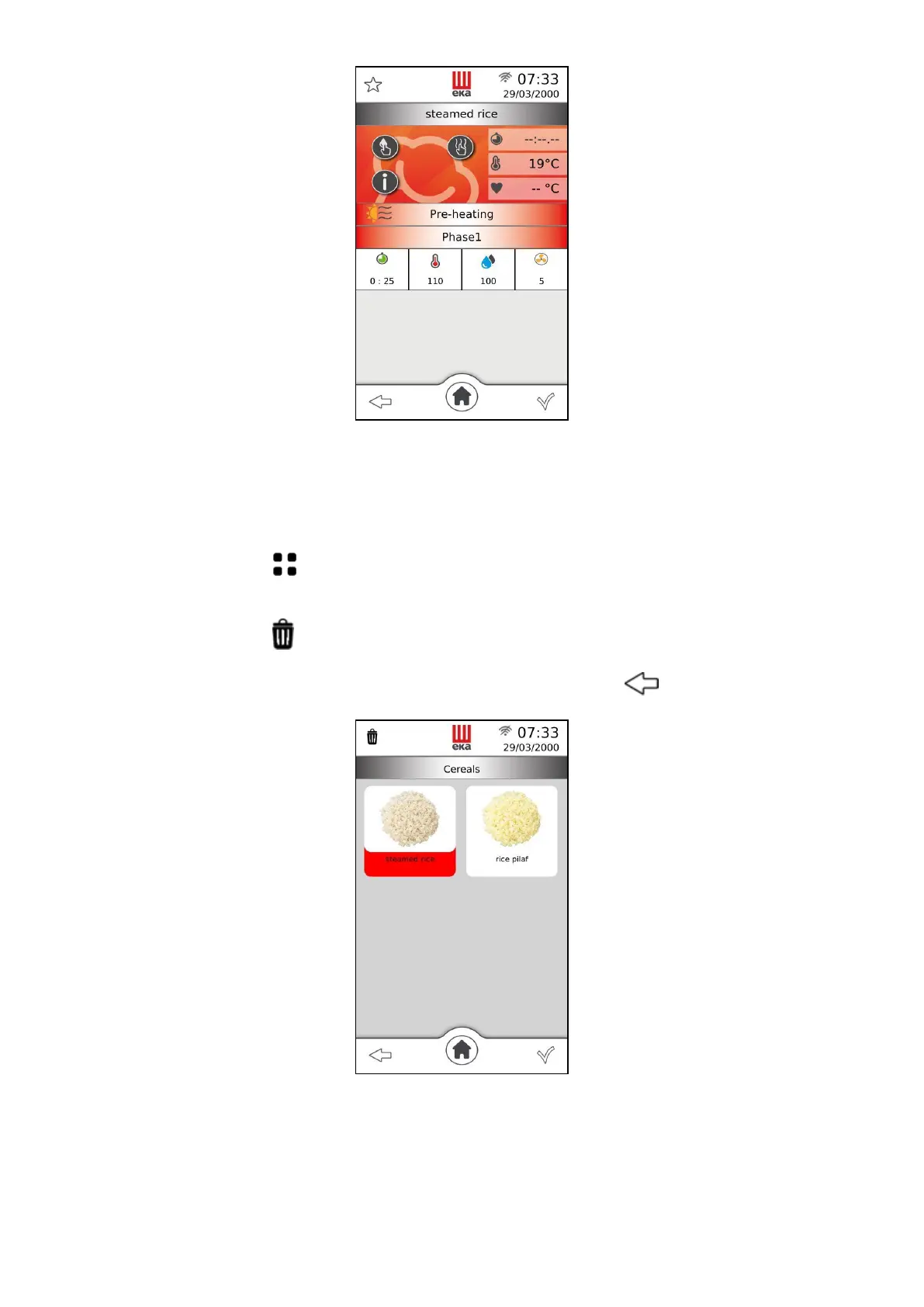
Fig.27
2.17 How to delete cooking programs from the “CHEF” library
Only the recipes in the "CHEF" recipe book can be deleted by operating as follows:
Touch the symbol and select the recipe you want to delete: the name of the recipe is
highlighted on a red background (Fig. 28)
Touch the symbol , a pop-up message will be displayed in order to confirm or undo the
operation
Touch the symbol to confirm the cancellation, touch the symbol to undo the operation.
Fig. 28
Important
Only one recipe can be deleted at a time.



 To Next Page