11. TD236+ SOFTWARE ELBO CONTROLLI srl
Preset E236+
56
11 TD236+ Software
The TD236+ software, installable on a PC with a Microsoft Windows operating system
®
, is found on the
CD enclosed with the machine together with the user’s current maintenance and usage manual.
TD236+ lets you achieve the following functions:
• updating BIOS
• machine names definition and table of tool names
• movement of tool names from one machine to another (with automatic correction of the offset)
• inserting code and orientation for each tool on the table
• post-processor tool charting the best communication format CNC
• printer tool chart
• presetter back-up and restoration
The functioning of the TD236+ software is possible only if the PC is linked up to the E236+ presetter, this
is because all the data (machines, tool charts) are memorized there.
11.1 CONNECTING
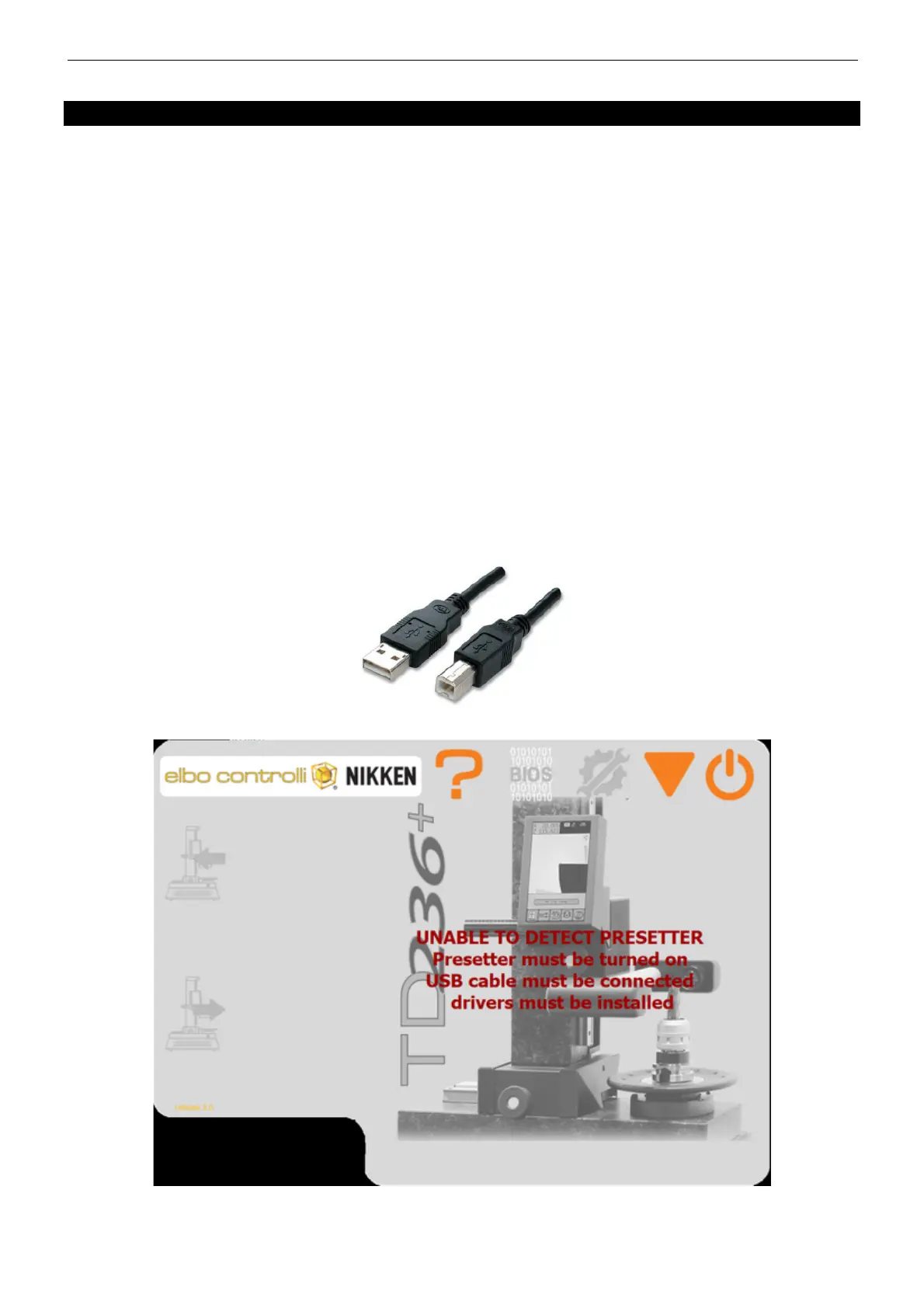
The E236+ Presetter must be connected to a PC through a USB cable of type A-B supplied in equipment:
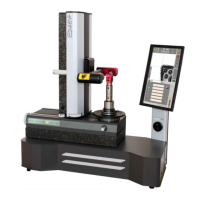
ATTENTION: if preset E236 + is not connected correctly, the following screen will appear:
Only when the connexion is established, can you continue to use the service offered from TD236+.


 To Next Page