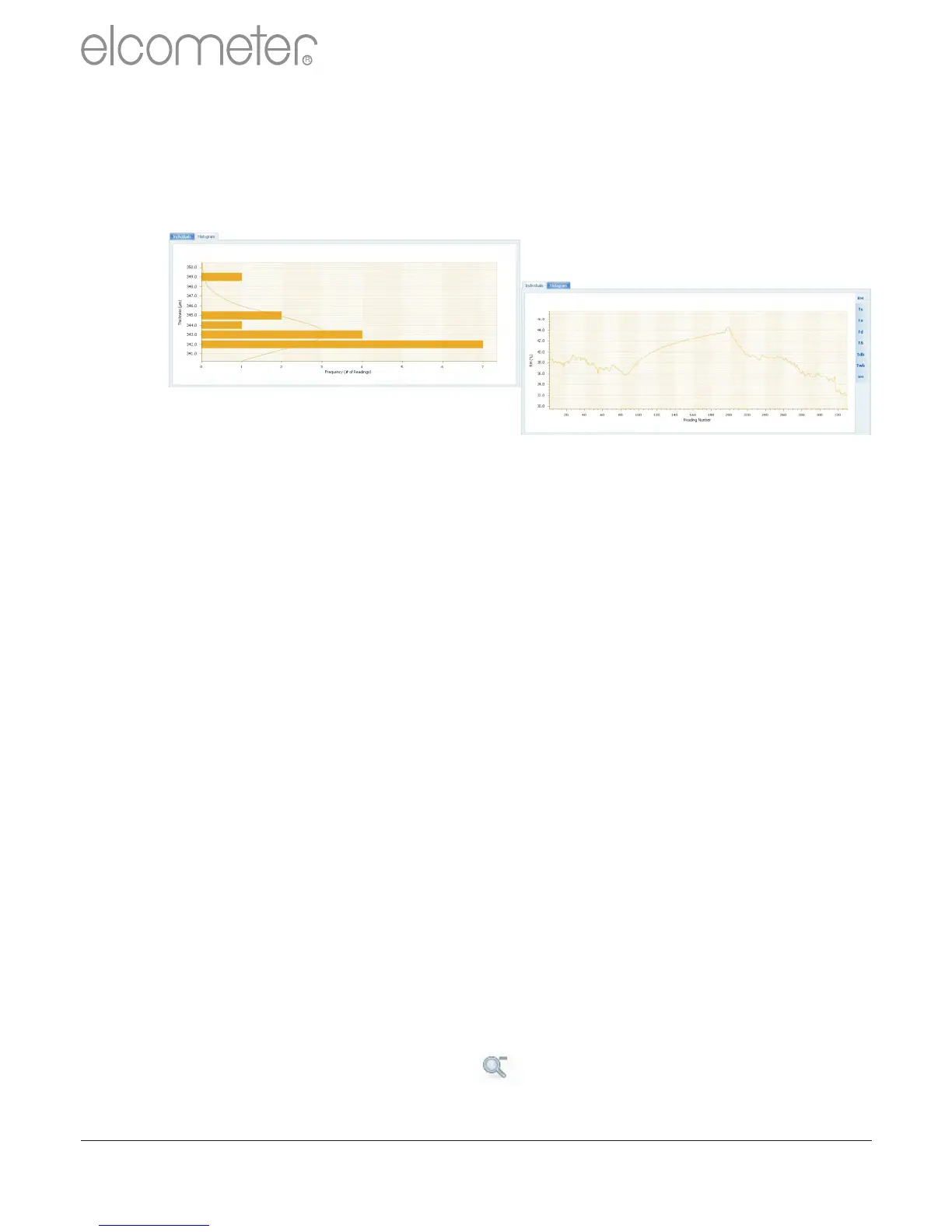
?Template Tabs & Graph Window
There are currently 2 graphs within ElcoMaster™ 2.0;
individuals and histogram. Clicking a template tab
displays the relevant graph in the Graph Window
When the Individuals Graph is displaying climate
data, additional tabs appear on the right hand side,
allowing the user to select a measurement to view
from the following:
RH: Relative Humidity
Ts: SurfaceTemperature
Ta: AirTemperature
Td: Dewpoint Temperature
TÄ: Delta T, (Ts-Td)
Tdb: Dry Bulb Temperature
Twb: Wet bulb Temperature
SH: Specific Humidity
Right mouse click on the individuals graph allows
users to select the x-axis value between:
Date & Time Relative Time (seconds)
Reading Number Relative Time (minutes)
Left clicking and dragging the mouse across the
individuals chart allows users to zoom in on a
specific area of the graph. The zoom can be reset by
clicking on the icon.
en
R
www.elcometer.com
41



 To Next Page