EasyManua.ls Logo

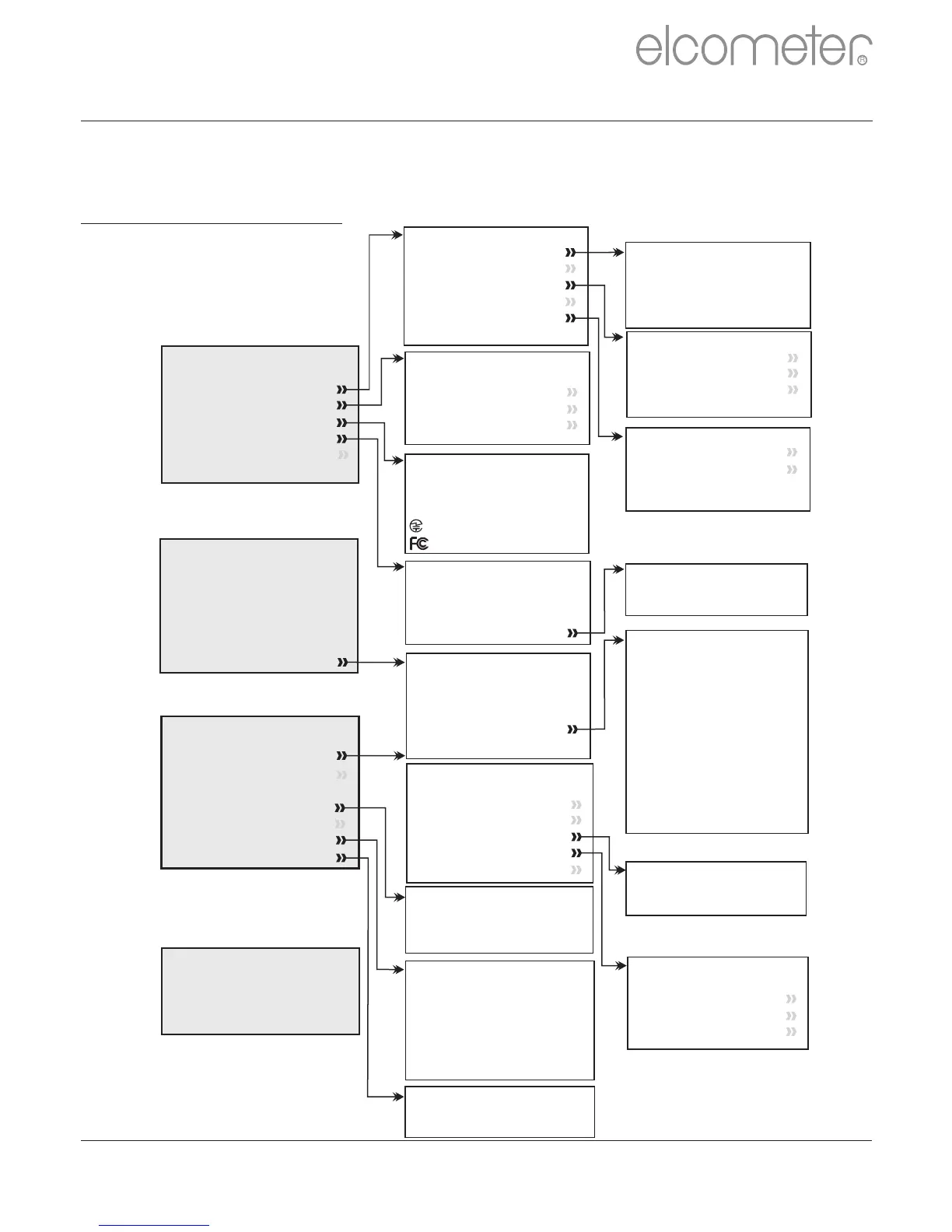
Elcometer 224 - GAUGE MENU STRUCTURES (CONTINUED); Menu Navigation Diagram (Model B)

Elcometer 224
64 pages
Print Icon
To Next Page IconTo Next Page
To Previous Page IconTo Previous Page
Loading...
15 GAUGE MENU STRUCTURES (BT)
Please find below a simplified diagram of each Elcometer 224 model’s
menu structures.
Elcometer 224 Model T
Select Statistics
Number of Readings
Mean
Standard Deviation
Coefficient of Variation
Nominal Value
Lowest Reading
Highest Reading
Low Limit Value
Number Below Limit
High Limit Value
Number Above Limit
Setup
Units
Language
Time and Date
Beep Volume
Screen Settings
Gauge Auto Off
Time and Date
Set Time
Set Date
Set Format
Display Time and Date
Screen Settings
Screen Brightness
Screen Timeout
Auto Display Rotation
Opening Screen
Set Limits
Set Upper
Set Lower
Set Nominal
Enable Limits
About
Gauge Information
Probe Information
Contact
Legal
Batch Limits
Set Upper
Set Lower
Set Nominal
Enable Limits
Batch Type
Normal
Counted Average
Deleted Reading
Delete With Tag
Delete Without Tag
New Batch
Open Batch 1
Rename Batch 1
Calibrate
Batch Type
Batch Limits
Fixed Batch Size
Menu
Delete Last Reading
Setup
Set Limits
Bluetooth
About
Reset
Emergency Light
Calibration
Calibrate
Factory Calibration
Calibration Lock
Test Calibration
Review Batch
Batch 1
Statistics
Batch Information
Calibration Information
Readings
Batch Graph
Units
µm
mm
mils
inch
Bluetooth
Enable Bluetooth
Bluetooth ID xxxxxx
Bluetooth Code xxxxxx
xxxxxx
xxxxxx
Legal
Legal Notices
Regulatory
Display
Clear Statistics
Readings Only
Readings & Selected Stats
Readings & Run Chart
Readings & Bar Graph
Batch Graph
Statistics
Statistics
Clear Statistics
View Selected
View All
Select Statistics
Counted Average
Batch
Memory Free
New Batch
Open Existing Batch
Exit Batching
Edit Batch
Copy Batch
Review Batch
Deleted Reading
Edit Batch
Rename Batch
Clear Batch
Delete Batch
en
R
www.elcometer.com 56

Other manuals for Elcometer 224

Related product manuals