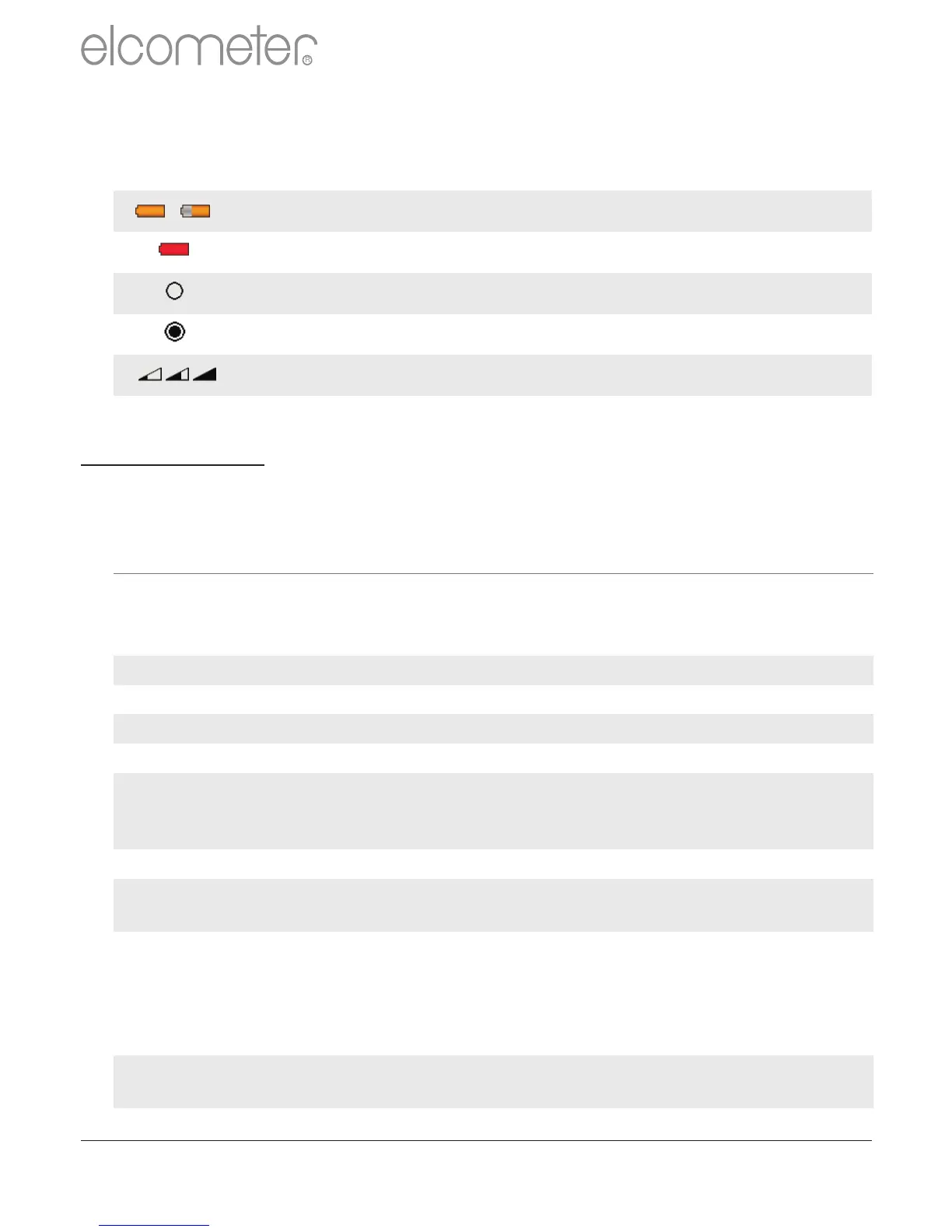
User Selectable Feature: Switched Off
User Selectable Feature: Switched On
Probe to gauge communication failure. Integral Gauges:
Contact Elcometer. Separate Gauges: Remove probe and
refit. If error persists, contact Elcometer.
Internal Error - contact Elcometer.
No probe connected. Connect probe.
Wrong probe connected. Connect correct probe.
Probe has been changed during a calibration or whilst batching.
External electromagnetic interference or gauge is faulty.
Isolate from electromagnetic interference. If error persists,
contact Elcometer.
Calculated value is too large to be displayed. Contact Elcometer.
Incorrect calibration calculation. Re-calibrate. If error persists,
contact Elcometer.
Bluetooth link working at limit of its range. PC is busy running
other applications. Interference. PC application doesn’t send
replies. Move gauge closer to PC. Shutdown other
applications. Remove source of interference. If error persists,
contact Elcometer.
Gauge EEPROM communication error. If problem persists,
contact Elcometer.
Batch memory full. Delete one or more batches
Error Messages
Under certain conditions, the gauge will display error messages. The
cause of the error should be corrected before proceeding.
en
R
www.elcometer.com
55



 To Next Page