6 THE GAUGE FEATURES
The Elcometer 224 Surface Profile Gauge has a number of easy to use
features and functions to help the user be more efficient. These include:
Fast reading rate (BT)
The Elcometer 224 is capable of taking up to 60 accurate, repeatable
and reproducible measurements every minute.
Easy to use menu structure in more than 30 languages (BT)
Designed to be intuitive, the Elcometer 224 menus and calibration
instructions are available in multiple languages via
Menu/Setup/Language.
Bright colour screen (BT)
Each gauge is supplied with a scratch and solvent resistant 2.4"
(60mm) TFT colour screen which clearly displays the reading. The
screen brightness can be adjusted manually - via
Menu/Setup/Screen Settings/Screen Brightness/Manual or
automatically using the gauge’s ambient light sensor which can be
switched on via Menu/Setup/Screen Settings/Screen
Brightness/Auto.
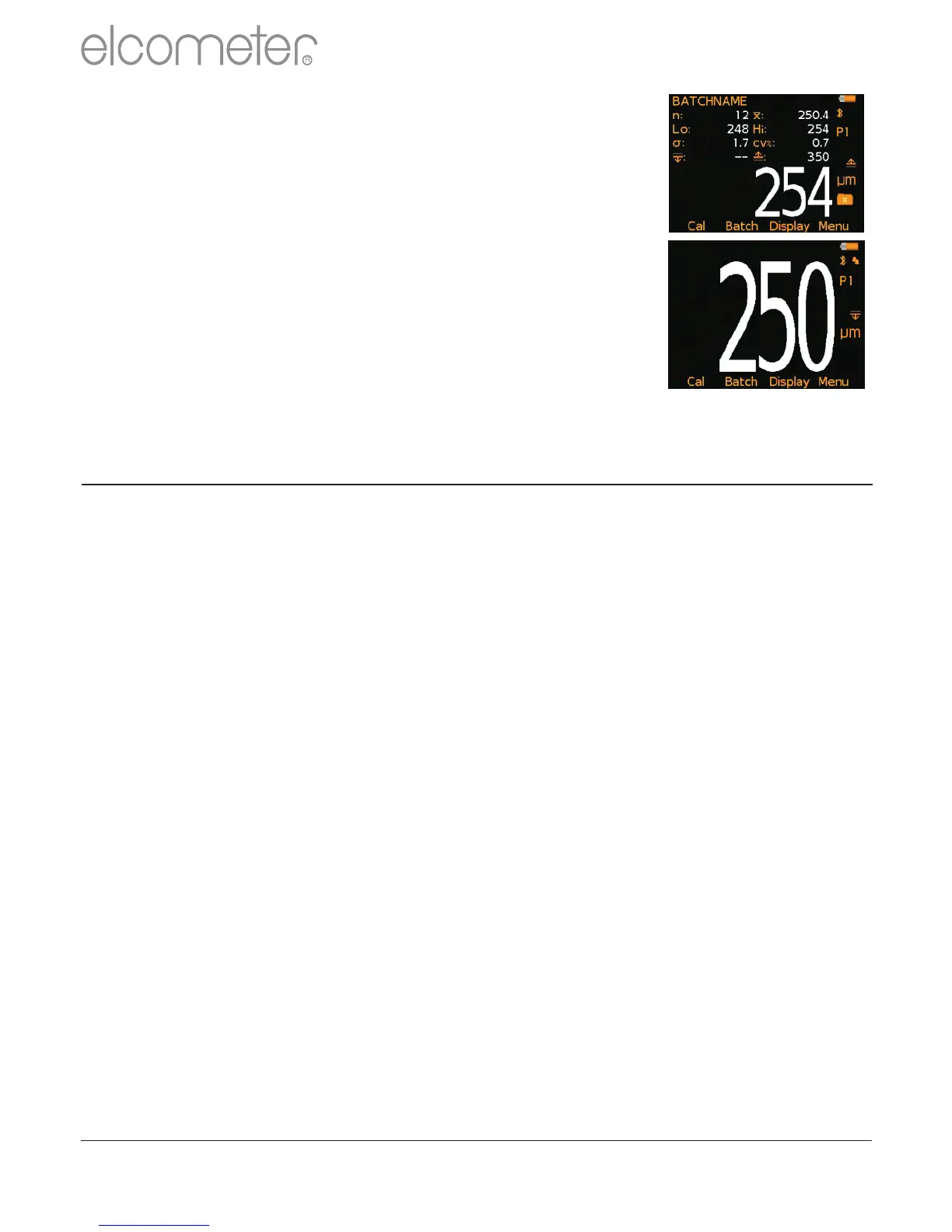
Reading display size
The character size of the measurement value on
the display increases or decreases depending on
the number of statistics that are displayed; or if a
graph is displayed on the measurement screen.
To maximise the reading size, either:
?reduce the number of statistical values that
are displayed via Display/Statistics/Select
Statistics, or
?display the reading only by checking the
Display/Readings Only radio button.
www.elcometer.com
11
en
R



 To Next Page