Installing ElcoMaster™ Mobile
To install ElcoMaster™ Mobile simply scan the QR code or
download via www.elcometer.com or Google Play,
https://play.google.com/store/apps/details?id=com.elcometer.elcomaster,
and follow the on screen instructions.
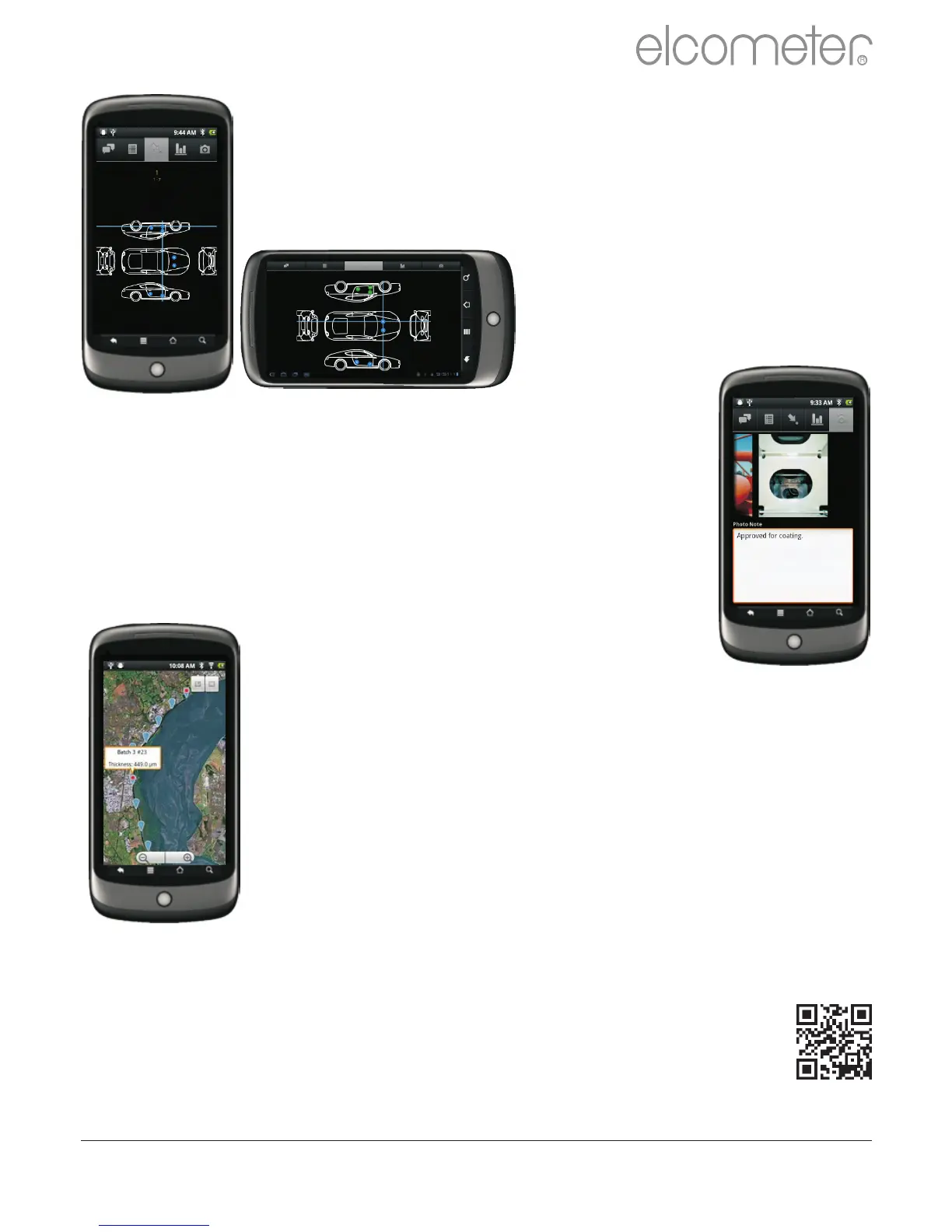
?Download collection images created using the
‘Design Collect’ function in ElcoMaster™ 2.0 to
indicate where and in which order readings
should be taken.
?Take photographs and add them to
batch readings at the click of a button.
?Map readings on to a Google Map,
photographs or diagrams.
www.elcometer.com 48
en
R



 To Next Page