Programming and Configuration Manual
13
4 Configuration
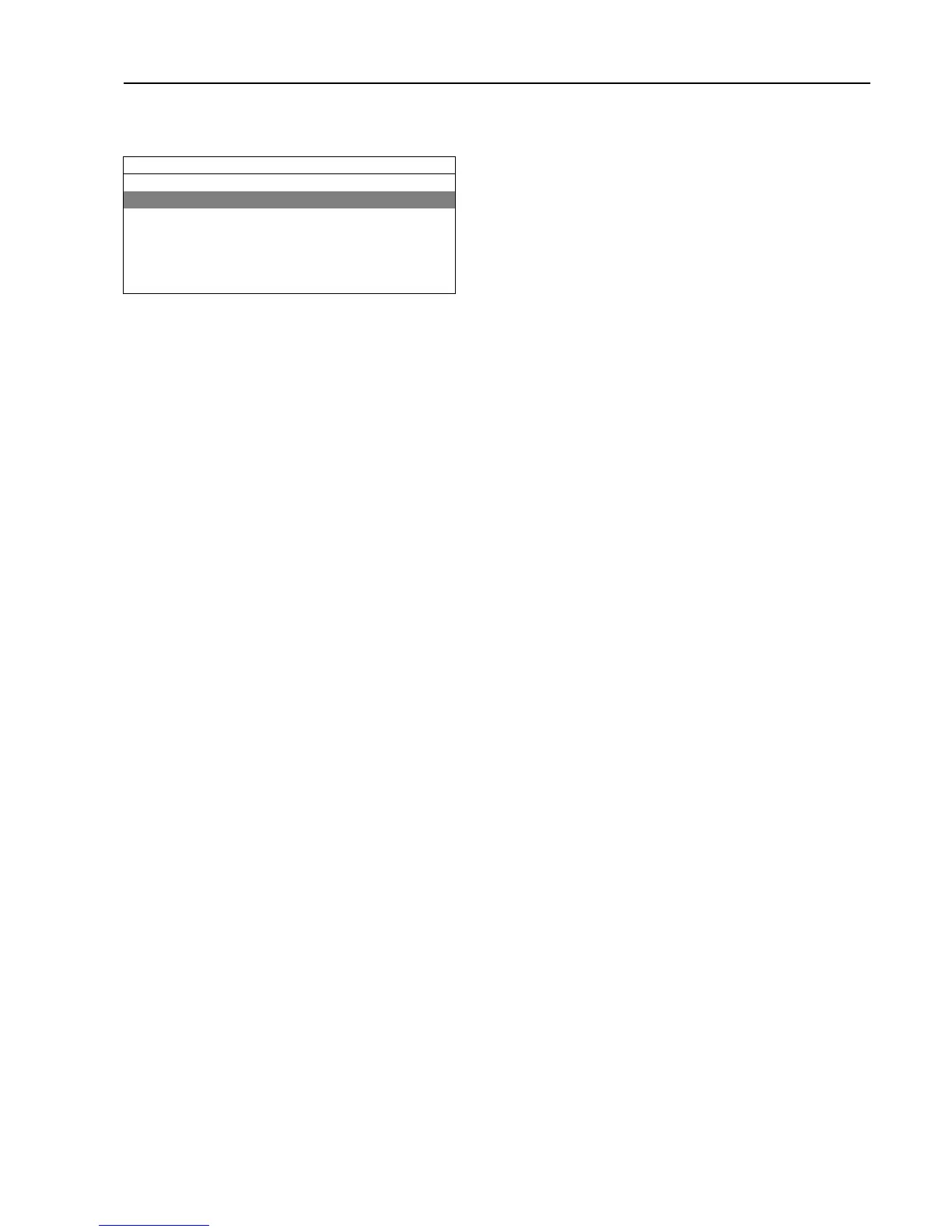
Activate the CONFIGURATION menu.
SERVICE MENU
FUNCTION TEST
CONFIGURATION
PRICE PROGRAMMING
STATISTICS
PROGRAM PARAMETERS
SYSTEM
DEFAULT LANGUAGE
The display will now show the following submenus:
• LANGUAGE SETTINGS
• TIME/DATE
• USER INTERFACE
• MACHINE ADDRESS
• YOUR PASSWORD
• I/O CONFIGURATION
• CONFIG. 1
• CONFIG. 2
• ERROR CODE
• RESTORE SETTINGS
• PROCESS MENU
• MAINTENANCE
• TMIS
General for all parameters/settings/values:
Save = Long press
Edit = Turn/Press
Exit = Double press
If there is a changeable value, the lowest and highest values that can be set are listed below the changeable value.
4.1 LANGUAGE SETTINGS
Activate the LANGUAGE SETTINGS menu.
If a password is set in YOUR PASSWORD, a password is needed to continue. Enter the password set in YOUR PASS-
WORD and press the control knob.
The display will now show the following submenus:
• DEFAULT LANGUAGE
• SECOND LANGUAGE
• LANGUAGE TIMEOUT
• ALLOW LANGUAGE CHANGE
General for all parameters/settings/values:
Save = Long press
Edit = Turn/Press
Exit = Long press/Double press
If there is a changeable value, the lowest and highest values that can be set are listed below the changeable value.
4.1.1 DEFAULT LANGUAGE
Set the language to be shown when the machine is started. (The available languages are shown in a list). The pro-
gam unit will return to this language if the machine is not used during the period specified in the LANGUAGE TIMEOUT
menu.
When no default language is pre-set from factory, at first power up, the operator will be forced to select default
language.








 To Next Page