38
Programming and Configuration Manual
5.14 Example on how to set coin values
Set the time to be payed for in SET TIME/PROGRAM menu.
Set the price for the set time in PRICE/PROGRAM menu.
Set the coin value in SET COIN 1 VALUE (and SET COIN 2 VALUE).
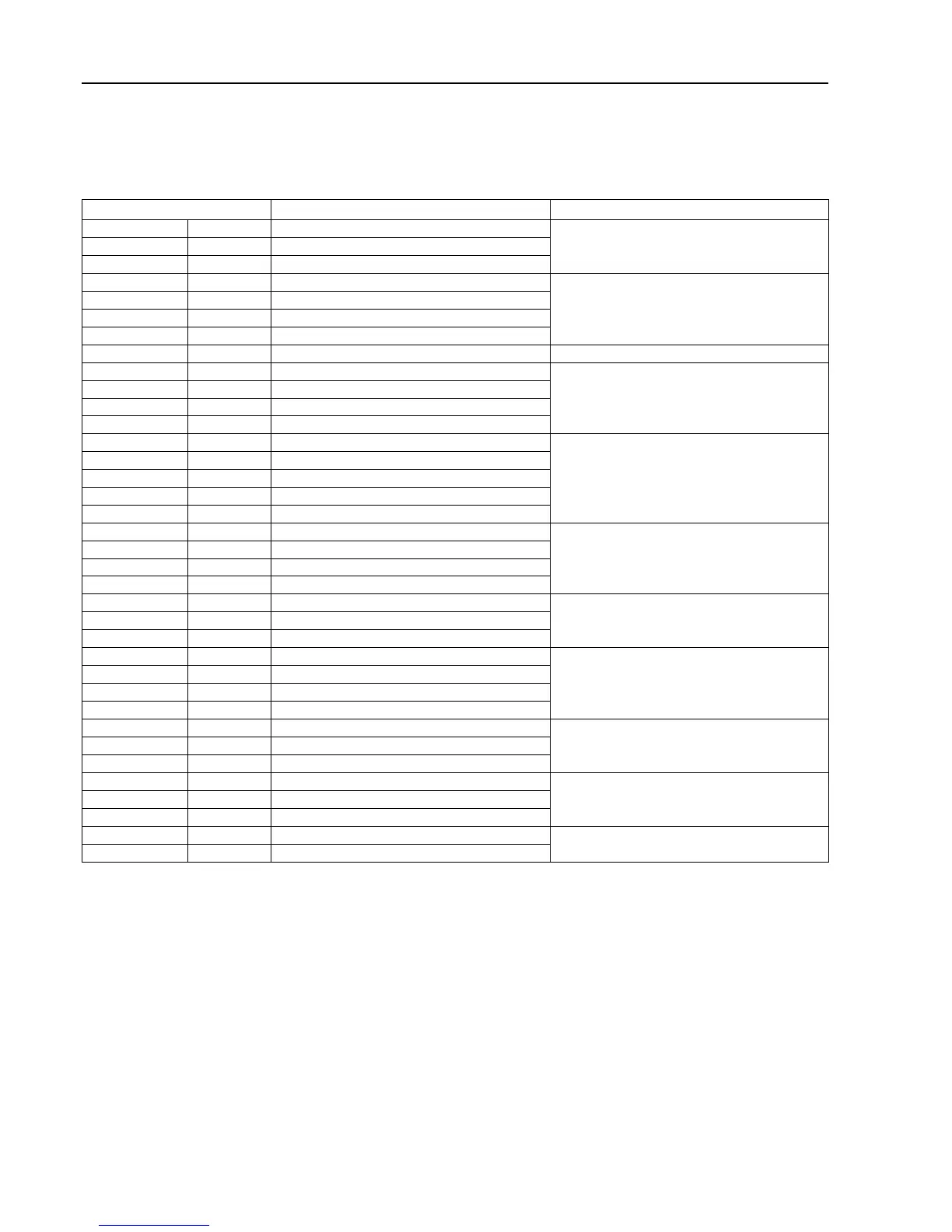
Coin Pulses from electronic coin meter Programming of coin 1 (value per pulse)
0.2 AUD 2 0.10 AUD
Value 10 with “decimal in price”.
1 AUD 10
2 AUD 20
0.2 CHF 2 0.10 CHF
Value 10 with “decimal in price”.
0.5 CHF
5
1 CHF 10
2 CHF 20
20 CZK 2 10 CZK
1 DKK 1 1 DKK
2 DKK 2
5 DKK 5
10 DKK 10
0.1 EUR 1 0.10 EUR
Value 10 with “decimal in price”.
0.2 EUR 2
0.5 EUR 5
1 EUR 10
2 EUR 20
1 HKD 1 1 HKD
2 HKD 2
5 HKD 5
10 HKD 10
1 LTL 1 1 LTL
2 LTL 2
5 LTL 5
1 NOK 1 1 NOK
5
NOK
5
10 NOK 10
20 NOK 20
0.5 NZD 5 0.10 NZD
Value 10 with “decimal in price”.
1 NZD 10
2 NZD 20
1 SEK 1 1 SEK
5
SEK
5
10 SEK 10
10 TWD 1 10 TWD
50 TWD 5








 To Next Page