Programming and Configuration Manual
35
5 Price programming
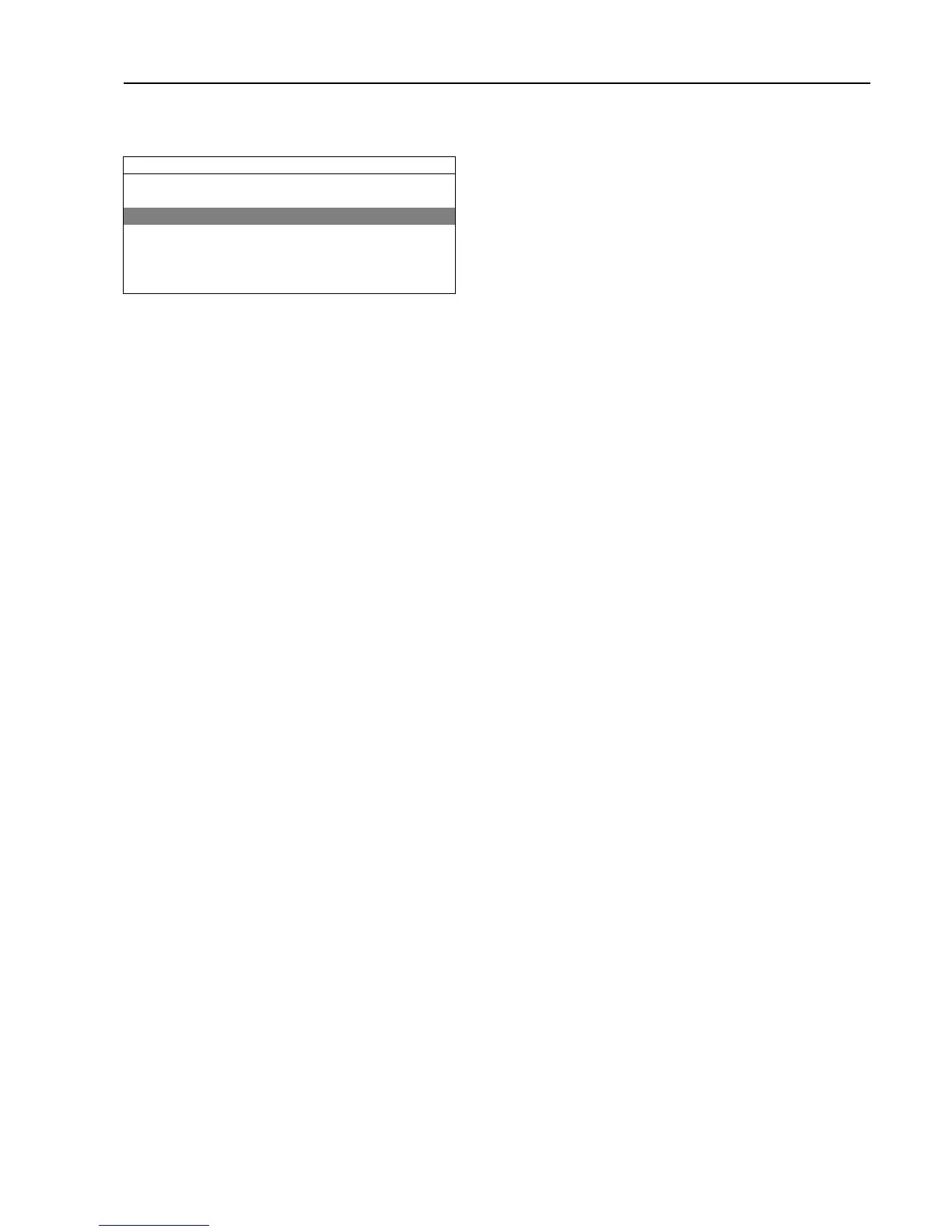
Activate the PRICE PROGRAMMING menu.
SERVICE MENU
FUNCTION TEST
CONFIGURATION
PRICE PROGRAMMING
STATISTICS
PROGRAM PARAMETERS
SYSTEM
DEFAULT LANGUAGE
The display will now show the following submenus:
• SET COIN 1 VALUE
• SET COIN 2 VALUE
• DECIMAL IN PRICE
• PRICE ON ALL PROGRAMS
• PRICE/PROGRAM
• PRICE/OPTION
• PRICE/TRIANGLE OPT.
• TIME PER COIN
• PRICE REDUCTION
• PRICE REDUCTION SCOPE
• COIN COUNTER 1
• COIN COUNTER 2
• HAPPY HOUR
General for all parameters/settings/values:
Save = Long press
Edit = Turn
Exit = Double press
If there is a changeable value, the lowest and highest values that can be set are listed below the changeable value.
5.1 SET COIN 1 VALUE
Set the value for coin slot 1. (If the coin value is set to more than 0, the machine is treated as a coin operated
machine).
Example: If the value is set to 10 the coin value will be displayed as 10 (if the DECIMAL IN PRICE is set to NO) or
00,10 (if the DECIMAL IN PRICE is set to YES).
Note!
If connected to an electronic coin meter, this parameter is representing value per pulse. See “Example on
how to set coin values”.
5.2 SET COIN 2 VALUE
Set the value for coin slot 2.
Example: If the value is set to 10 the coin value will be displayed as 10 (if the DECIMAL IN PRICE is set to NO) or
00,10 (if the DECIMAL IN PRICE is set to YES).
5.3 DECIMAL IN PRICE
Set if the price shall be shown with or without decimal.
YES = Decimal in price
NO = No decimal in price
5.4 PRICE ON ALL PROGRAMS
This setting is used to set the same price for all active programs in the machine.
The set price will be used until a different price is set for a single program in PRICE/PROGRAM menu.








 To Next Page