83
ENGLISH
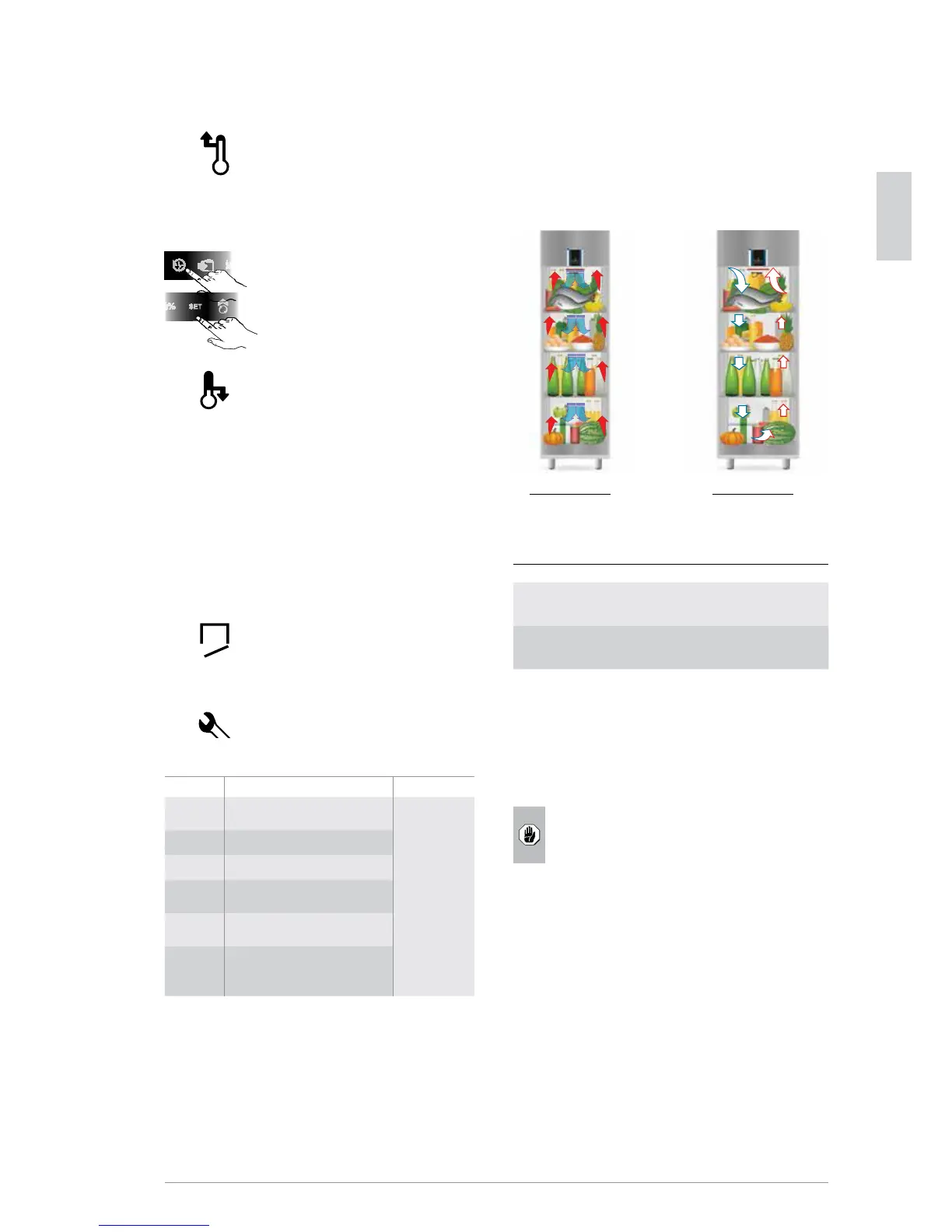
C.1.2.2 Alarm icons
Compartment high temperature
alarm
When the compartment temperature
exceeds the set maximum value the icon
lights up and an audible alarm is activated.
The alarm ceases when the temperature
returns to the Set Point. A timer is also ac-
tivated, which counts the time duration of
the alarm until it is silenced.
Pressing the button History displays the
code HI and then in sequence, pressing the
button Set, the number of hours since the
alarm occurred.
To deactivate the icon, press on it briey.
Compartment low temperature
alarm
The icon lights up and an audible alarm
is activated when the compartment tem-
perature exceeds the set minimum value.
The alarm ceases when the temperature
returns to the Set Point. A timer is also ac-
tivated, which counts the time duration
of the alarm until it is silenced. Pressing
the button History displays the code LO
and then in sequence, pressing the button
Set, the number of days since the alarm
occurred.
To deactivate the icon, press on it briey.
Door open alarm
The icon lights up when the door is opened.
After the max. door opening time the icon
stays on xed and the buzzer is activated.
The alarm ceases when the door is closed.
Service alarms
Symbols Meaning Actions
E0
“rE”
compartment probe fault
Call
After-Sales
Service
E1 room probe fault
E2 condenser probe fault
CLn (*) the condenser needs cleaning
“Ser” condenser fan failure
CN
communication between
temperature controller and
compartment lamp interrupted
(*) If the message “CLn” appears, rst make sure there are no
obstructions on top of the machine; otherwise, they must be
immediately removed.
Then, after the signalling is reset, check if the condenser is
very dirty and clean it if necessary (operation not requiring
After-Sales Service).
NOTE: The message “CLn” is factory-set in maximum room
temperature operating conditions (43°C) and considering the
condenser completely obstructed.
C.1.3 Loading the product
Distribute the product evenly inside the compartment (away
from the door and back) to allow good air circulation:
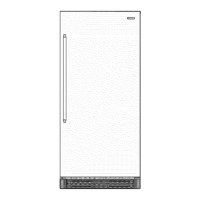
600mm model 900mm model
Regarding the max. load for each shelf, respect that given in
the table below:
Max. shelf load
Prostore vertical refrigerators
with digital control - 600mm
40 kg
Prostore vertical refrigerators
with digital control - 900mm
60 kg
In case of excessive product loading, the temperature remains
uniform thanks to the removable rear supports which act as
an air conveyor.
Cover or wrap food before placing it in the refrigerator and
avoid putting hot foods or steaming liquids inside.
ATTENTION
Do not load products on the compartment
bottom without the bottom rack (refer to par.
D.1.1.3 Compartment cleaning).




 To Next Page