19
Procedure for use
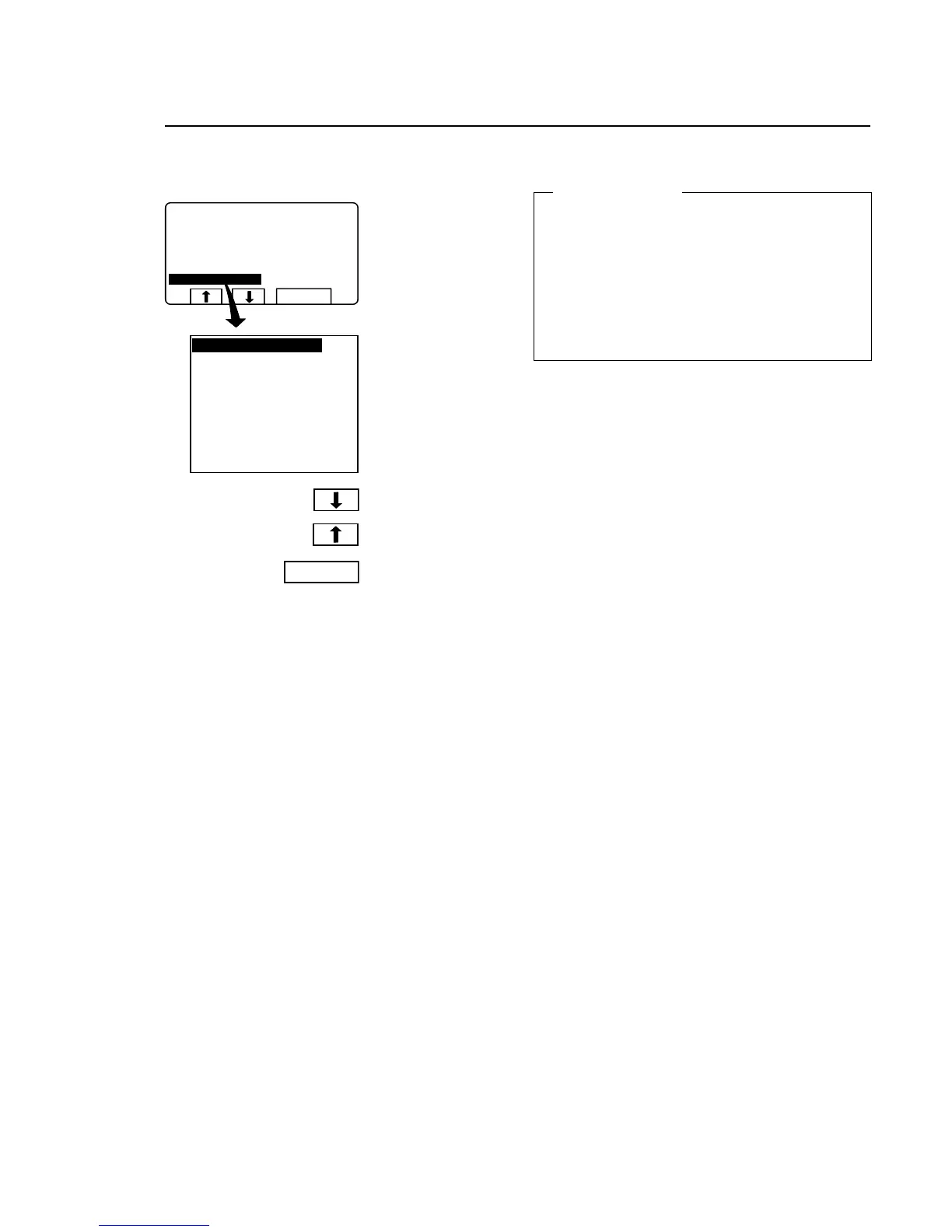
No water reduction
During program operation
the display will look like
this (see section ”To start
the wash program”).
Press c or bone or
more times to highlight
”NO WATER REDUC-
TION”.
Press SELECT.
No water reduction
The wash load is weighed during the program and the
water level is adjusted automatically according to its
weight. If the load is not a full one, the water level will
be reduced according to a water level reduction table.
You can switch off water level reduction at any stage of
a program.
Note that if you select ”NO WATER REDUCTION”, this
applies only to the program currently running. The next
time a program is started, water level reduction will oc-
cur automatically again.
For machines with weighing equipment installed only!
3583
991 NORMAL 95°C
PROGRAM STEP: MAIN WASH 1
STEP TIME: 720 SEC
SET TEMPERATURE: 85 C
ACTUAL TEMPERATURE: 21 C
REMAINING TIME: 70 MIN
DRUM SPEED: 1000 RPM
NO WATER REDUCTION
SELECT
NO WATER REDUCTION
SELECT


 To Next Page
 Loading...