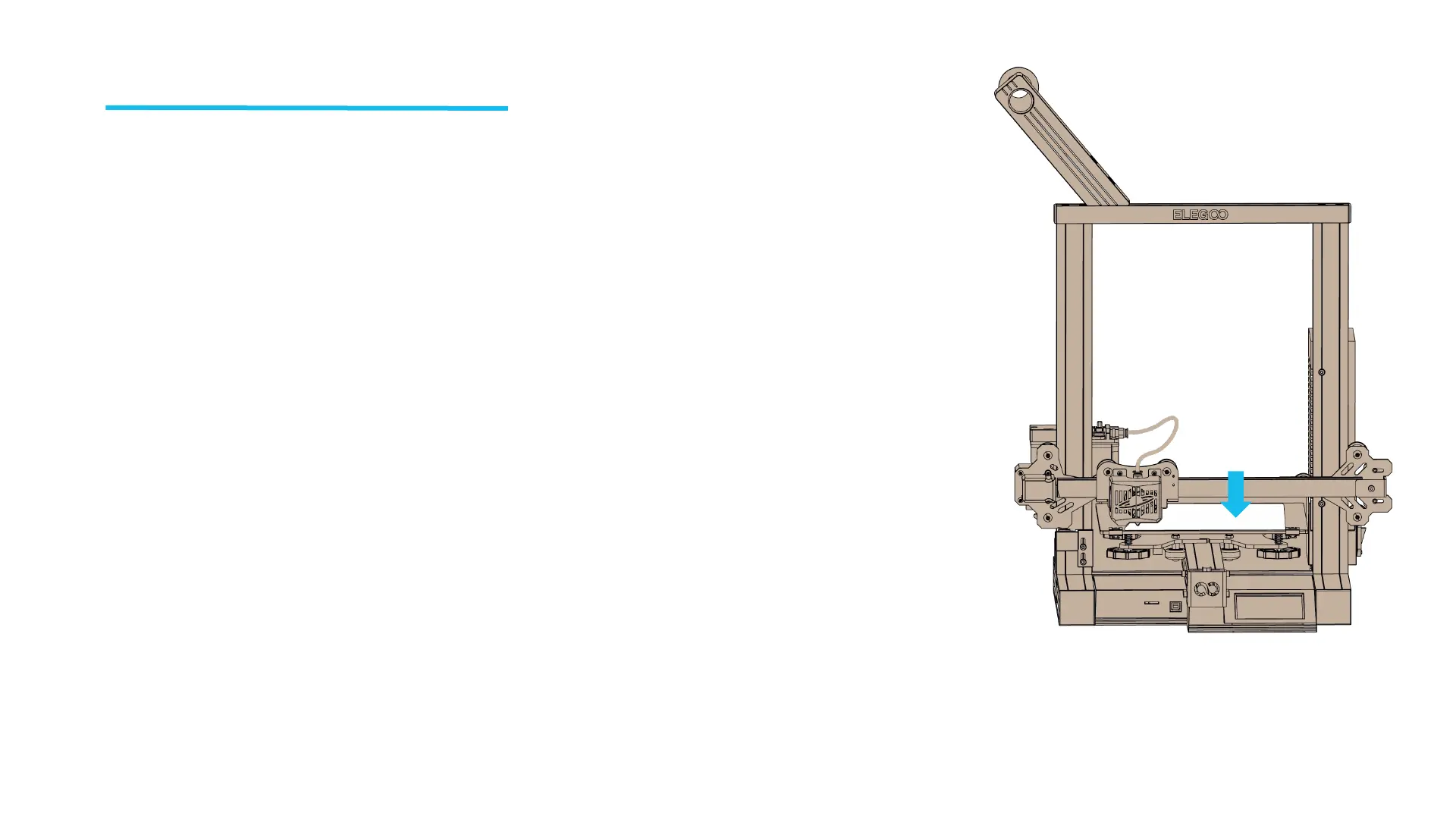
Platform Leveling
l In the process of printing, we need to level the platform in order to
make the base of the model stick to the build platform and not
falling off.
l The best distance between the nozzle and the platform is 0.1mm-
0.2mm, and you need to prepare an A4 paper to assist in leveling.
1.First, make sure that all the cables are connected, and then turn on
the printer.
2. Click【Tool】in the main menu to enter the tool interface and then
click【Leveling】.
3. Place a piece of A4 paper between the nozzle and the platform. Click
the leveling point, and the nozzle will move to each point of the platform
accordingly. Adjust the leveling nut under the platform. (Loosen the nut
clockwise, then the platform will rise; otherwise, the platform will fall).
4. Make sure the nozzle and A4 paper just touch, the paper can move
smoothly and there is friction force when moving the paper.
5. Level the point 2, 3, 4 and 5 in the same way.
l After the leveling is completed, the distance between the platform
and the nozzle must be verified (1-2 times) according to the above
steps ① → ② → ③ → ④ to avoid scratching the platform plate.
A4
paper
14



 To Next Page