11. AUDIO TRACK PARAMETERS
44
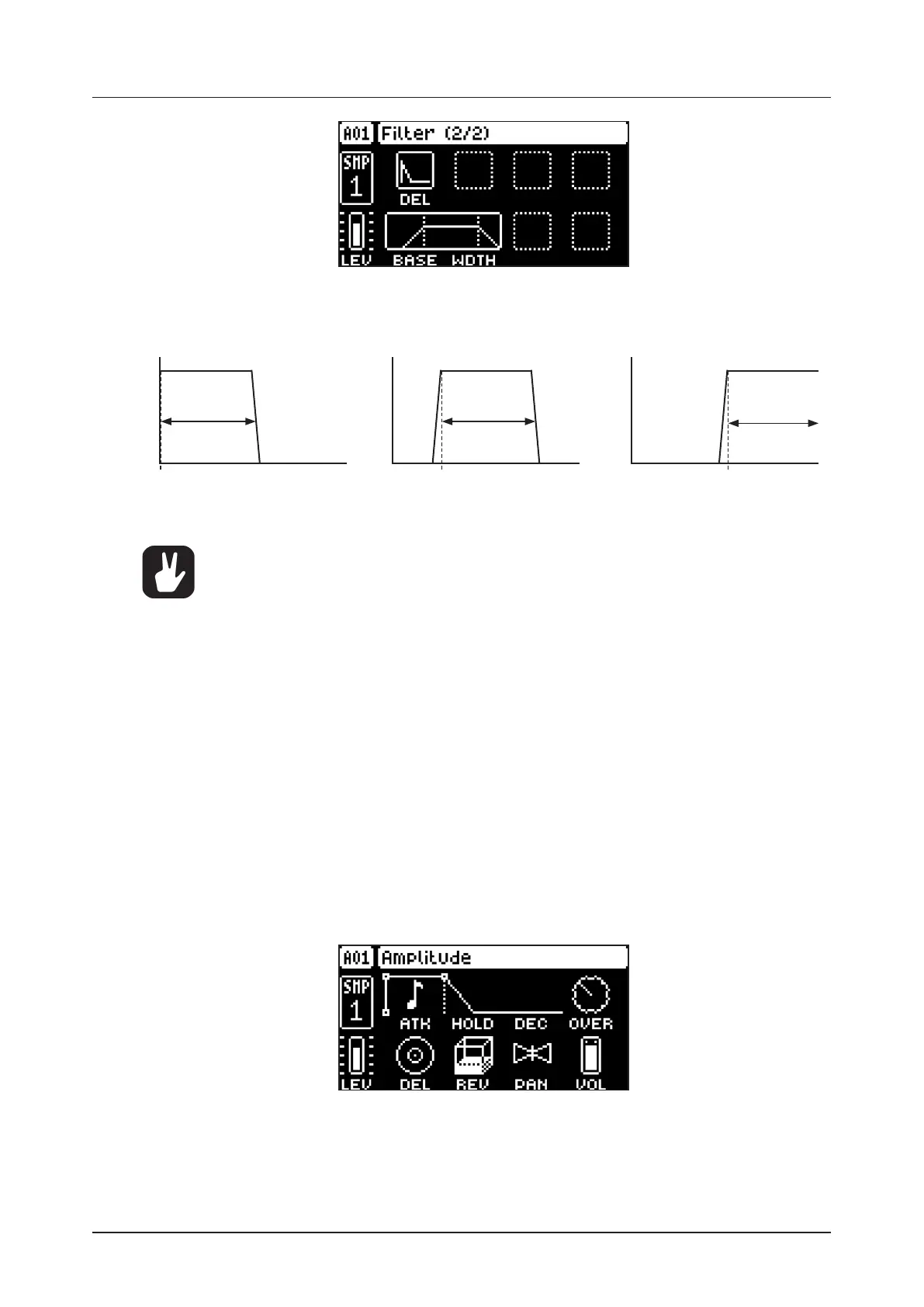
The base-width filter is basically a Highpass filter and a Lowpass filter connected in series. The filters BASE
and WIDTH parameters define the base-width filters frequency range.
Examples of how the BASE and WIDTH parameters aect the filter frequency range:
FREQUENCY
AMPLITUDE
Base
Width
FREQUENCY
AMPLITUDE
Base
Width
FREQUENCY
AMPLITUDE
Base
Width
• With BASE set to 0, the filter functions as a low pass filter with WIDTH adjusting the fre-
quency range.
• With WIDTH set to 127, the filter functions as a high pass filter with BASE adjusting the
frequency range.
• With BASE set to 0 and WIDTH set to 127 the filter does not aect the sound.
11.6.1 DEL
Envelope delay sets the time before the attack phase of the filter envelope starts. This parameter is part
of the filter envelope that controls the multimode filter. You can also press and hold [FUNC] and then
turn DATA ENTRY knob A to quickly access this parameter from FILTER PAGE 1.
11.6.2 BASE
Sets the base frequency of the filter. (0–127)
11.6.3 WIDTH
Sets the frequency width above the base frequency. (0–127)
11.7 AMP PAGE
The AMP page controls parameters for the amplitude envelope, overdrive, eects sends, panning and
volume.
Press [AMP] to access this parameter page.
11.7.1 ATK
Attack Time sets the length of the attack phase of the amp envelope. (0–127)
11.7.2 HOLD
Hold Time sets the length of the hold phase of the amp envelope. Fixed Hold time values (0–126) specify
the length of the hold phase, and the envelope ignores Note O events such as Trig Length (See “10.6


 To Next Page