15. SETTINGS MENU
66
If MIDI+USB is selected in the OUTPUT TO settings, MIDI data will limit the USB speed.
When sending large chunks of data, make sure you only use the USB setting.
OUTPUT CH selects whether the knobs will send data on the auto channel or the track channel.
PARAM OUTPUT selects what type of MIDI messages the DATA ENTRY knobs will send. For information
about which CC/NRPN parameters that will be sent, please see “APPENDIX A: MIDI” on page 77.
• NRPN will make the knobs send out NRPN MIDI messages.
• CC will make the knobs send out CC MIDI messages.
ENCODER DEST controls whether the DATA ENTRY and LEVEL/DATA knobs sends MIDI data or not.
When set to INT, the knobs only aects the Digitakt and no MIDI data is sent. When set to INT + EXT,
the knobs aects the Digitakt and also sends MIDI data to external devices.
TRIG KEY DEST controls whether the [TRIG] keys sends MIDI data or not. When set to INT, the
[TRIG] keys only aects the Digitakt and no MIDI data is sent. When set to INT + EXT, the [TRIG] keys
aects the Digitakt, and also sends MIDI data to external devices. When set to EXT, the [TRIG] keys
do not aect the Digitakt but MIDI data is sent externally.
MUTE DEST controls whether activating/deactivating mutes will send MIDI data or not. When set to
INT, mute only aects the Digitakt and no MIDI data is sent. When set to INT + EXT, mute aects the
Digitakt and also send MIDI data to external devices. When set to EXT, mute sends MIDI data exter-
nally, but do not aect the Digitakt.
RECEIVE NOTES will, when active, make it possible to play Digitakt using an external MIDI keyboard.
RECEIVE CC/NRPN will, when active make it possible to control Digitakt parameters from an external
MIDI device sending CC/NRPN data.
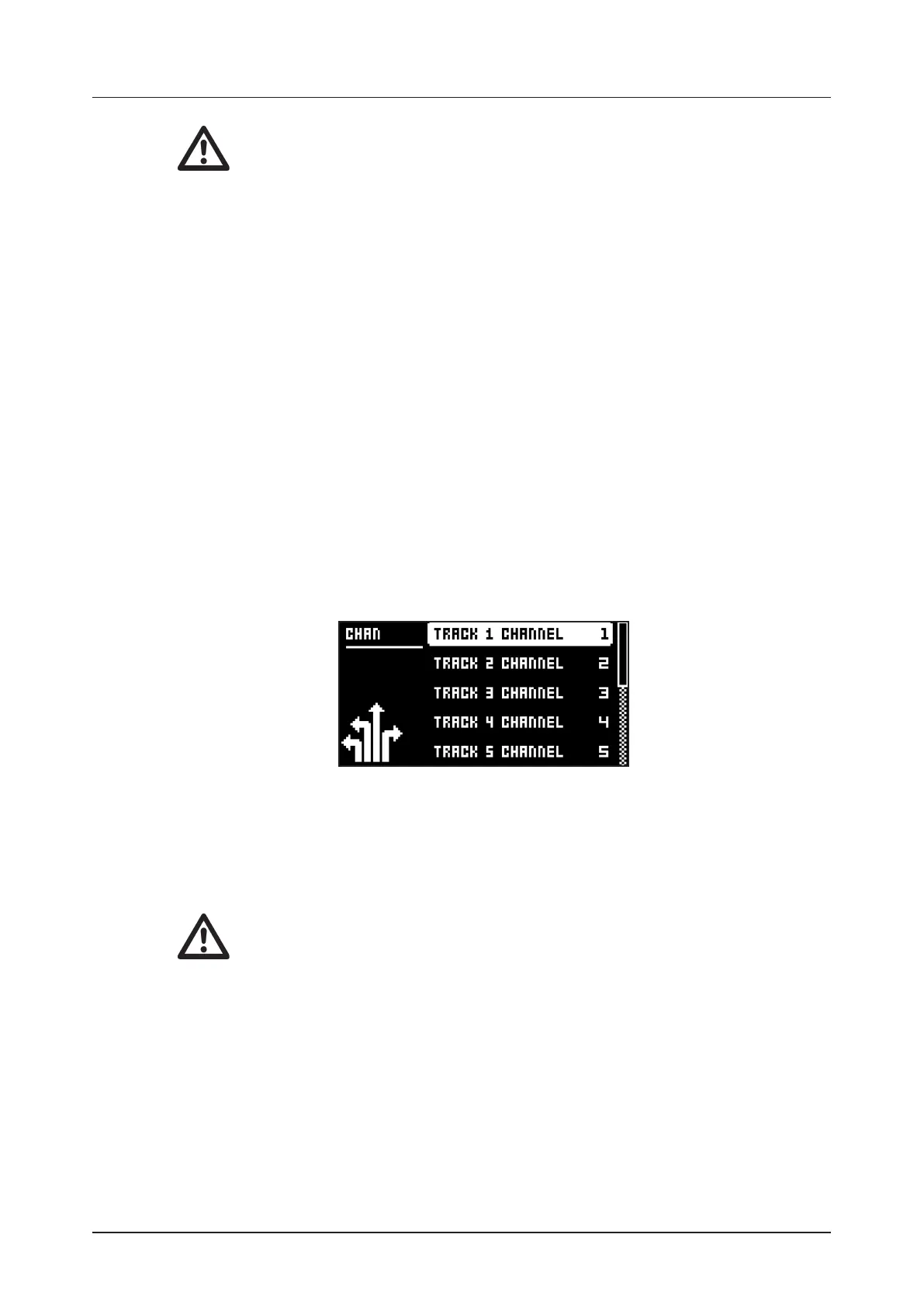
15.3.3 CHANNELS
This menu handles the MIDI channel configuration.
TRACK 1–8 selects the dedicated MIDI channel that is used to receive or send (by turning the knobs)
parameter data to or from a specific audio track. If configured as OFF, parameter data are neither
received nor sent via MIDI.
TRACK A–H selects the dedicated MIDI channel that is used to receive or send (by turning the knobs)
parameter data to or from a specific MIDI track. If configured as OFF, parameter data are neither
received nor sent via MIDI.
• The sequencer data is always sent on the MIDI channel specified by the CHAN
parameter on the SRC PARAMETER page.
• On TRACK A-H you can only control the parameters on the TRIG (NOT1, VEL, LEN,
LFO.T) and LFO (all) PARAMETER pages.
FX CONTROL CH selects the dedicated MIDI channel that is associated with the parameters on the
DELAY and REVERB parameter pages, both for input and output. If configured as OFF, parameter
data are neither sent nor received via MIDI.
AUTO CHANNEL selects the MIDI channel that will give access to the currently active track. If an ex-
ternal MIDI keyboard connected to Digitakt sends MIDI data on this channel, the keyboard will control
the active track. This is useful when for example quickly changing between the active audio tracks
to play dierent Sounds. The Digitakt also uses the AUTO channel to record to the MIDI tracks from
external MIDI controllers.
PROGRAM CHG IN CH selects the MIDI channel that will listen for incoming program change mes-
sages. An AUTO setting will use the AUTO channel. Enable Digitakt to respond to program change
messages in the MIDI SYNC menu. For more information, please see “15.3.1 SYNC” on page 64.


 To Next Page