13. FX AND MIXER PARAMETERS
52
13. FX AND MIXER PARAMETERS
The Digitakt eects and mixers parameters are explained in this chapter.
The parameters on the FX and mixer pages can be set to work on a global level making them
aect all patterns in the project instead of just the currently selected pattern. This function-
ality is useful when you want to adjust the settings multiple patterns and at the same assure
that these settings are the same for all the patterns in the project. For more information,
please see “15.6 GLOBAL FX/MIX” on page 69.
13.1 EDITING THE FX PARAMETERS
The Digitakt’s Delay and Reverb are send eects and are set on a pattern level. It means that all the Sounds
in a pattern shares the same eect settings but have individual send levels to the eects. The Delay and
Reverb parameters are set on their respective PARAMETER page, but their incoming signals are set by the
DEL and REV send parameters on the AMP page of each audio track. Press [FUNC] + [FLTR] to edit the
Delay. Press [FUNC] + [AMP] to edit the Reverb. Use the DATA ENTRY knobs A-H to change the parameters.
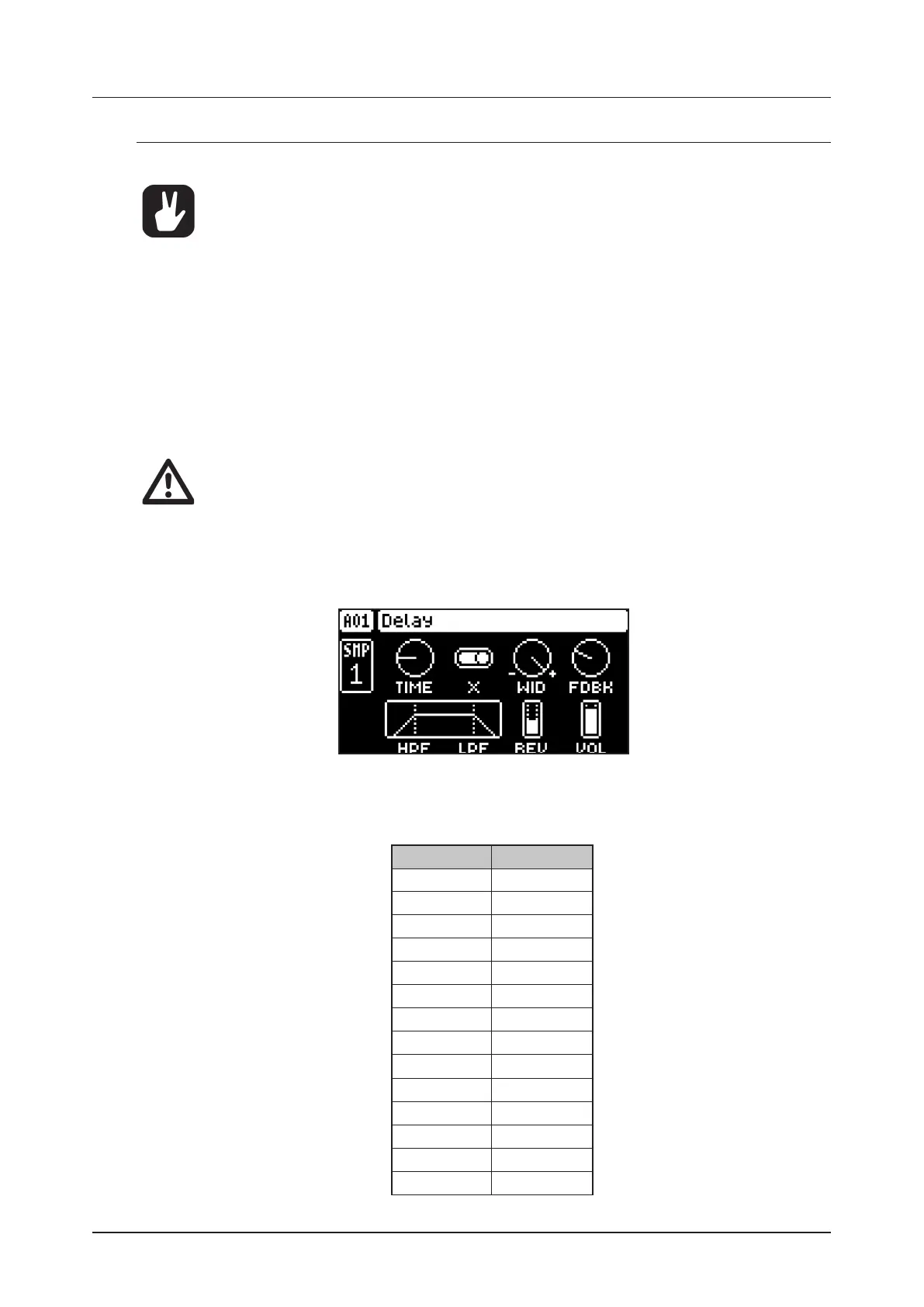
DELAY controls the character, reverb send and volume of the delay send eect.
REVERB controls the character and volume of the reverb send eect.
The FX parameter settings are stored as part of the pattern. Don’t forget to save the pattern
and give it a unique name once you have achieved the results you want.
13.2 DELAY
The Delay send eect takes the input signal, delays it in time and then rejoins it with the original signal.
Press [FUNC] + [FLTR] to access this parameter page.
13.2.1 TIME
Delay Time sets the delay time. It is relative to the current BPM and is measured in 128th notes.
(1.00–128.00)
TIME setting Divide ratio
1 1/128
2 1/64
2.67 1/48 (1/32T)
3 1/64.
4 1/32
5.33 1/24 (1/16T)
6 1/32.
8 1/16
10.67 1/12 (1/8T)
12 1/16.
16 1/8
21.33 1/6 (1/4T)
24 1/8.
32 1/4


 To Next Page