14. SAMPLING
59
7. Press [SRC] access the SOURCE menu, and then use DATA ENTRY knob D to select the sample you
want to load.
8. Press [YES] to load the sample to the track.
For more information, please see “15.2 SAMPLES” on page 61.
14.5 SAMPLE PLAYBACK
Once the sample is assigned to a track, it can be triggered either by the sequencer or manually by pressing
a [TRIG] key. You also have the ability to set the samples play mode and edit what portion of the sample is
played.
1. Press [SRC] to access the SOURCE page.
2. Use DATA ENTRY knob B to set the PLAY MODE behavior of the sample.
• REVERSE The sample will be played back in reverse once every time it is trigged.
• REVERSE LOOP The sample will loop continuously in reverse between Loop Position and Length.
How long it will loop for is set with the LEN parameter on the TRIG page. The loop time is also con-
strained by the AMP page envelope parameter settings HLD and DEC.
• FORWARD LOOP The sample will loop continuously between Loop Position and Length. How long it
will loop for is set with the LEN parameter on the TRIG page. The loop time is also constrained by the
AMP page envelope parameters HLD and DEC.
• FORWARD The sample will be played back once every time it is trigged.
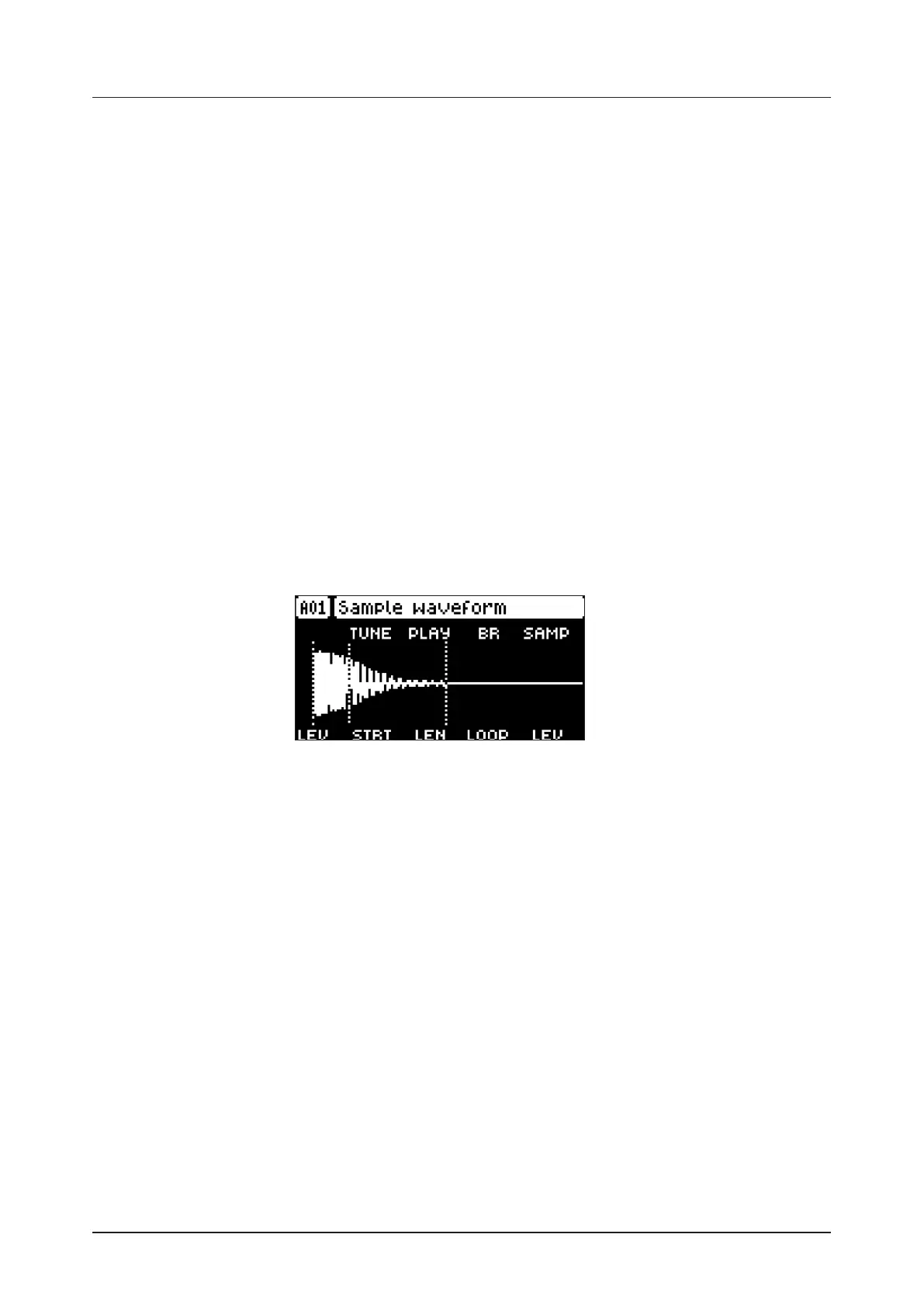
3. Use DATA ENTRY knobs E, F, and G to set the STRT, LEN, and LOOP parameters which define what
portion of the sample is played. Press [SRC] twice to access SRC page 2, in order to more easily see
these settings using the sample waveform. For more information, please see “11.4 SRC PAGE 2” on
page 42.
4. • STRT Start sets the start position for the playback of the sample.
• LEN Length sets the length of the playback of the sample. Start + Length eectively defines the end
point of the portion of the sample that is played.
• LOOP Loop Position sets the position in the sample to where playback will return after reaching the
Length Position (defined by STRT + LEN) if PLAY MODE is set to FORWARD LOOP or REVERSE
LOOP. The sample then loops between the end of LEN, and LOOP.
For more information, please see “11.3 SRC PAGE 1” on page 41.


 To Next Page