63
TV FUNCTIONS
contrast setup:
Press the “▲▼” button to select “Contrast” and press the “◄►” button to adjust the
contrast. Press the “MENU” button to return to the previous menu.
hue setup:
Press the “▲▼” button to select “Hue” and press the “◄►” button to adjust the hue
intensity. Press the “MENU” button to return to the previous menu.
PLEASE NOTE:
Note: This item is only available under NTSC TV signal mode.
saturation setup:
Press the “▲▼” button to select “Saturation” and press the “◄►” button to adjust the
amount of color saturation. Press the “MENU” button to return to the previous menu.
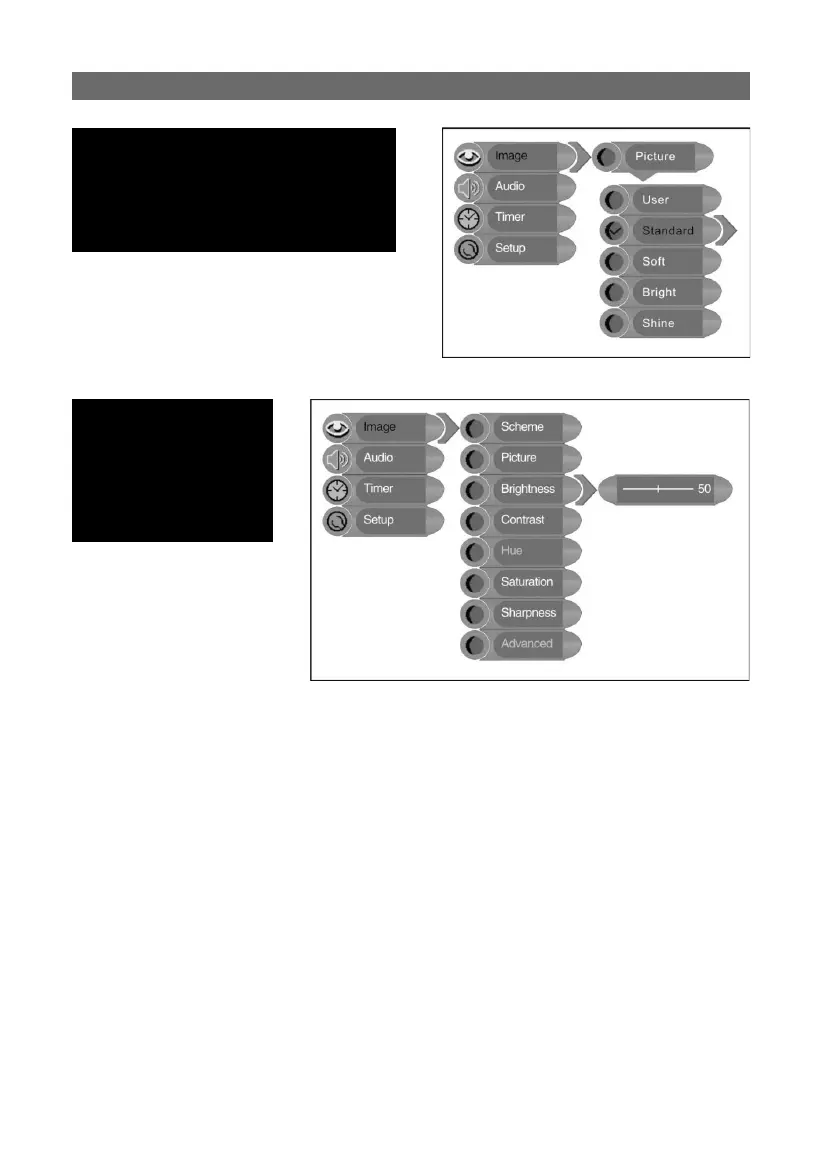
picture setup:
Press the “▲▼” button to select “Picture”
and press the “ENTER” button to enter the
setup menu. Press the “▲▼” button to select
the desired item and press the “ENTER” button
to confi rm your selection. Press the “MENU”
button to return to the previous menu.
brightness control:
Press the “▲▼” button
to select “Brightness” and
press the “◄►” button
to adjust the brightness.
Press the “MENU” button
to return to the previous
menu.



 To Next Page