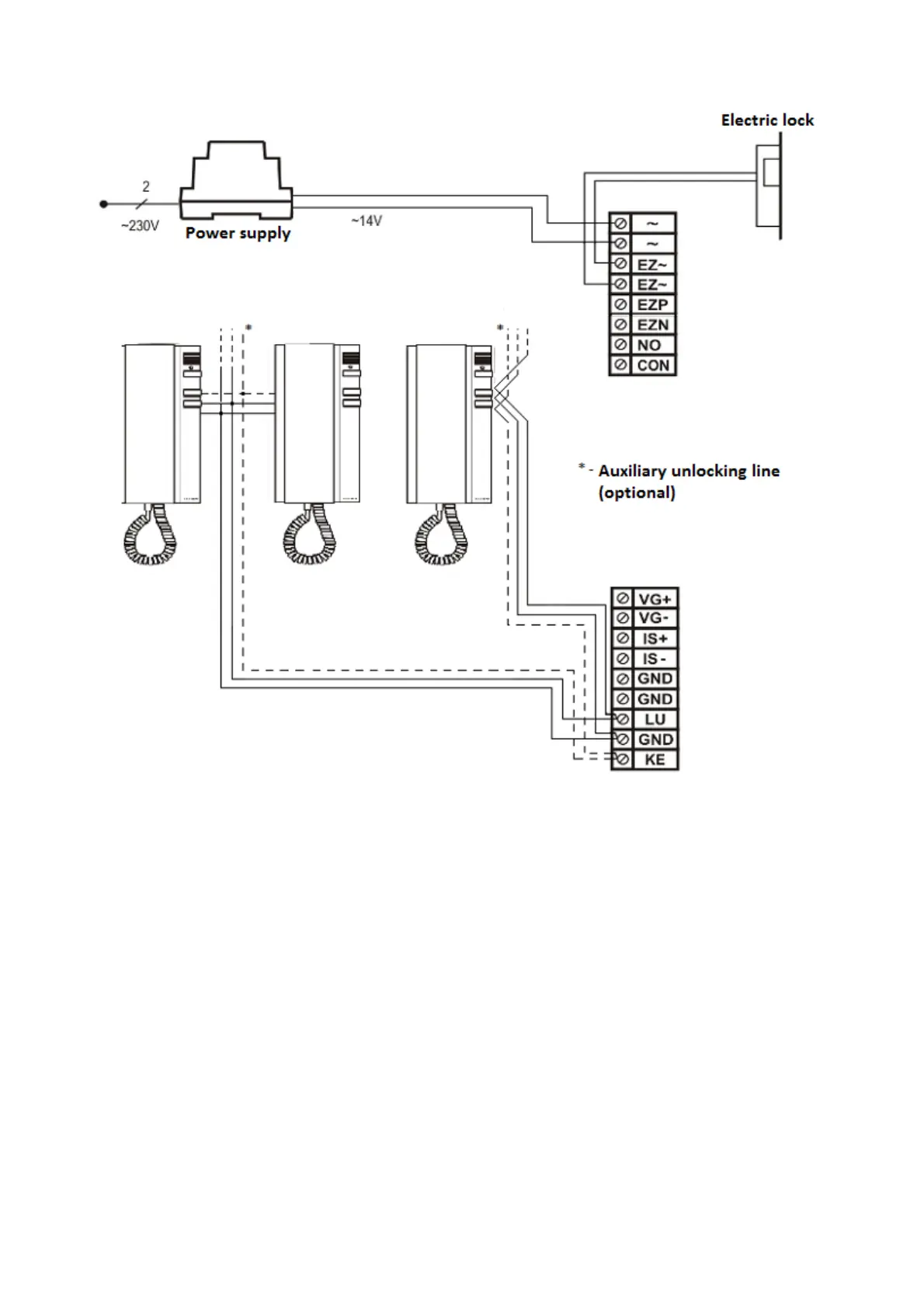
Video system installation
Except the voice connection, video system allows displaying the image sent by Optima SL255RC panel on a
screen. Panel cooperates only with Elfon OP-VM monitors. Mixed installation is also possible, where part of
tenants have OP-VM monitors and another part uses handsets. Additional elements of one-entry video
system are 4-channel video distributor modules OP-VR4. One distributor module is necessary per each four
video monitors. Correct configuration of the system necessitates connecting two pairs of cables to each of
the used distributors OP-VP4 - audio line and video line. It is recommended to use telephone twisted pair of
cross-section >0.5 mm
2
. In case of video line, it is very important so that the pair of cables to send video
signal is twisted. It is not recommended to use cables of total length exceeding 250 m. Each distributor has
one video input channel that is distributed to four output channels, more information concerning
connection between the distributor modules OP-VR4 and screens can be found in„OP-VR4 4-channel
distributor signal video - installation manual” and „OP-VM video monitor - installation and operation
manual”.
12



 To Next Page