elmeg IP630 / en / elmeg IP630 / telephony.fm / 8/24/16
Template bintec-elmeg, Version 1, 01.07.2014
17
elmeg IP630
bintec elmeg Making calls
Displaying information
¤ Info
Ending a call
¤ Replace the handset
Talking with several participants on the telephone
Accepting/rejecting Call Waiting
Another call comes in during a conversation. The call is signalled in the display and by the Call
Waiting tone. Call Waiting is displayed in the header.
Accepting the call:
¤ Accept . . . the connection to the waiting participant is made. The first participant is put on
hold and hears some on-hold music.
Rejecting the call:
¤ Reject
Permit/prevent Call Waiting
Permit or prevent Call Waiting during a call for all or for certain lines.
¤ . . . use to select Select Services OK Call Waiting OK if necessary,
press to select line Change ( = Call Waiting is permitted)
Consultation calls
Consulting a second participant during a conversation.
Function keys assigned: The assignment of the function keys is displayed ( page 36)
Function keys not
assigned:
Information about the device is displayed ( page 30)
The PABX or the provider supports this function and the function is activated on the
telephone ( page 33).
Define settings for Call Waiting with the Web configurator page 33
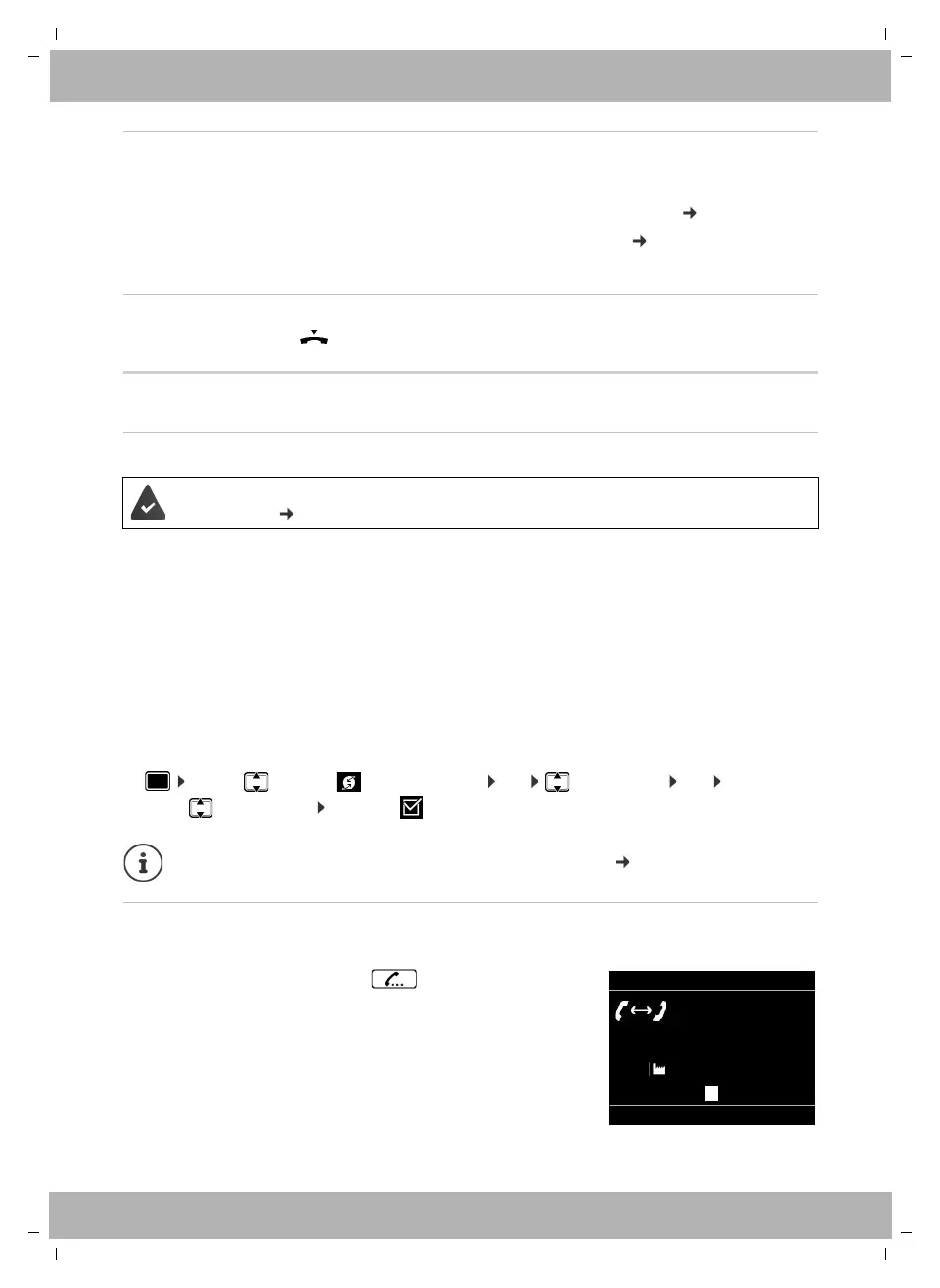
¤ Press the Consultation call key
or
¤ Consult
. . . the first conversation is put on hold
¤ Initiate a consultation call via the keypad or from the
directory
. . . when the participant picks up, conduct consultation
call
Call Swap
SwapEnd
12:15
via 1 IP1
On hold: Susan Black
Peter Brown
089123456789



 To Next Page