29
English
BASIC
OPERATIONS
•The Highlight function cannot be used when the [ ] button is selected in the Image
Selection.
•Highlighted image cannot be saved.
•After hiding the menu, you can move the highlighted area using the direction buttons on
the operating panel.
N o t e
Setting operations
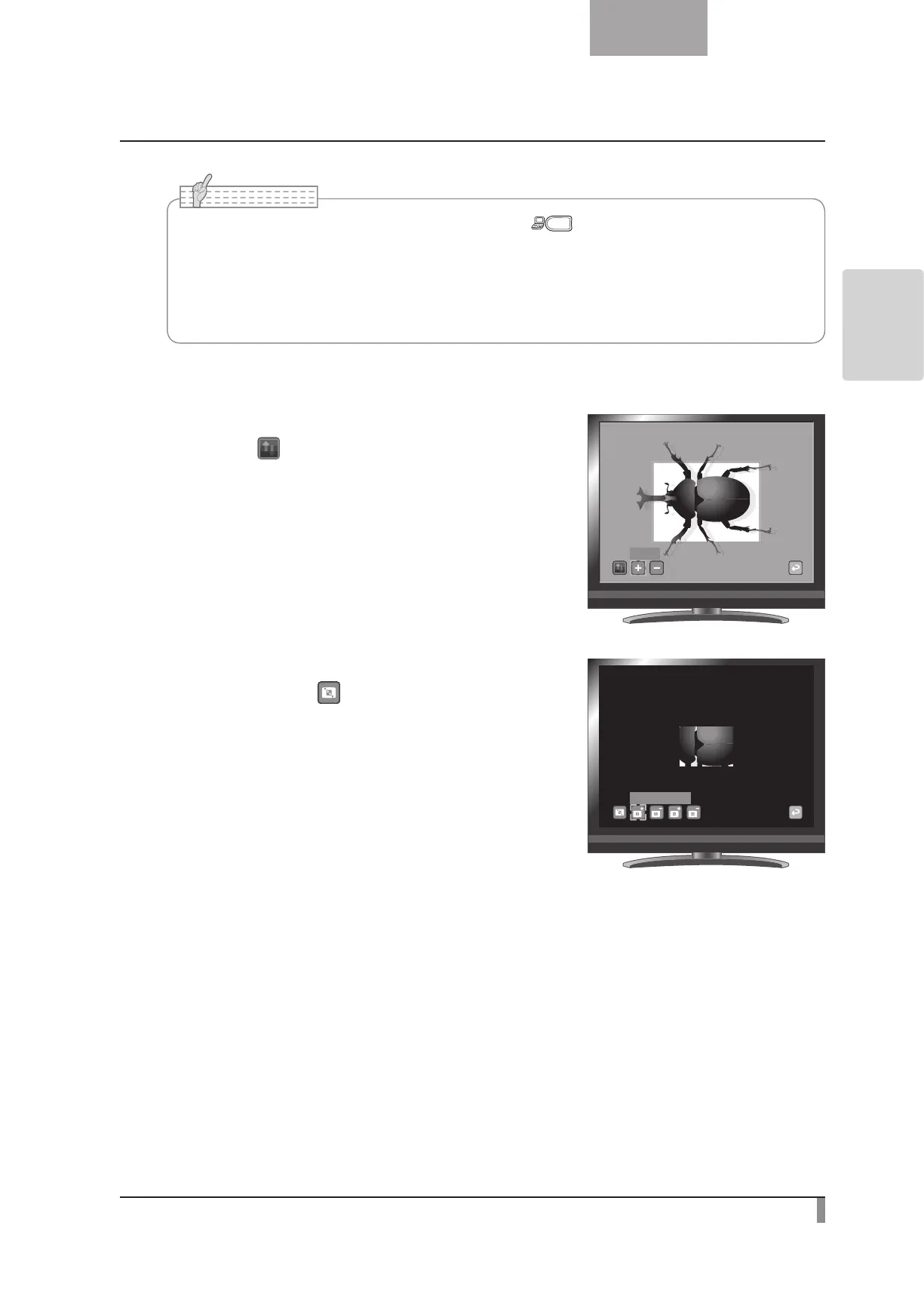
You can change the darkness of a particular section by changing
the setting of [
] on the menu while the section is highlighted.
You can also change the size of the highlighted display area by
changing the setting of [
] on the menu.
Darken
Lengthen Height



 To Next Page