28
English
BASIC
OPERATIONS
Details of Each Function
Pause function
Operations from the MENU/PAUSE button (when the menu is
not in display).
Holding down [ ] will pause the live image from the camera.
Pressing [
] again will release the pause.
Operations from the Menu
Pressing [ ] in the menu will pause (or release pause) the live image from the camera.
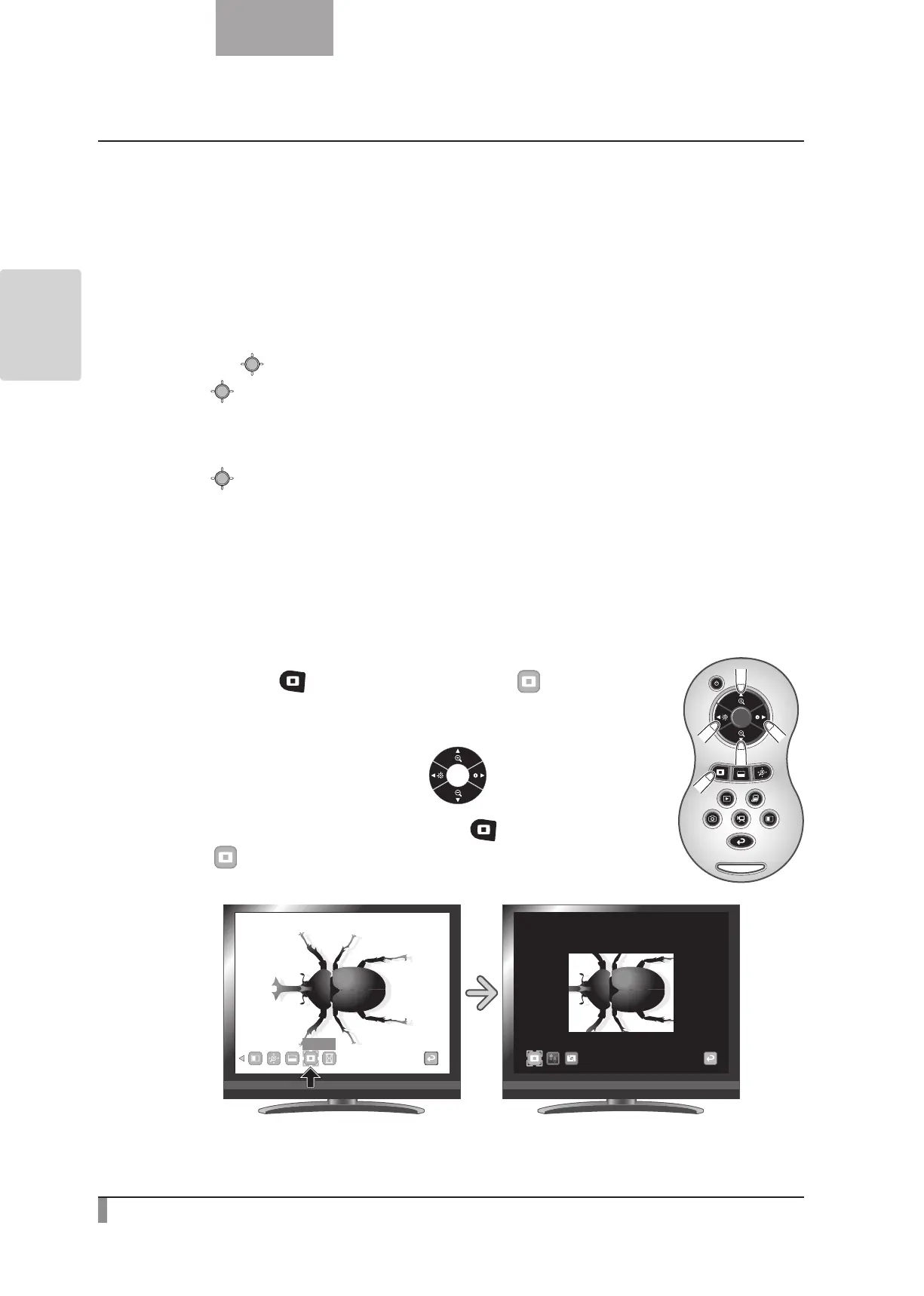
Highlight Function
This is a function to highlight a particular section of the image.
Use this function to draw attention to a section.
Highlight operations
When you press the [ ] button on the remote control or [ ] on the menu
while a camera image or a Play mode is displayed, the Highlight function uses the
darkness and size set previously.
You can move the highlighted area using the [
] buttons on the remote
control.
The highlight display is cleared when you press the [
] button on the remote
control or [
] on the menu again.
Highlight



 To Next Page