30
English
BASIC
OPERATIONS
Mask Function
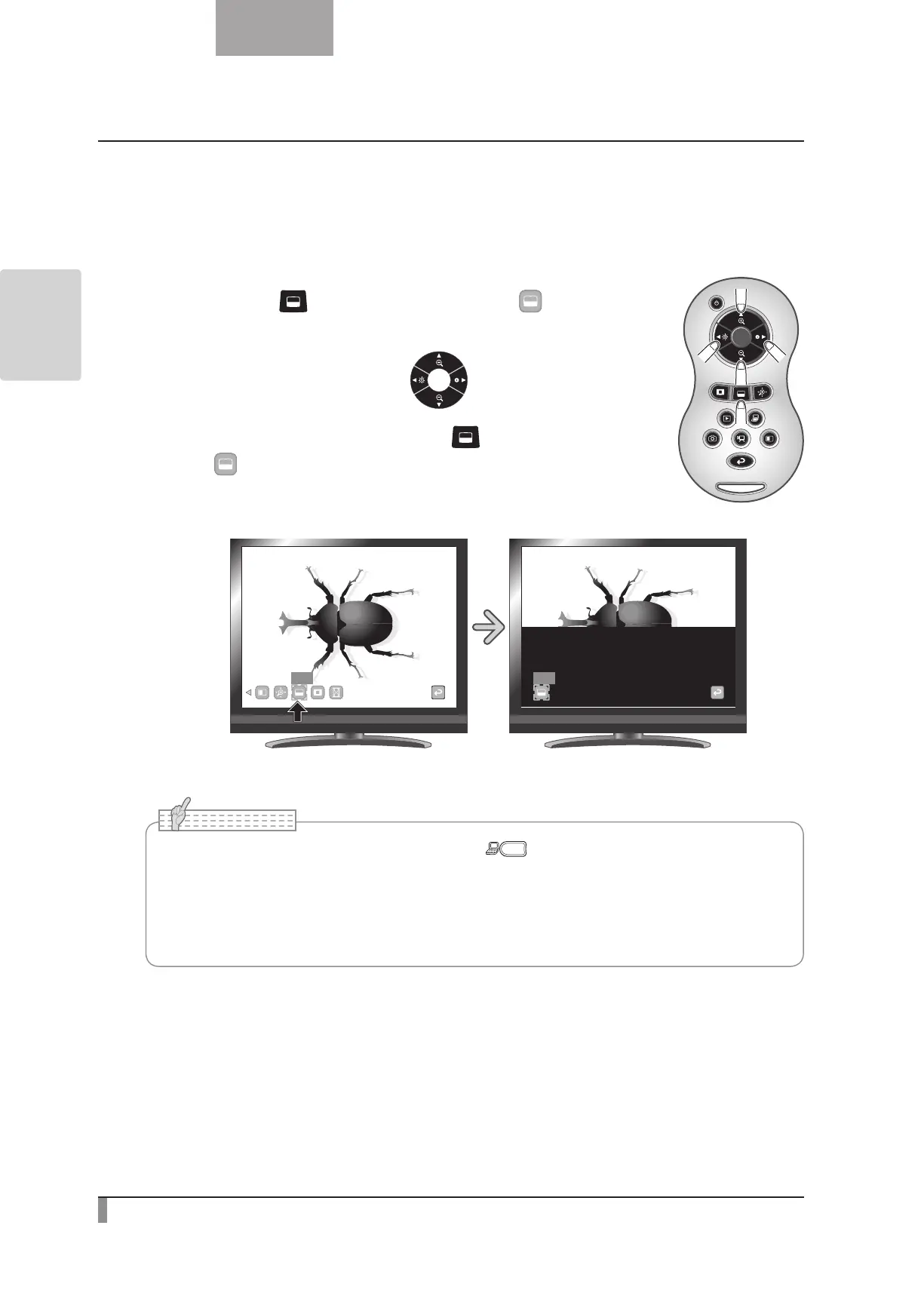
This is a function to mask a section of an image.
Mask operations
When you press the [ ] button on the remote control or [ ] on the menu
while a camera image or a Play mode is displayed, the mask effect is applied with
the darkness set previously.
You can move the masked area using the [
] buttons on the remote
control.
The mask display is cleared when you press the [
] button on the remote
control or [
] on the menu again.
Mask
Mask
•The Mask function cannot be used when the [ ] button is selected in the Image
Selection.
•Masked image cannot be saved.
•After hiding the menu, you can move the masked area using the direction buttons on the
operating panel.
N o t e



 To Next Page