34
English
BASIC
OPERATIONS
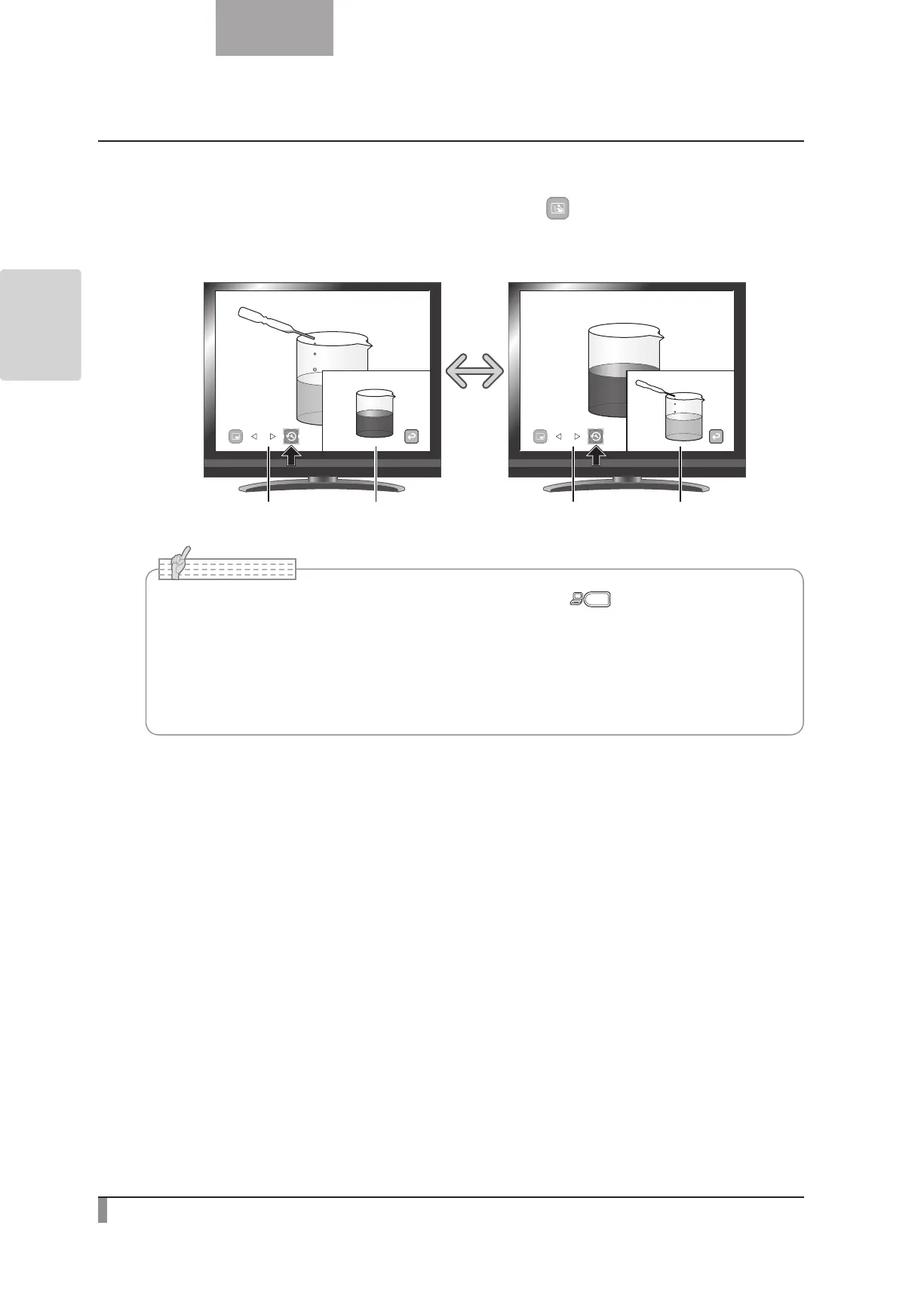
Switching the subscreen and the main screen.
You can switch the subscreen and the main screen by selecting [ ] on the menu. While the Picture in
Picture function is working.
Camera image Picture Picture Camera image
•The Picture in Picture function cannot be used when the [ ] button is selected in the
image selection.
•When using the Picture in Picture function, the image cannot be saved.
•When digital zoom is used, the still screen is displayed only at 16x optical zoom
magnification.
•Cannot use digital zoom while using PIP function.
N o t e



 To Next Page