43
English
ADVANCED
OPERATIONS
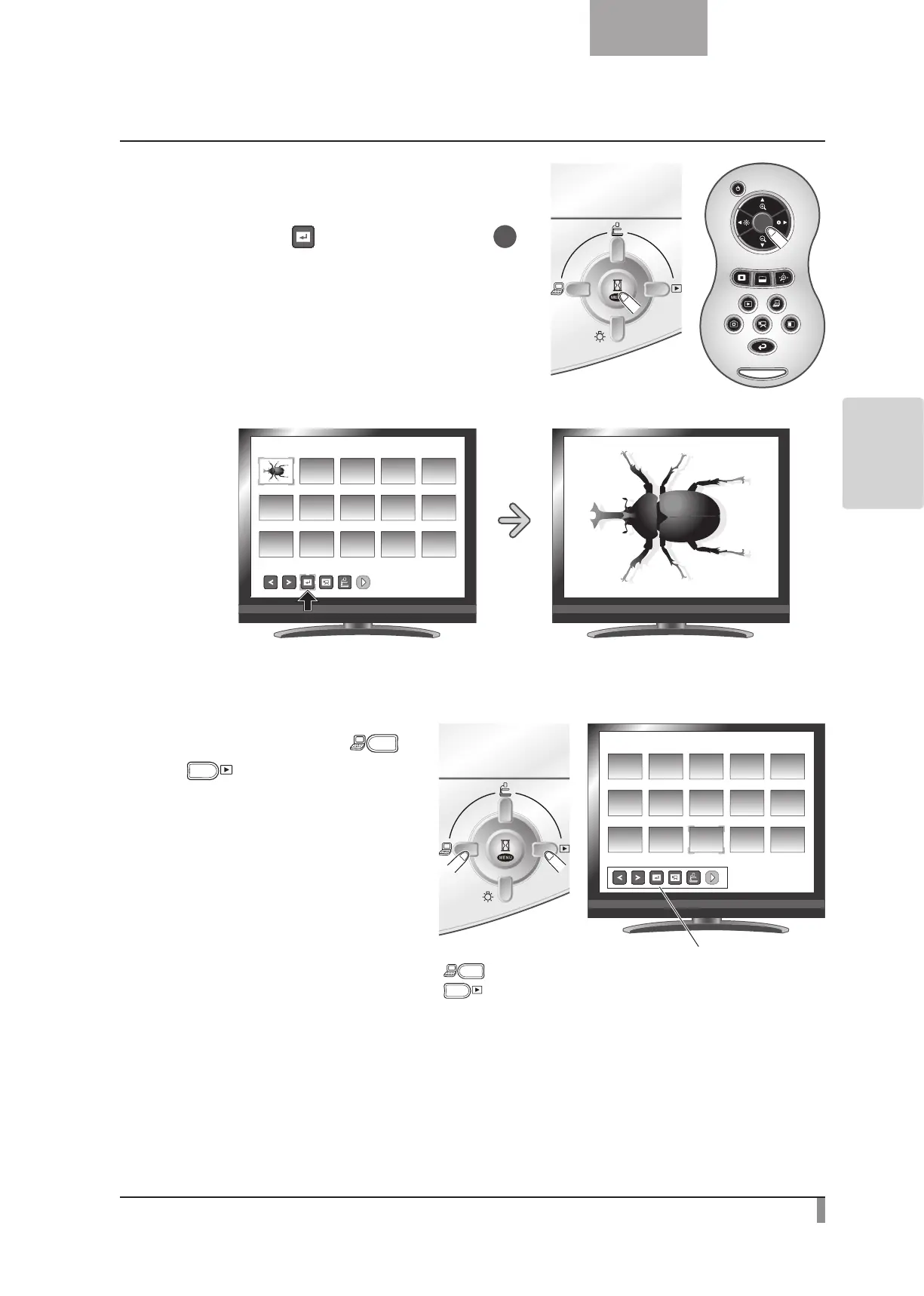
(3) You can display a picture or movie selected
from the thumbnail list full-screen by pressing
the [
] button in the menu or the [ ]
button on the remote control.
SD/Picture
001/003
Changing settings
• Movethecursorusingthe[ ] or
[
] button on the operating panel.
SD/Picture
001/003
[ ] button: Moves the cursor left
[
] button: Moves the cursor right



 To Next Page