56
English
ADVANCED
OPERATIONS
Menu descriptions
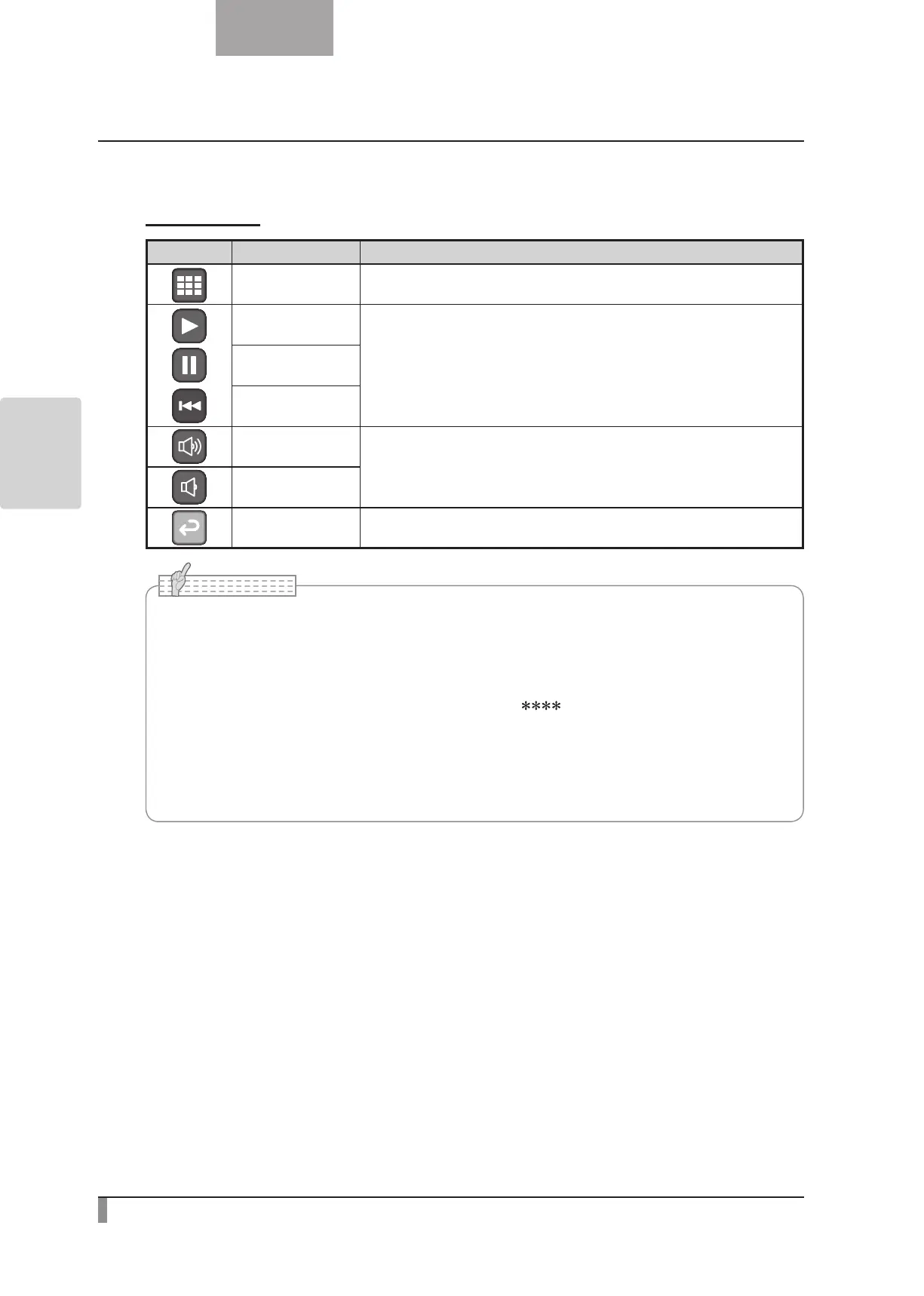
Movie Menu
Icon Name Function
Thumbnail Display
To display thumbnails (a list of pictures or movies).
Play
To play/stop/cueing the movie.
Pause
Cueing
Up
To set the output audio volume.
Down
Exit To go back one layer in the menu.
•You may not be able to display image data other than that saved in this product or
converted using the conversion function of the software supplies.
•File Converter cannot convert movies.
•You cannot display pictures other than DCF system compliant files.
•Movie files that have the file name other than “MVI_ .MP4” cannot be displayed.
•Only picture files and movie files that are saved under the folder ¥DCIM¥100_ELMO on the
memory card can be playback.
• Use the File Converter of the supplied Image Mate software to convert the image files
taken with a digital camera to the files viewable with the unit.
N o t e



 To Next Page