62
English
ADVANCED
OPERATIONS
●
Selecting a menu button
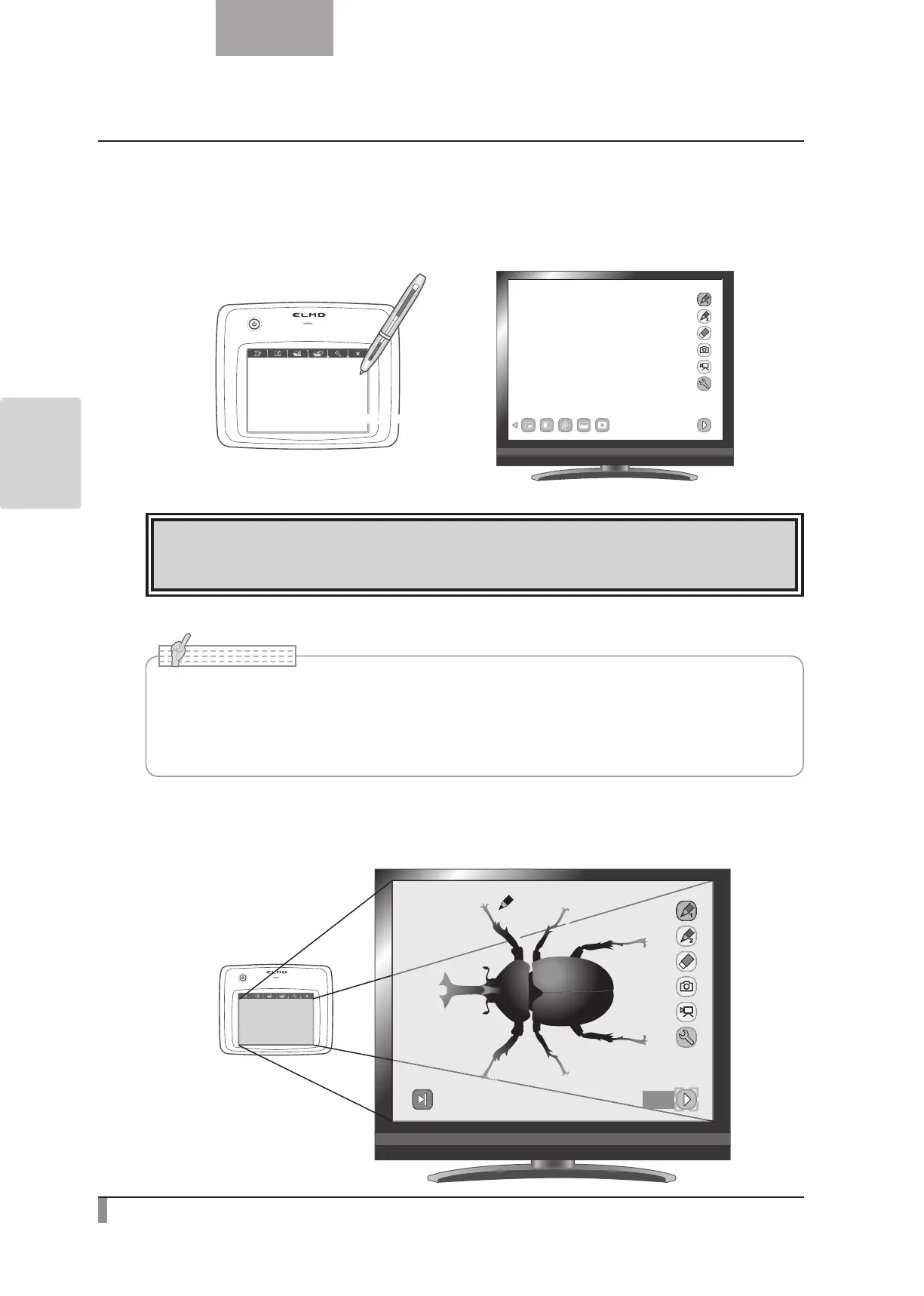
Move the pen slightly above the surface of the tablet to move the cursor and then touch the pen within the
working area on the tablet.
Use this function to select a menu button.
Touch onceTouch once
CAUTION
Press the tablet lightly with the pen; do not press hard.
•Hold the pen as upright as possible; holding the pen at an angle may result in a failure of
the tablet to recognize the pen.
•If the pen is not used for a while, the power saving mode is activated. Touch the tip to
reactivate the pen before you use it again.
N o t e
The working area on the tablet corresponds to the whole screen.
Next



 To Next Page