14
Edit
Mode
1 2 3 4
5 6 7 8
Designs
Hoop Size A(F): 126
X
110 mm
A Z
Index
Changing needles
Inserting the bobbin
Winding the bobbin
Threading the machine
?
?
?
?
Changing needles
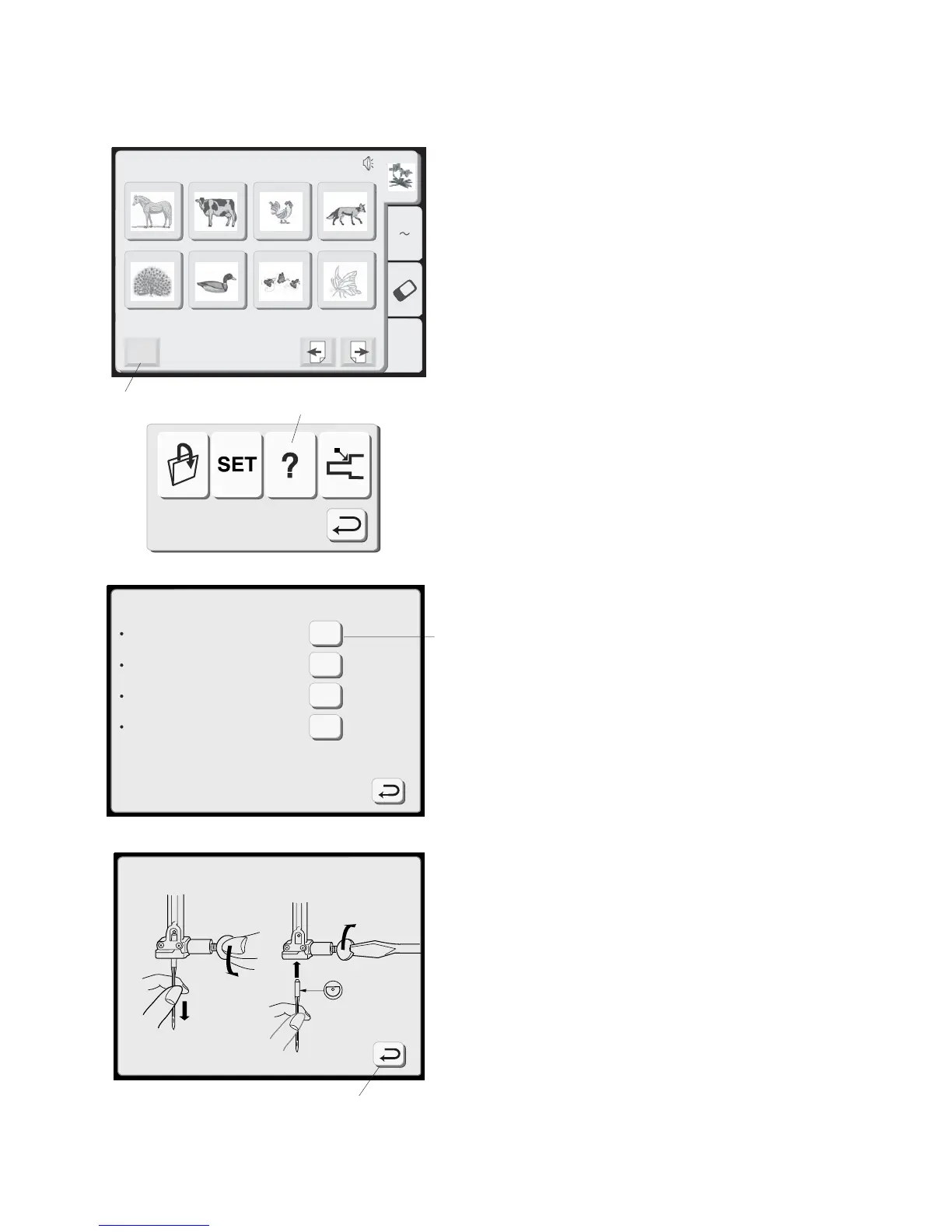
How to Access On Screen Information
The LCD touch screen can show you information
for these basic machine operations: changing
needles, inserting the bobbin, threading the
machine and winding the bobbin.
1. Touch the “Mode” key to open the mode
selection window.
2. Touch the “On Screen Information” key to
open the index window.
3. Touch one of the keys in the index window.
4. View the illustrations of the topic selected.
5. Touch the “Return” key to go back to the
index window. Touch “Return” key again to
exit mode selection window.
2
5
3
1



 To Next Page